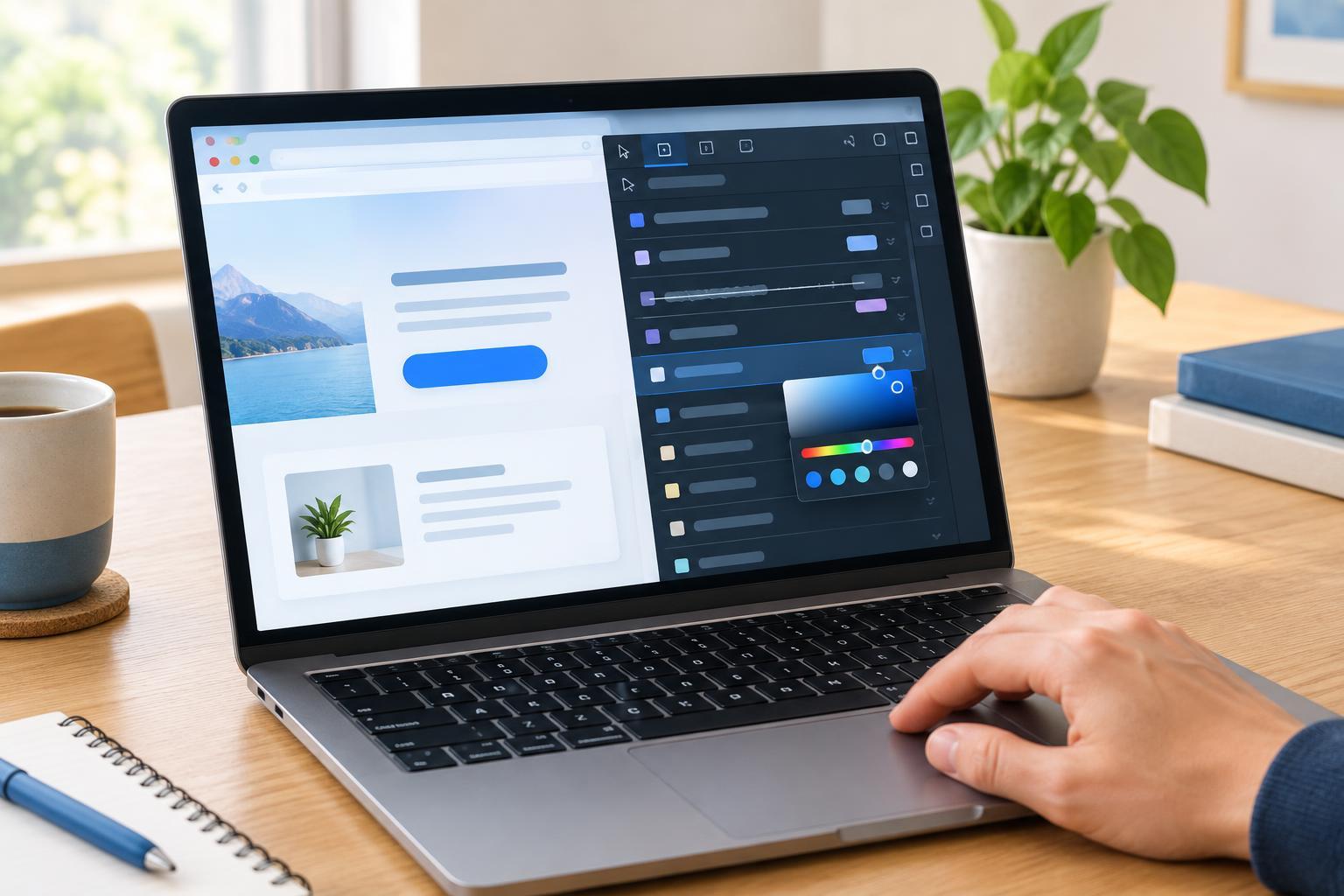
Developer ToolsBrowser Developer Tools let you inspect an element, see which CSS rules apply, and try changes without editing your project files. Learn a simple workflow for finding styles, understanding overridden declarations, and saving useful experiments.
Read article · 3 min↗
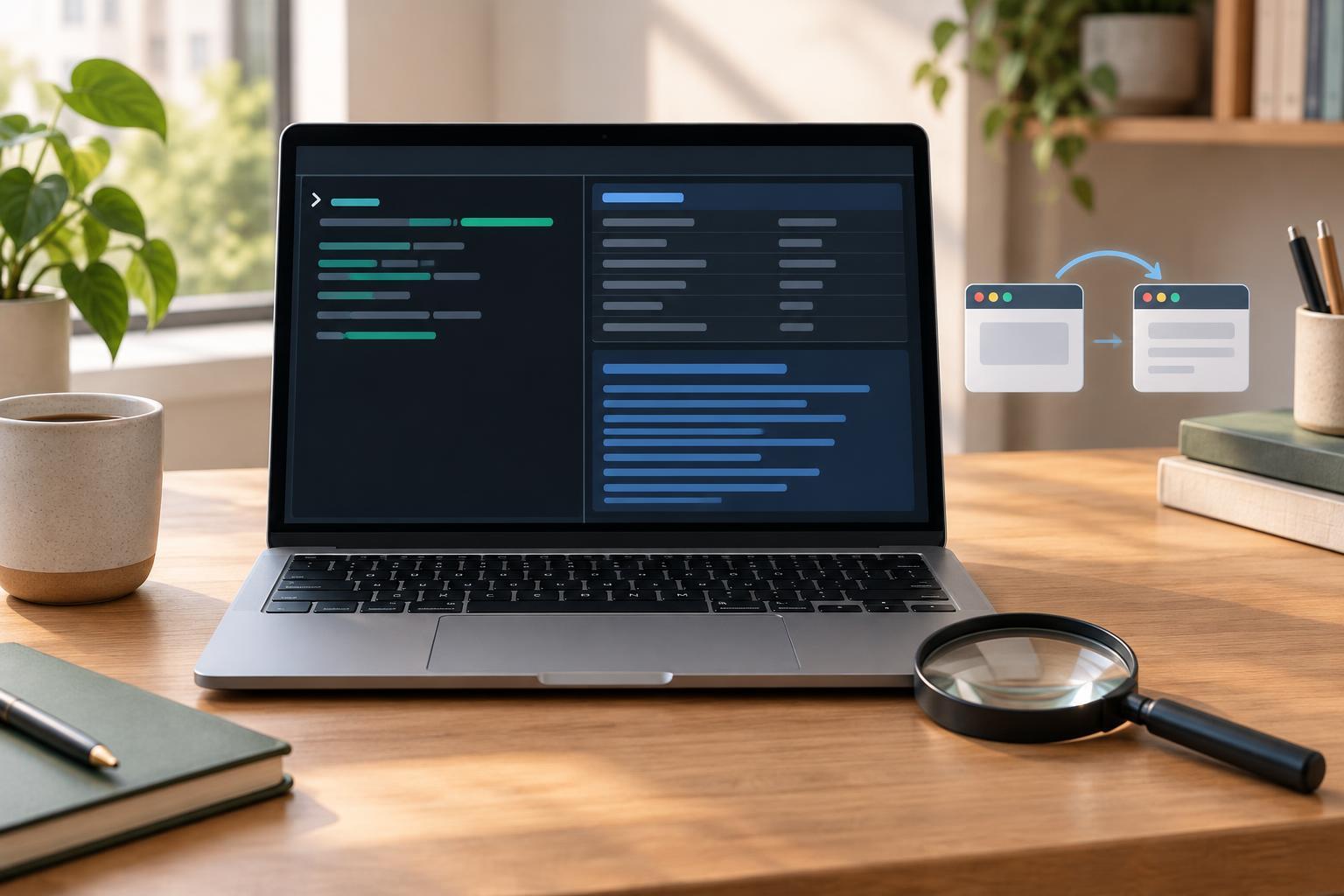
Developer ToolsLearn how to use curl to check an HTTP response’s status, headers, body, and redirects. This beginner-friendly guide explains the commands, what their output means, and a few mistakes to avoid.
Read article · 4 min↗
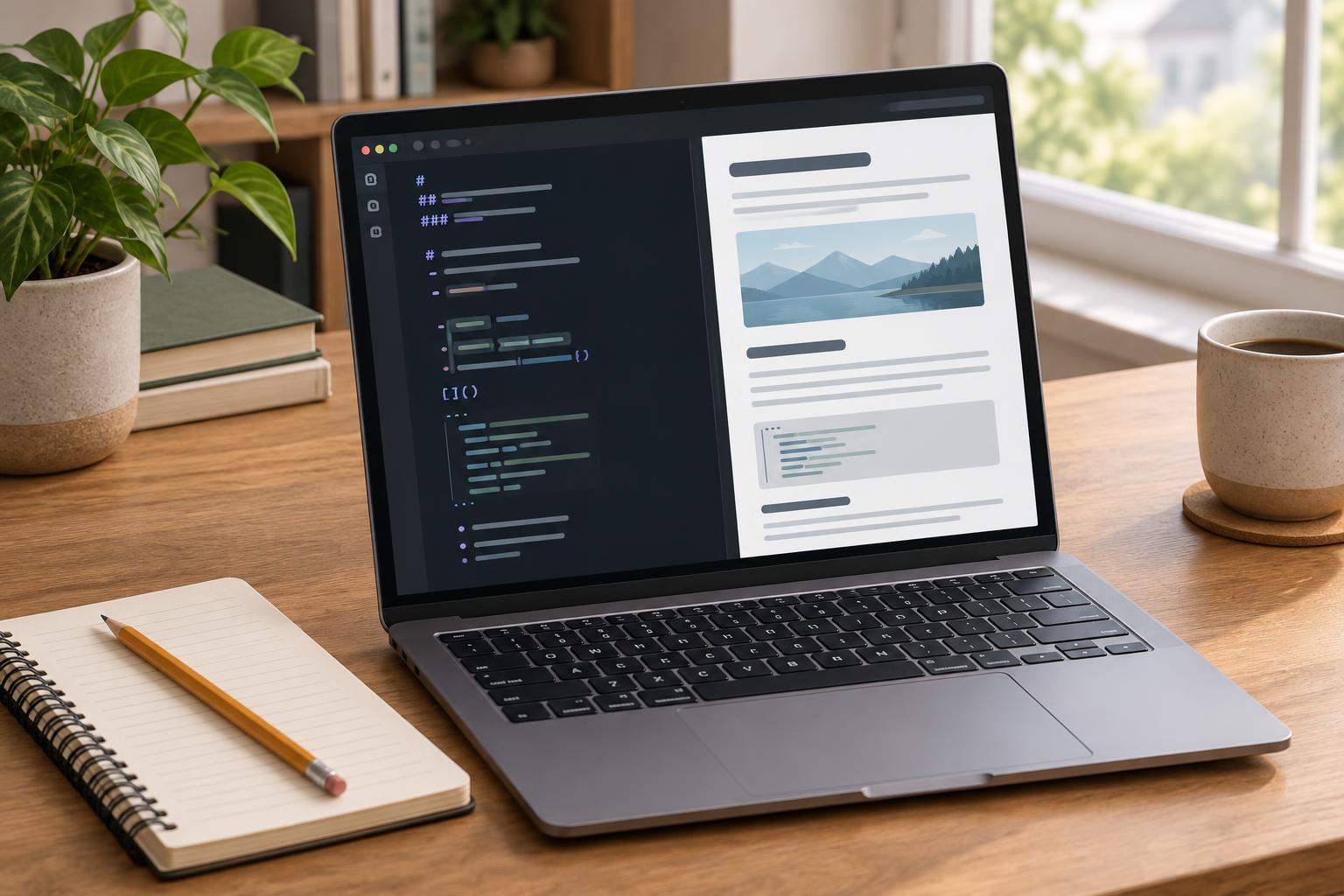
Developer ToolsPreviewing Markdown lets you check headings, links, images, and code blocks while you write. Learn a simple workflow in Visual Studio Code, plus ways to diagnose common preview problems.
Read article · 4 min↗
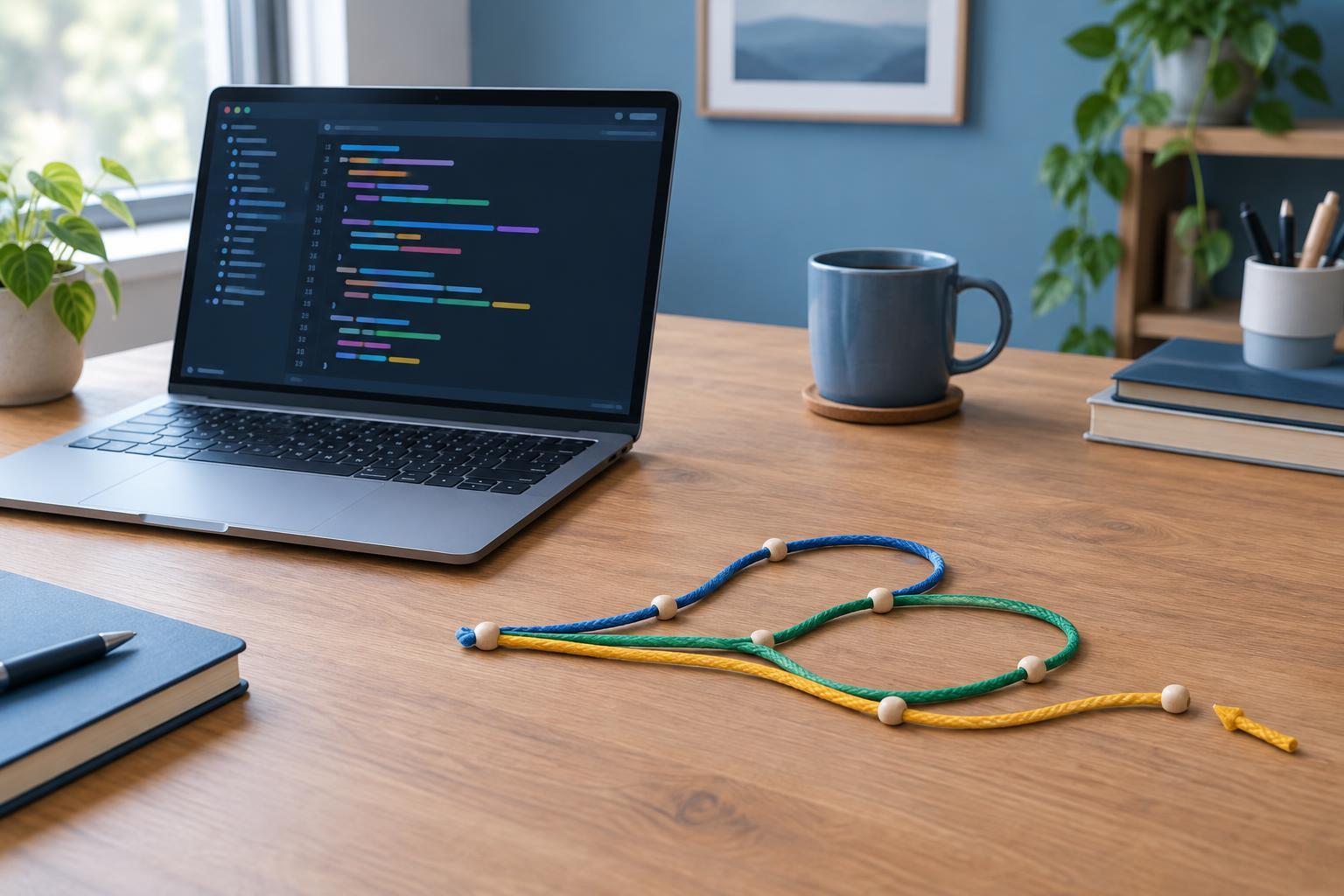
Developer ToolsLearn how to choose the right Git command for an unwanted edit, a staged file, or a commit. This beginner-friendly guide explains what restore, reset, and revert change, with practical examples and safety checks.
Read article · 4 min↗
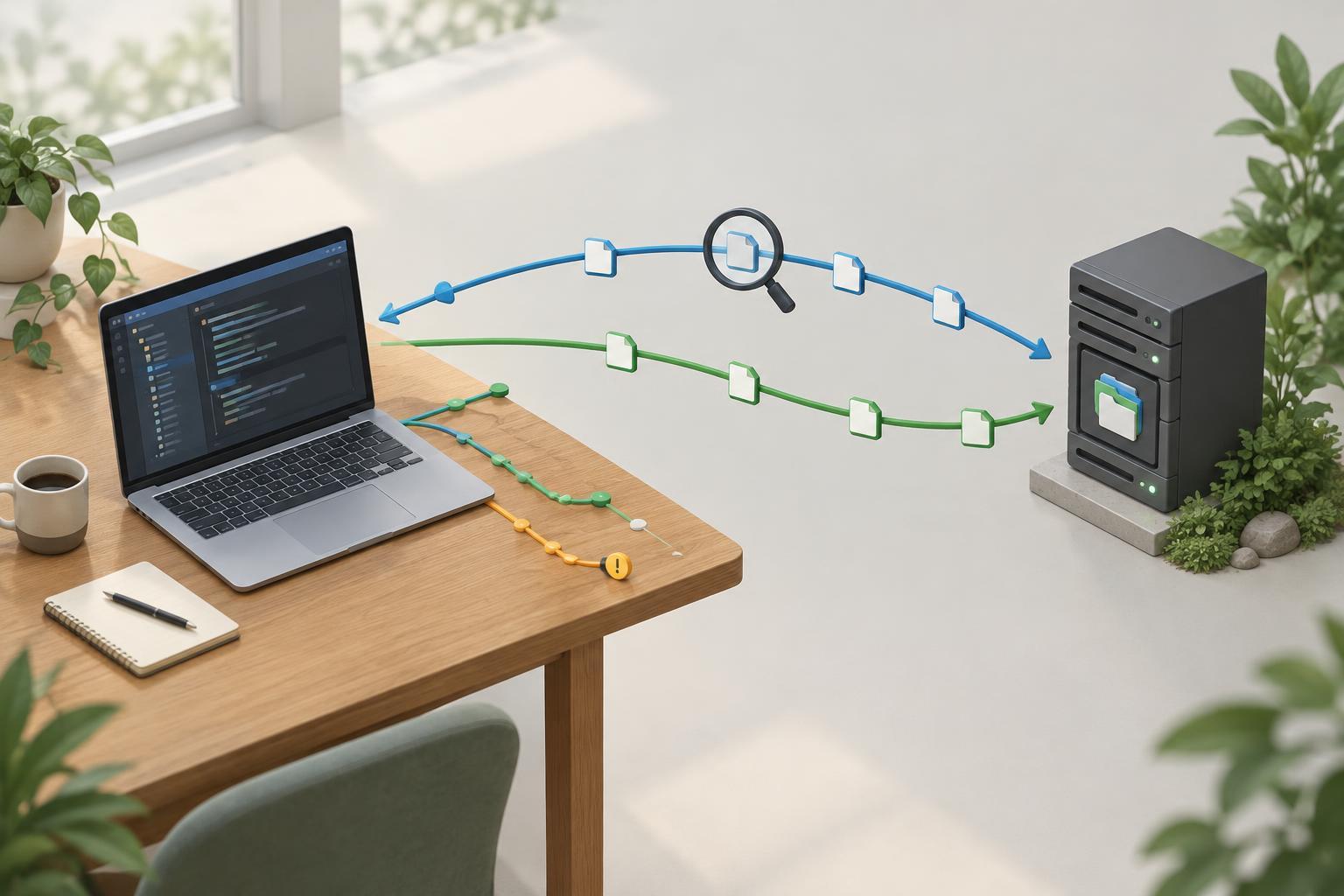
Developer ToolsA beginner-friendly guide to Git remotes: what they point to, what push and pull actually do, and how to check changes before sharing or receiving them.
Read article · 4 min↗

Developer ToolsLearn a simple Git workflow for keeping a change separate from your main branch, committing it, merging it, and checking the result. Includes the commands you need and a brief guide to merge conflicts.
Read article · 4 min↗
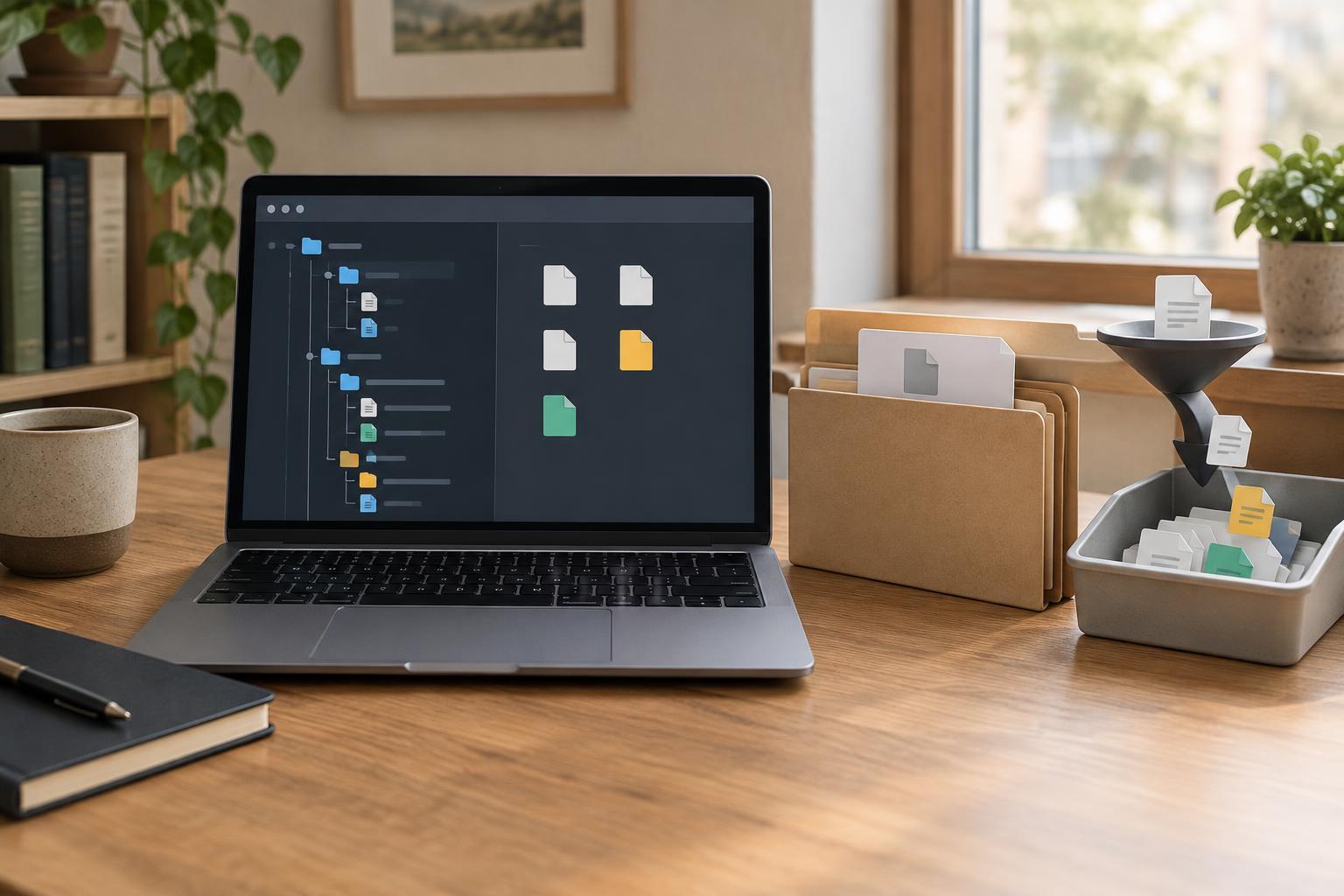
Developer ToolsA .gitignore file helps Git leave local and generated files out of future commits, but it does not remove files Git already tracks. Learn how to write useful patterns, check whether they match, and safely stop tracking a file while keeping your local copy.
Read article · 4 min↗
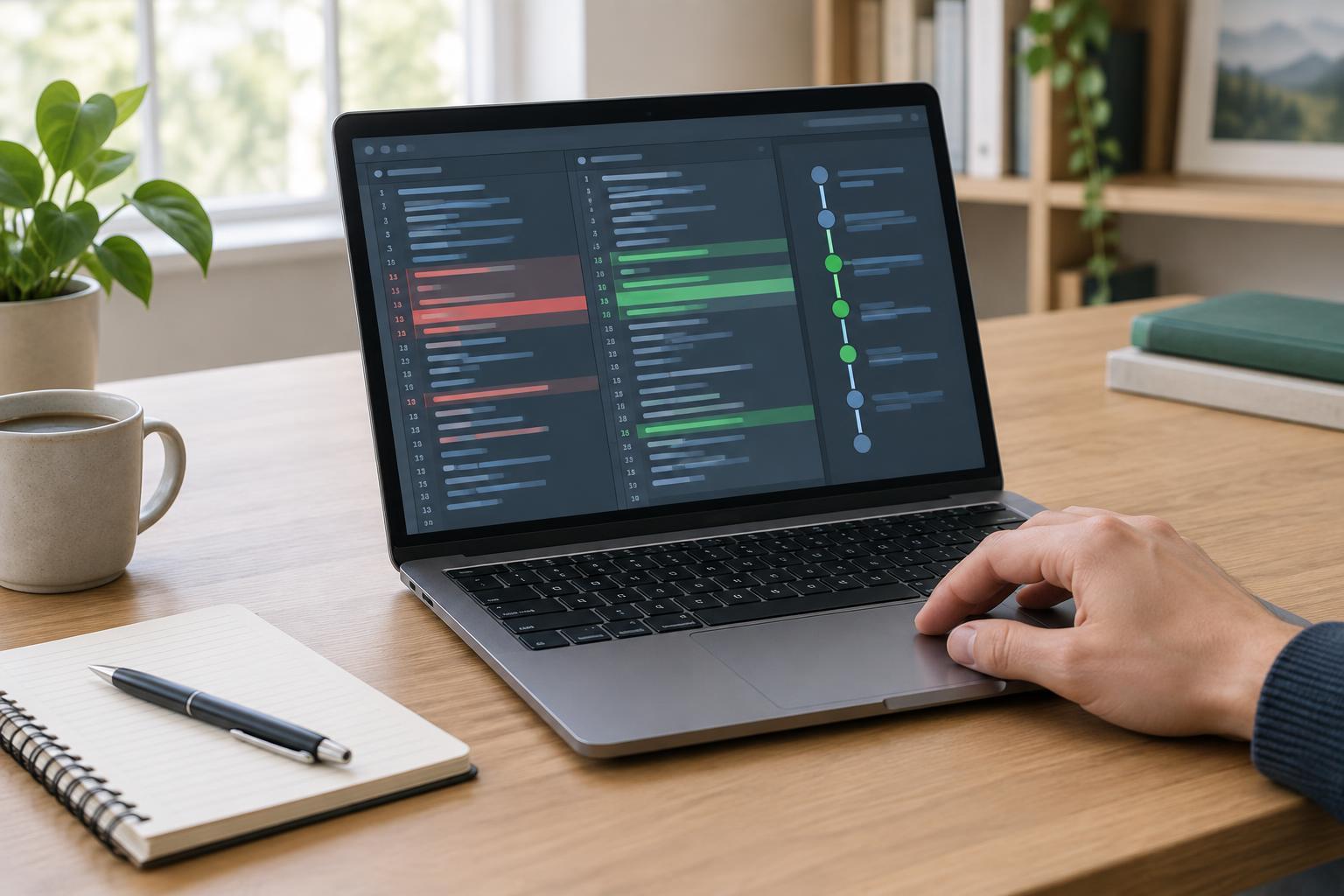
Developer ToolsLearn a repeatable way to inspect uncommitted edits, staged changes, and past commits. This beginner-friendly guide uses git diff and git log to help you understand what changed before you commit or continue working.
Read article · 4 min↗
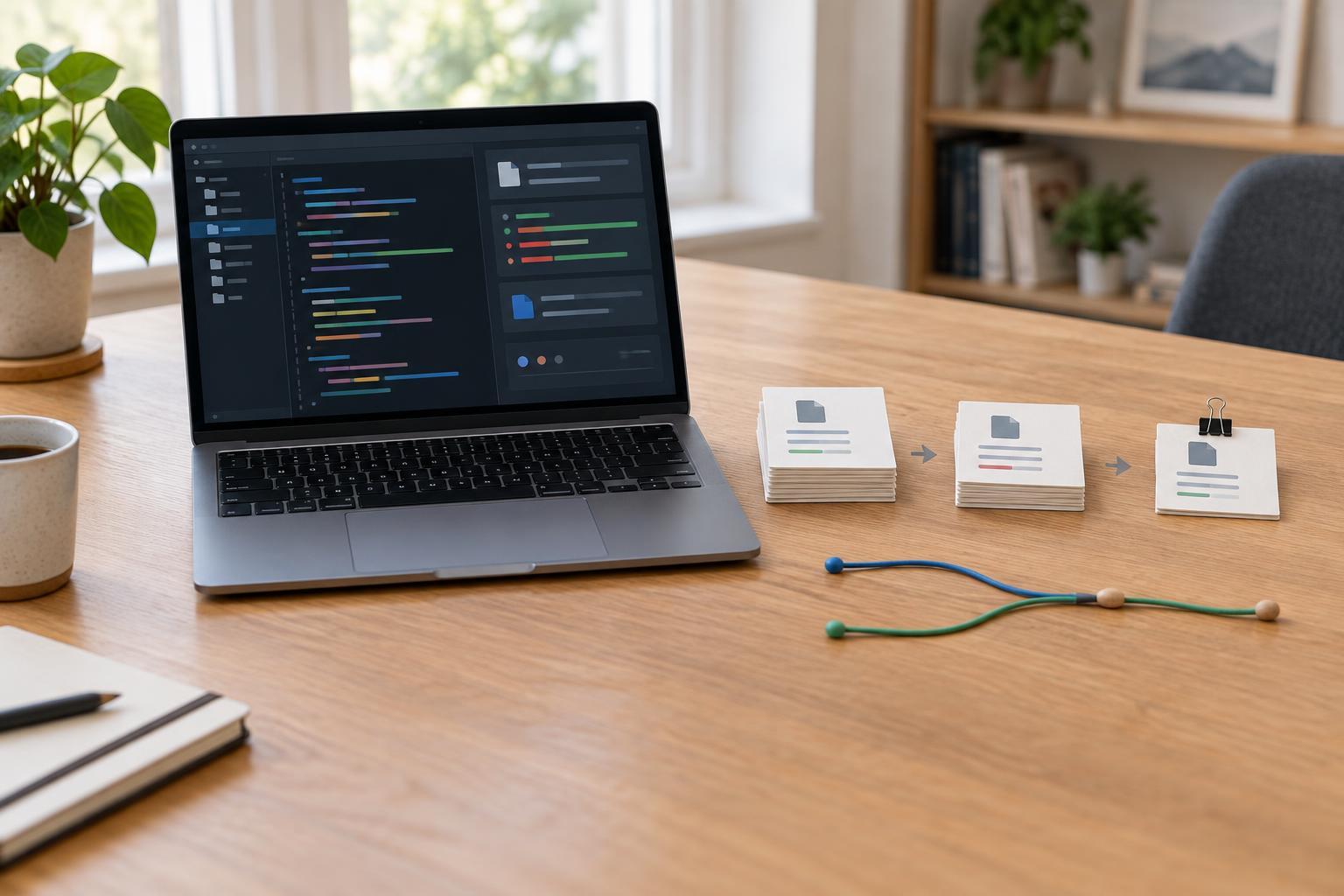
Developer ToolsLearn a simple local Git workflow: start a repository, check its status, stage a file, and save a commit. This beginner-friendly guide also explains how to review staged changes and avoid committing files you did not intend to include.
Read article · 3 min↗
Developer ToolsSet up a small Vite project, start its local development server, and see changes in your browser. This beginner-friendly guide covers the tools you need, the commands to run, and common startup problems.
Read article · 4 min↗
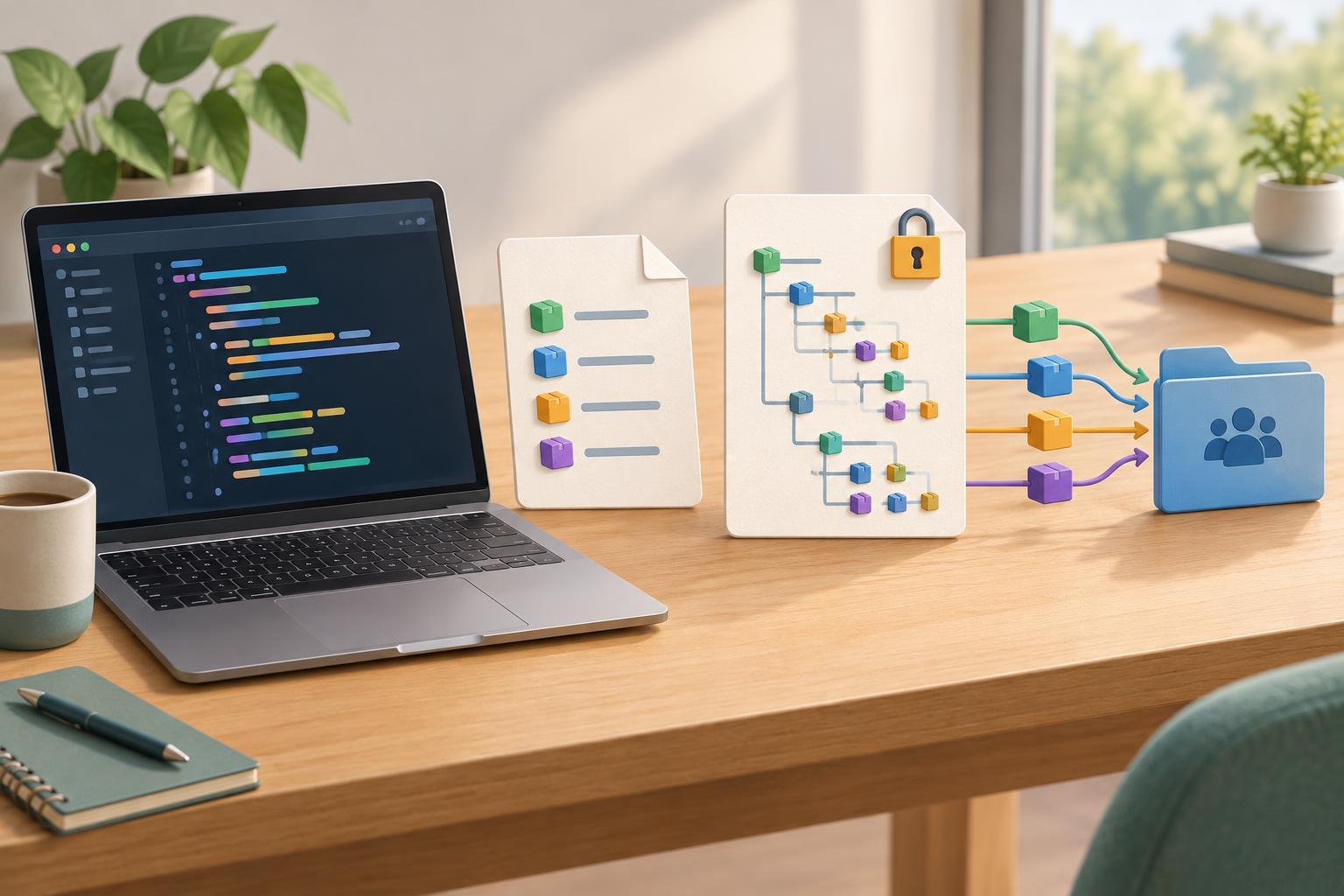
Developer ToolsA package-lock.json file records the dependency tree npm selected for a project. Learn how it works with package.json, why teams usually commit it, and when to update it.
Read article · 3 min↗
Developer ToolsLearn how npm scripts turn common project tasks into memorable commands. Set up a small Node.js project, add start and check scripts, run them from a terminal, and troubleshoot common mistakes.
Read article · 4 min↗
Developer ToolsLearn the two commands that show your installed Node.js and npm versions, how to tell whether both tools are available, and what to check when a terminal cannot find them.
Read article · 3 min↗
Developer ToolsESLint and Prettier can both improve a JavaScript project, but they do different jobs. Learn what each tool checks, how their roles overlap, and how to set up a simple workflow without making beginners manage the same style rule twice.
Read article · 4 min↗
Developer ToolsSet up Prettier in a JavaScript project, choose a small set of shared formatting options, and add commands that everyone can run before committing changes.
Read article · 3 min↗
Developer ToolsExtensions can make Visual Studio Code more useful, but installing too many can create noise and make problems harder to diagnose. Learn how to choose extensions for a specific task, check what they can do, test them safely, and keep your setup manageable.
Read article · 4 min↗
Developer ToolsVisual Studio Code lets you set personal preferences for every project or choose settings for one workspace. Learn where each type lives, which one takes priority, and how to avoid sharing preferences your teammates may not want.
Read article · 4 min↗
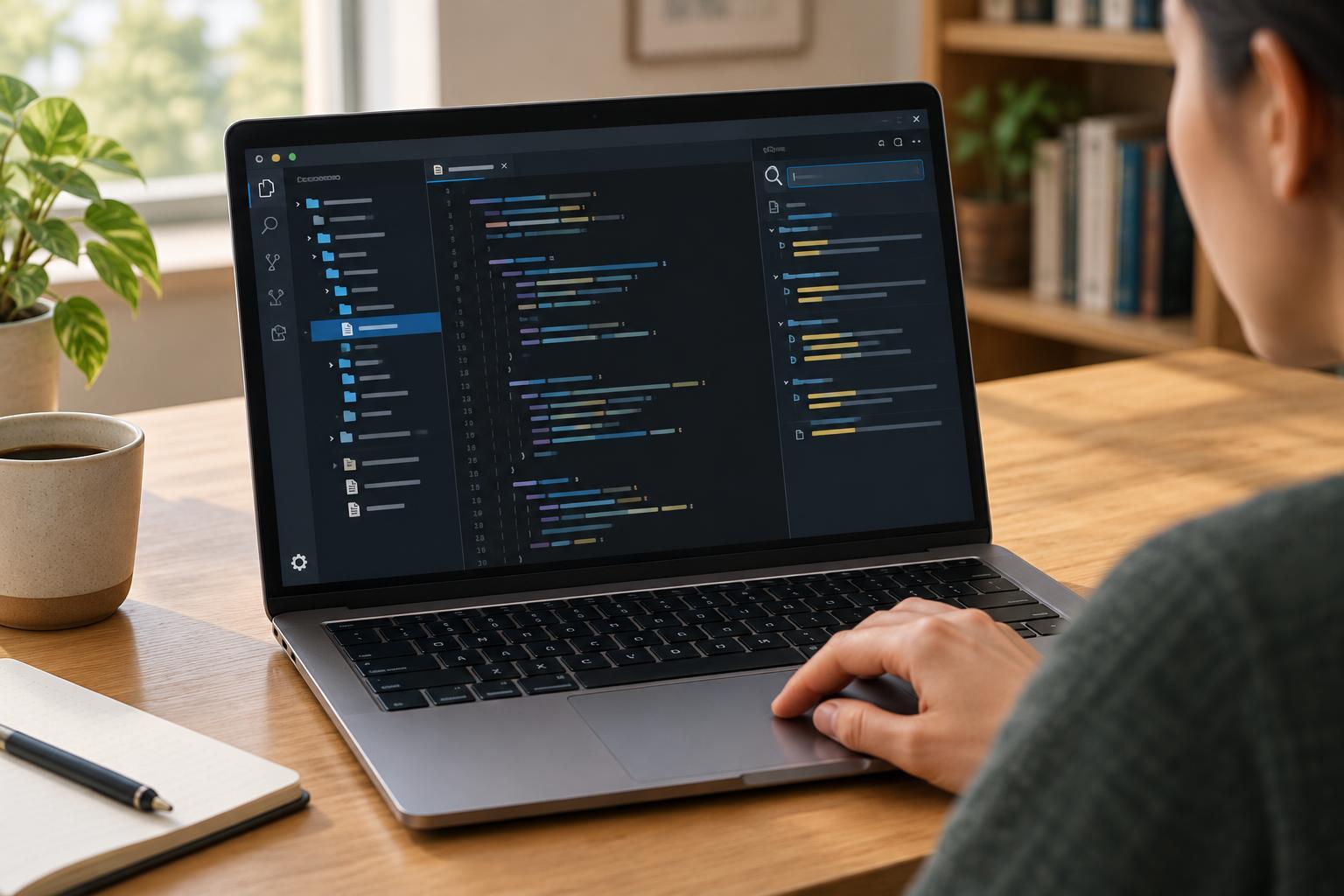
Developer ToolsCommand-line tools are easier to explore when you know where to find help, how to read flags, and what an exit code tells you. Learn these basics with a small Python example you can run on your own computer.
Read article · 4 min↗
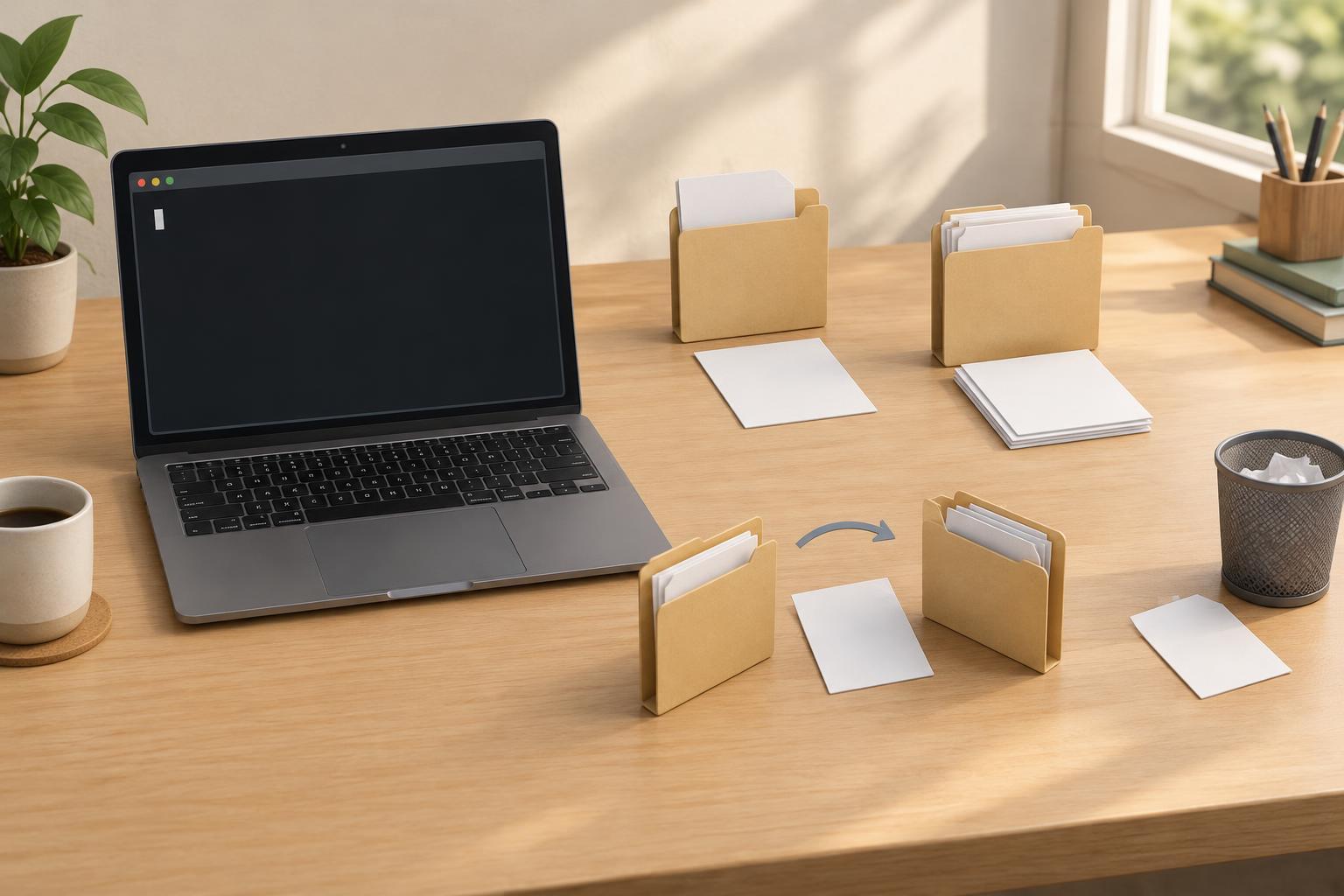
Developer ToolsLearn the basic command-line tools for managing files in a small practice folder. This beginner-friendly guide covers creating files, making copies, moving and renaming them, and deleting them with care.
Read article · 4 min↗
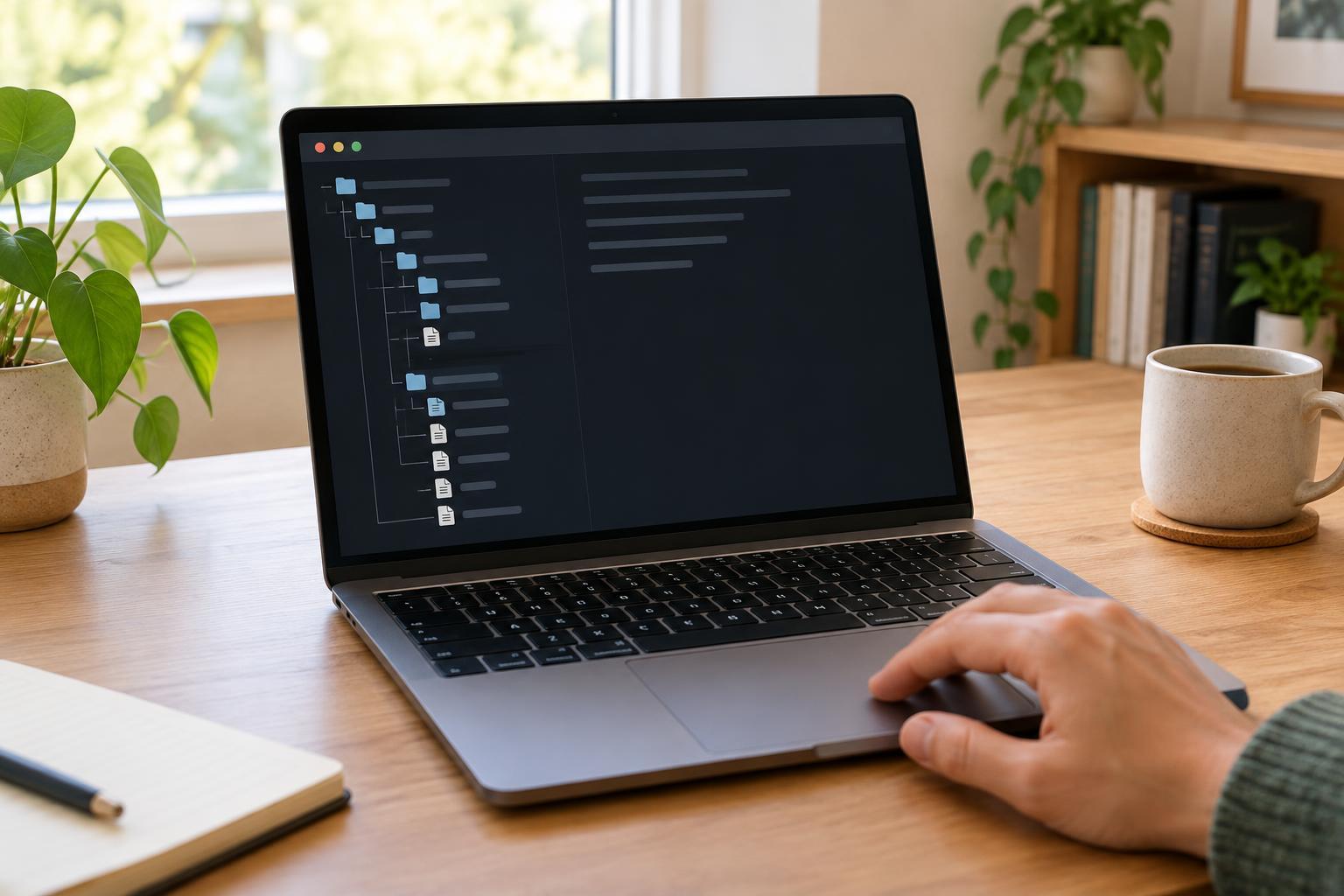
Developer ToolsLearn how to find your current folder, move between folders, and list files using common terminal commands. Includes a small practice exercise for Bash, Zsh, and PowerShell.
Read article · 4 min↗