Start with the response, not the error message
Tools: a browser with developer tools and an API endpoint you can call. The JavaScript examples use the standard Fetch API, available in modern browsers; they do not require a framework. A message such as “Unexpected token” tells you that parsing failed, but it may not tell you why. First, find out what the server actually returned.
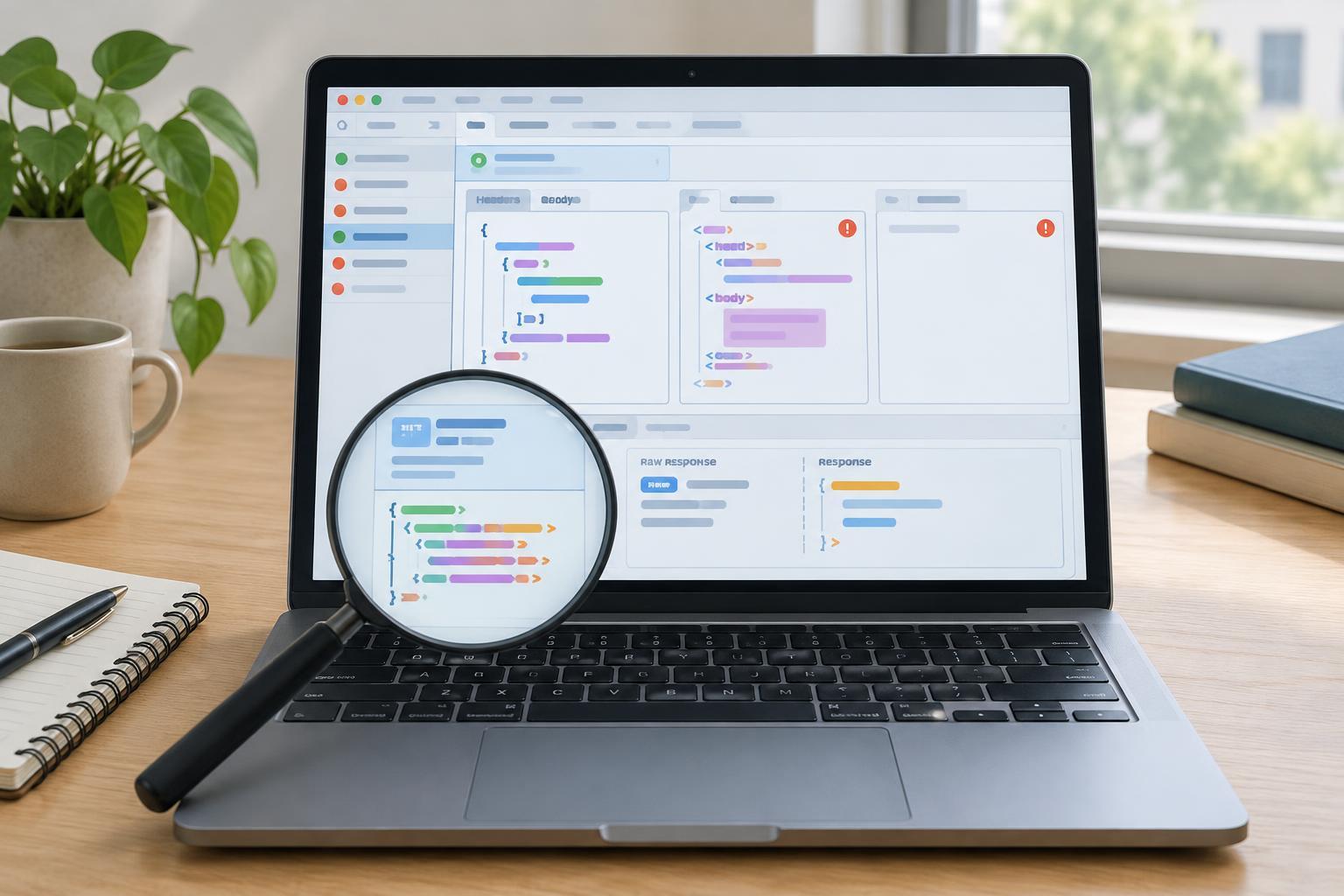
In your browser’s Network panel, select the failed request and inspect its status, response headers, and response body. Check that you are looking at the intended request: an authentication redirect or a call to the wrong URL can produce a very different response. The body is the decisive clue. An HTML page beginning with <!doctype html>, for example, cannot be parsed as JSON even if your code expected JSON.
Separate HTTP failures from parsing failures
An HTTP response can have an error status and still contain valid JSON. Conversely, a successful status does not guarantee a valid JSON body. Check the status and parseability separately. A server might return a JSON error object with a 400 status, or it might return an HTML error page with a 500 status. Changing JSON syntax in your client will not fix the latter.
Also check the Content-Type header. application/json is a useful signal, and some JSON-based formats use a type ending in +json. But a header is only a label; it does not prove that the body is valid. If the response is unexpectedly HTML or plain text, investigate the request URL, redirects, authorization, and server error handling before adjusting the parser.
Inspect the body without consuming it twice
With Fetch, you can read the body as text to see what the parser would receive, then pass that string to JSON.parse. For example: const response = await fetch('/api/items'); const raw = await response.text(); console.log(response.status, response.headers.get('content-type')); try { const data = JSON.parse(raw); console.log(data); } catch (error) { console.error('Invalid JSON response:', error); }. Use this during local debugging, and avoid printing bodies that may contain tokens or personal information.
A response body can generally be read only once. After response.text(), do not call response.json() on the same response; parse the saved raw string instead. In ordinary application code, response.json() is convenient when you do not need to inspect the text first. The two approaches are alternatives, not steps to run one after the other.
Check for an empty body before parsing. A 204 No Content response is expected to have no body, so it should not be passed to JSON.parse. An empty body on an endpoint that promises JSON deserves investigation. Handle these cases according to the endpoint’s documented behavior rather than silently treating every empty response as a successful empty object.
Recognize common JSON syntax problems
JSON has stricter rules than a JavaScript object literal. Property names and string values need double quotes; true, false, and null are lowercase; trailing commas and comments are not allowed. For example, {"ok": true,} fails because of the trailing comma, while {"ok": true} parses. A response containing two JSON objects one after the other is not one valid JSON document. If an endpoint intentionally sends newline-delimited JSON, it needs a line-by-line parser rather than one call to JSON.parse on the whole body.
Parser errors may point near the failure without identifying its cause. A complaint about an unexpected “<” often suggests an HTML page. An unexpected end of input may mean the body is empty or cut off, or that a closing bracket or quote is missing. Inspect both the beginning and end of the response, then compare the body with the endpoint’s intended format. Do not assume every parse failure can be repaired by trimming whitespace.
Fix the cause and make failures easier to diagnose
If the body is malformed JSON, correct the code that produces it. On a JavaScript server, JSON.stringify(value) is generally safer than assembling JSON with string concatenation, which can mishandle quotes and escape characters. If the body is not JSON at all, fix the route, redirect, proxy, or error response that supplied it. A client should not try to disguise an HTML error page as a JSON object.
For a durable client, distinguish network errors, non-success HTTP statuses, and JSON parsing errors in your error handling. Record the status and content type, and provide a short, redacted body preview when it is safe to do so. That gives you enough context to investigate the next failure without exposing sensitive response data. The key habit is simple: verify the bytes returned by the API before blaming the JSON parser.