Web FoundationsWhy do some elements start a new line while others sit inside a sentence? Learn how block, inline, and inline-block affect line breaks, sizing, spacing, and alignment, then try a small browser exercise to see the differences.
Read article · 4 min↗

Web FoundationsLearn how the CSS box model determines an element’s size and spacing. Follow a simple width calculation, see what box-sizing changes, and use browser developer tools to investigate unexpected layouts.
Read article · 4 min↗

Web FoundationsWhen several CSS rules appear to target the same element, the browser follows a predictable set of rules to choose a value. Learn how the cascade, specificity, and inheritance work together, then use a small example to debug a style that seems to be ignored.
Read article · 4 min↗
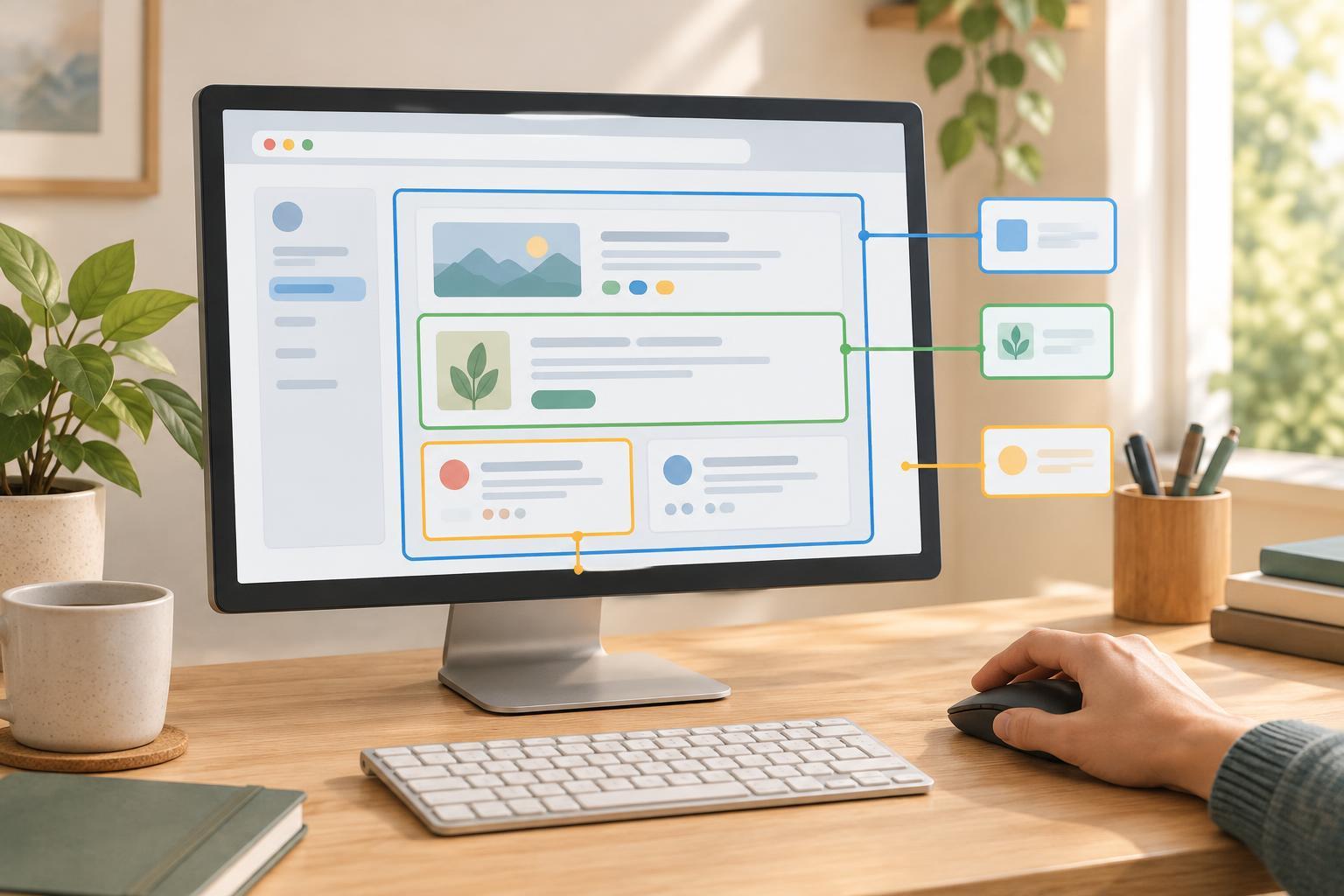
Web FoundationsLearn how CSS selectors find elements by class, ID, and position in the HTML structure. Practice with a small page, then use browser developer tools to check why a rule does or does not apply.
Read article · 4 min↗
Web FoundationsThree small additions to an HTML document can make a page easier to identify, help text display correctly, and give mobile layouts the viewport they expect. Learn what the title, character encoding declaration, and viewport setting do, where they belong, and how to check them.
Read article · 4 min↗

Web FoundationsLearn how an HTML form connects visible labels to input controls, uses names to identify submitted values, and sends data when a visitor presses Submit. Includes a small practice exercise and common mistakes to check.
Read article · 4 min↗

Web FoundationsLearn to add an image to an HTML page, write alt text that serves the image’s purpose, and set width and height so the page stays steady while it loads.
Read article · 4 min↗
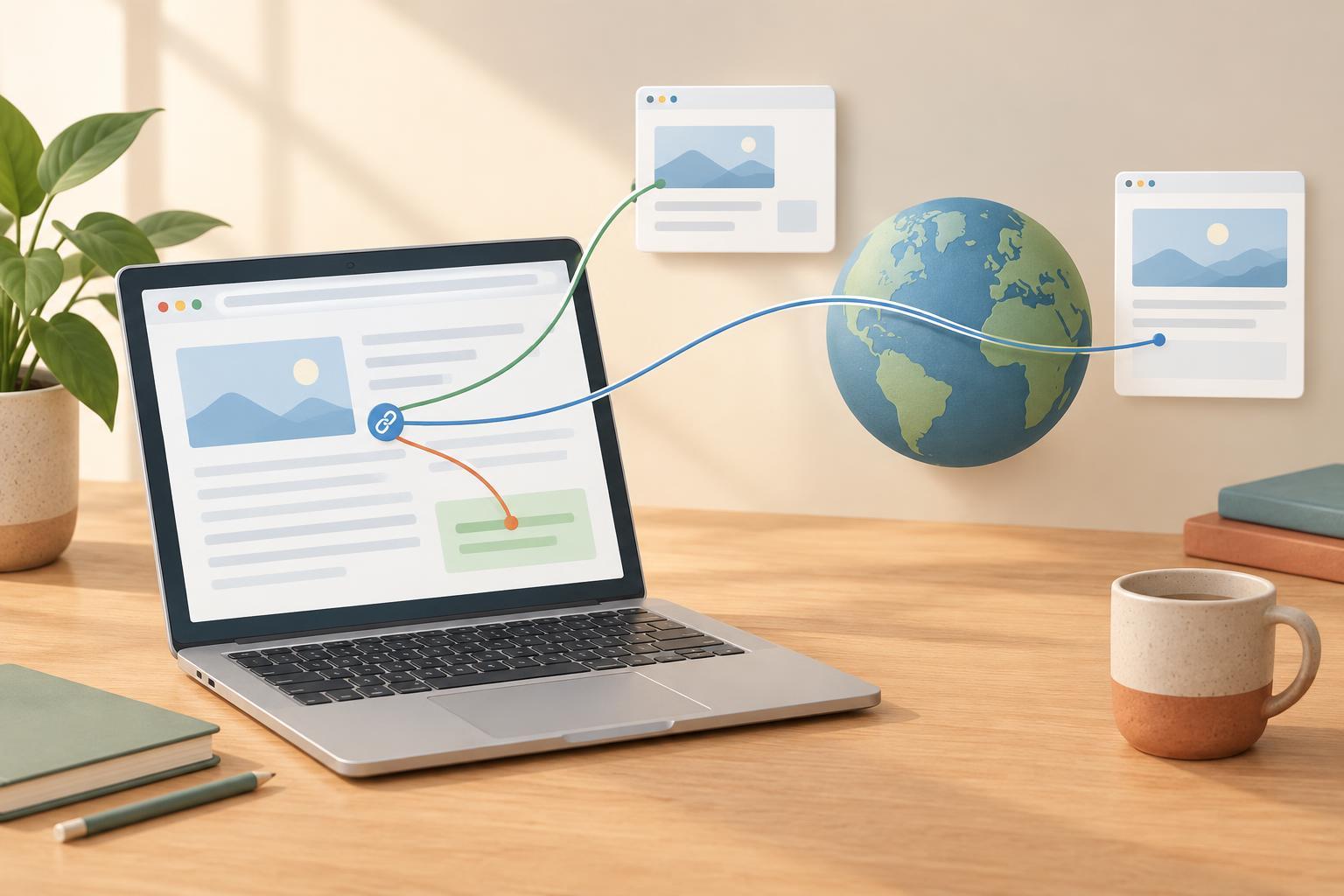
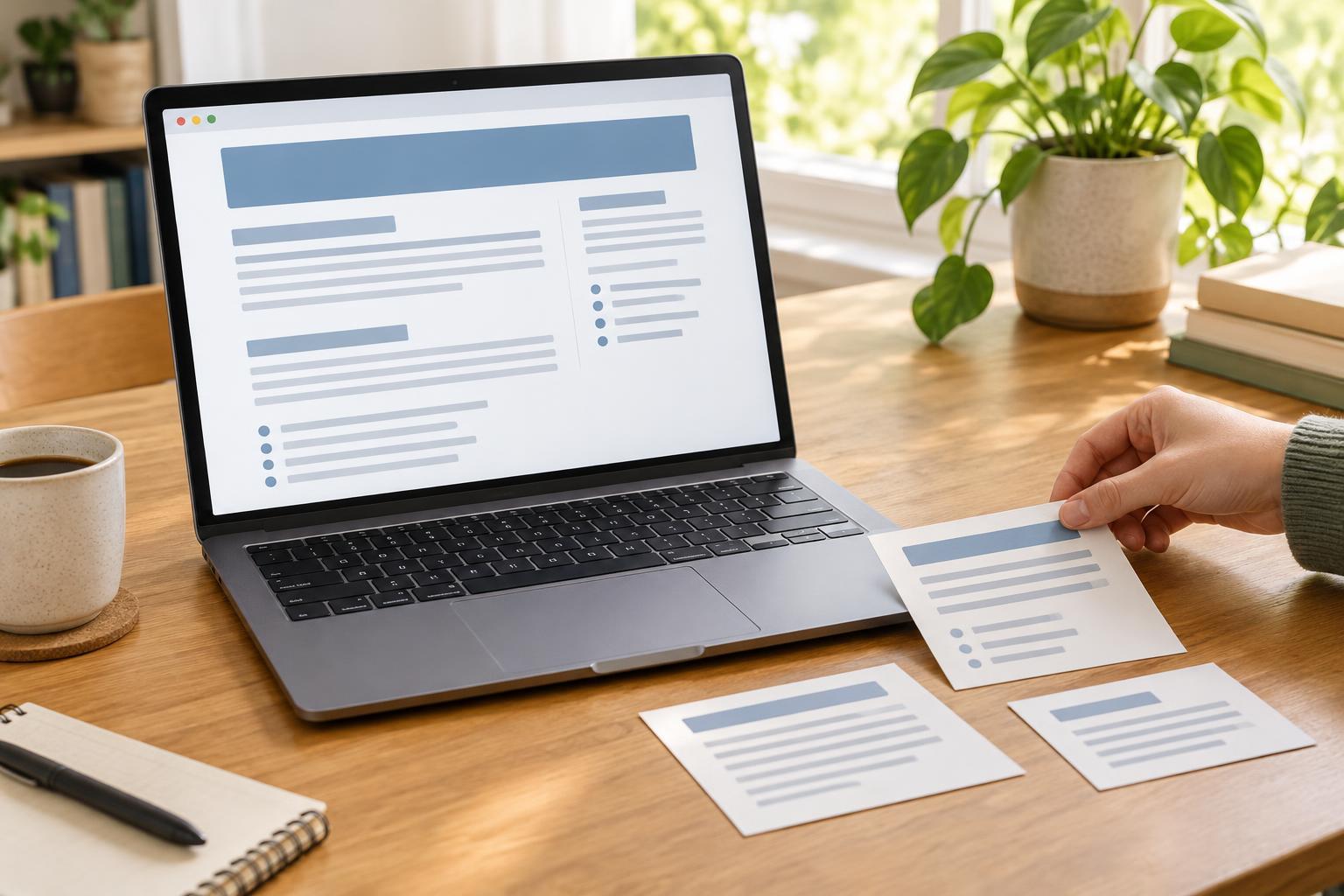
Web FoundationsA beginner-friendly guide to giving web pages a clear structure. Learn when to use headings, paragraphs, and lists, how to choose heading levels, and how to check whether a page is easy to scan.
Read article · 4 min↗
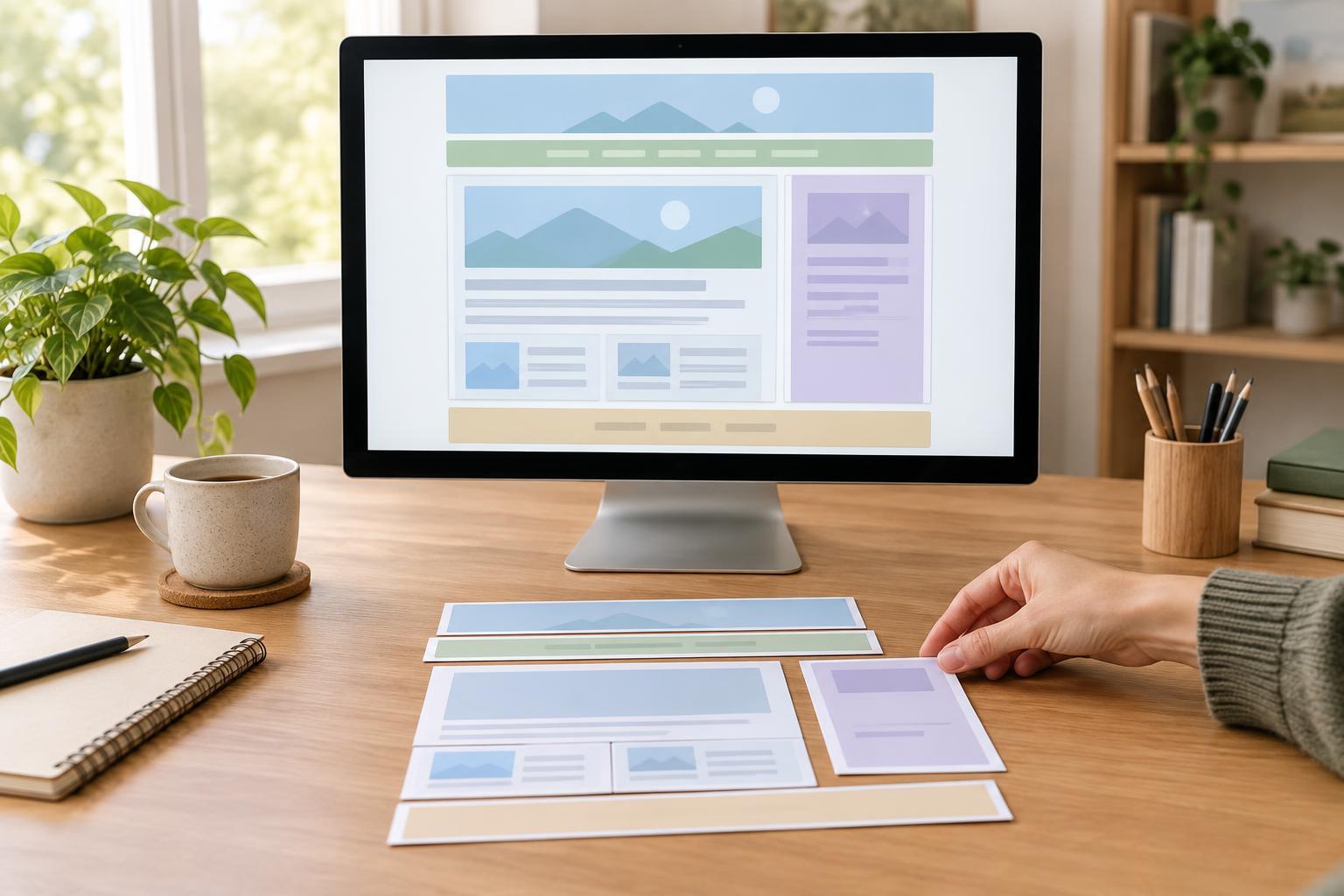
Web FoundationsSemantic HTML gives each part of a page a meaningful role. Learn when to use header, nav, main, section, article, aside, and footer, and when a simple div is the better choice.
Read article · 4 min↗

Web FoundationsEvery HTML page has a basic structure. Learn what the doctype, head, and body do, how they fit together, and how to inspect a simple page in your browser.
Read article · 4 min↗
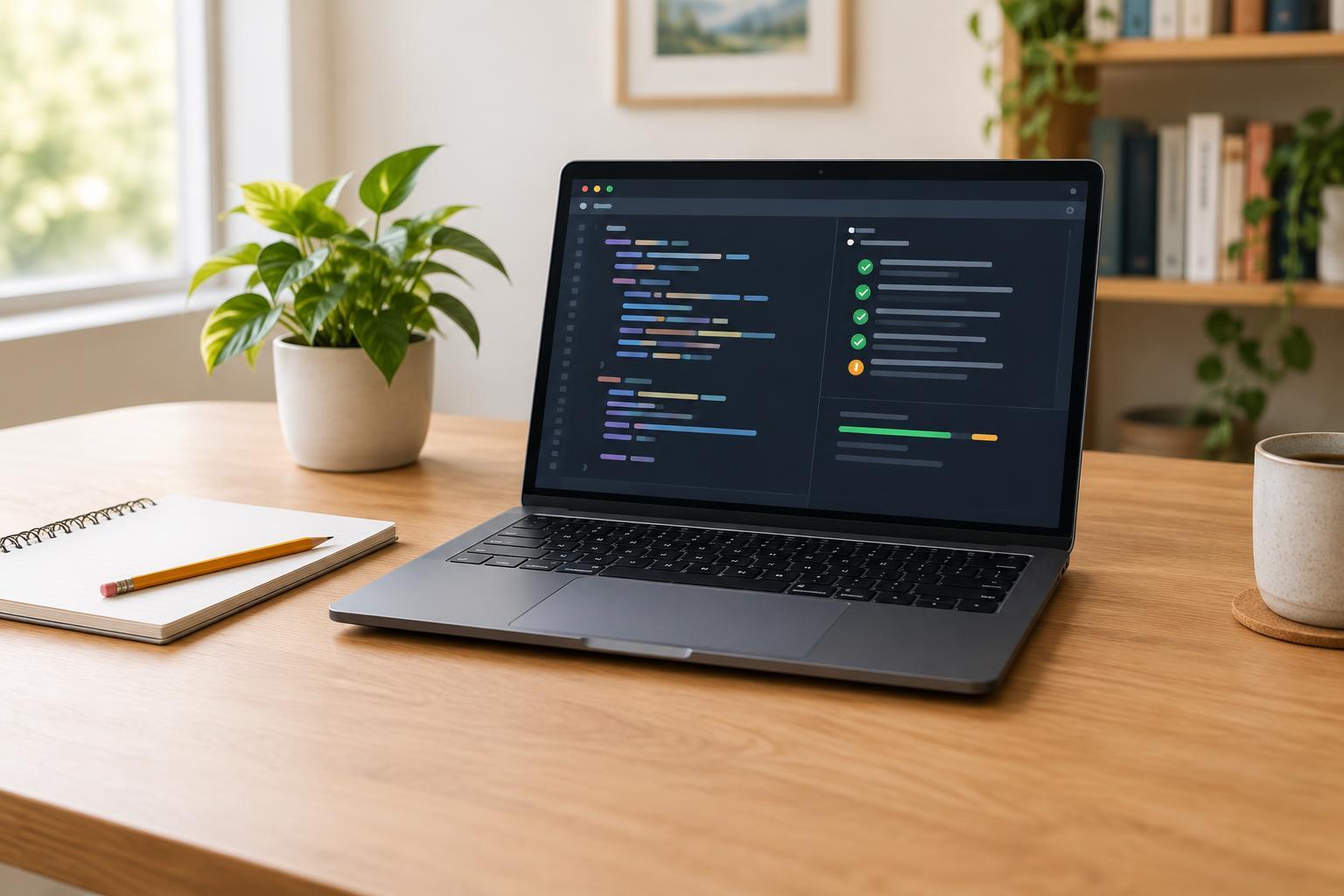
Programming BasicsLearn to test a small JavaScript function with Node.js’s built-in test runner. This beginner-friendly example covers setup, assertions, running the test, and using a failure to check your work.
Read article · 3 min↗

Programming BasicsPseudocode helps you plan a program before choosing the exact syntax of a language. Learn how to identify inputs and outputs, break a task into steps, write a simple algorithm, and check it with examples.
Read article · 4 min↗
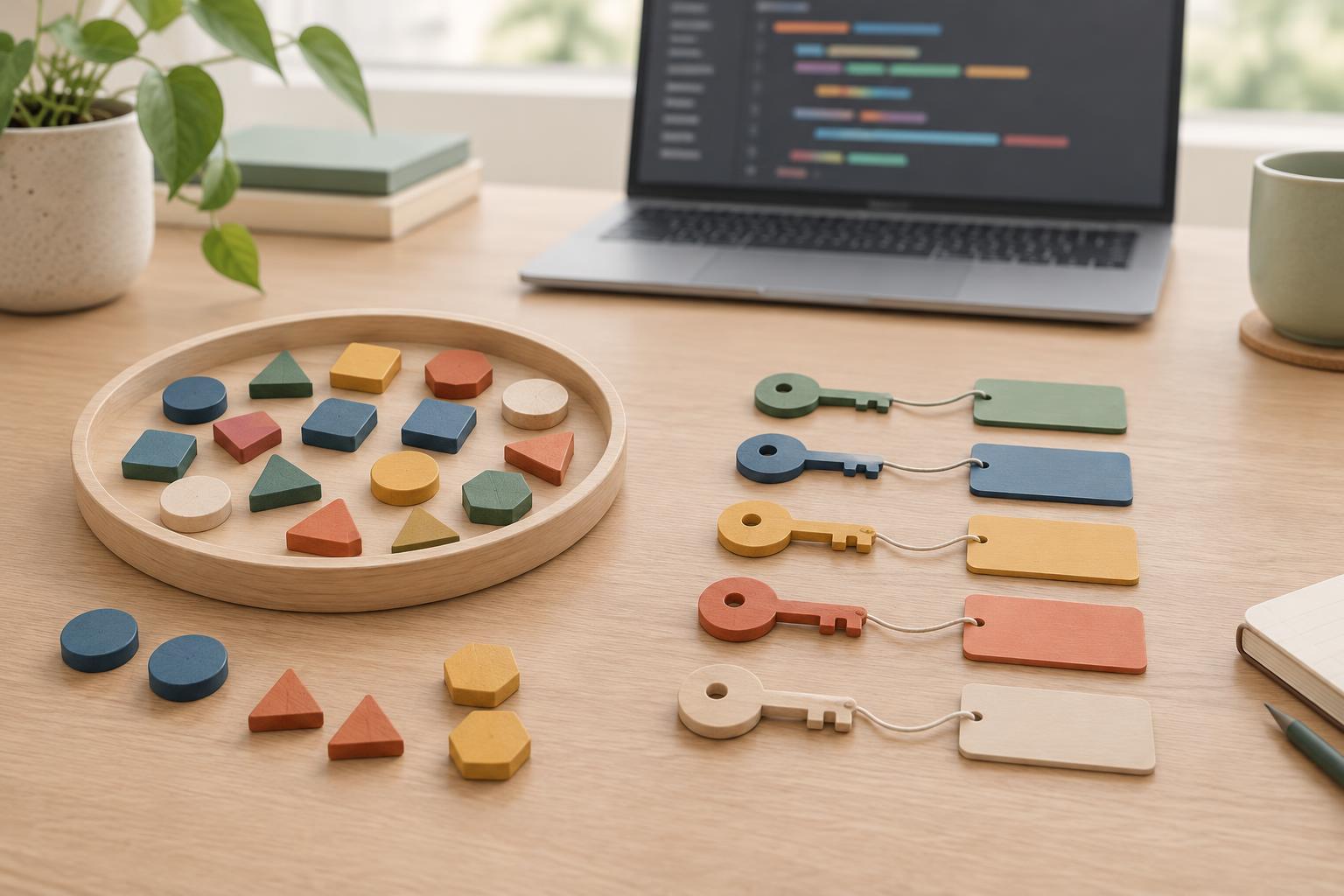
Programming BasicsSet and Map solve two common problems: keeping unique values and associating keys with values. Learn when each is useful, how they differ from arrays and objects, and what to watch for with object identity and insertion order.
Read article · 4 min↗
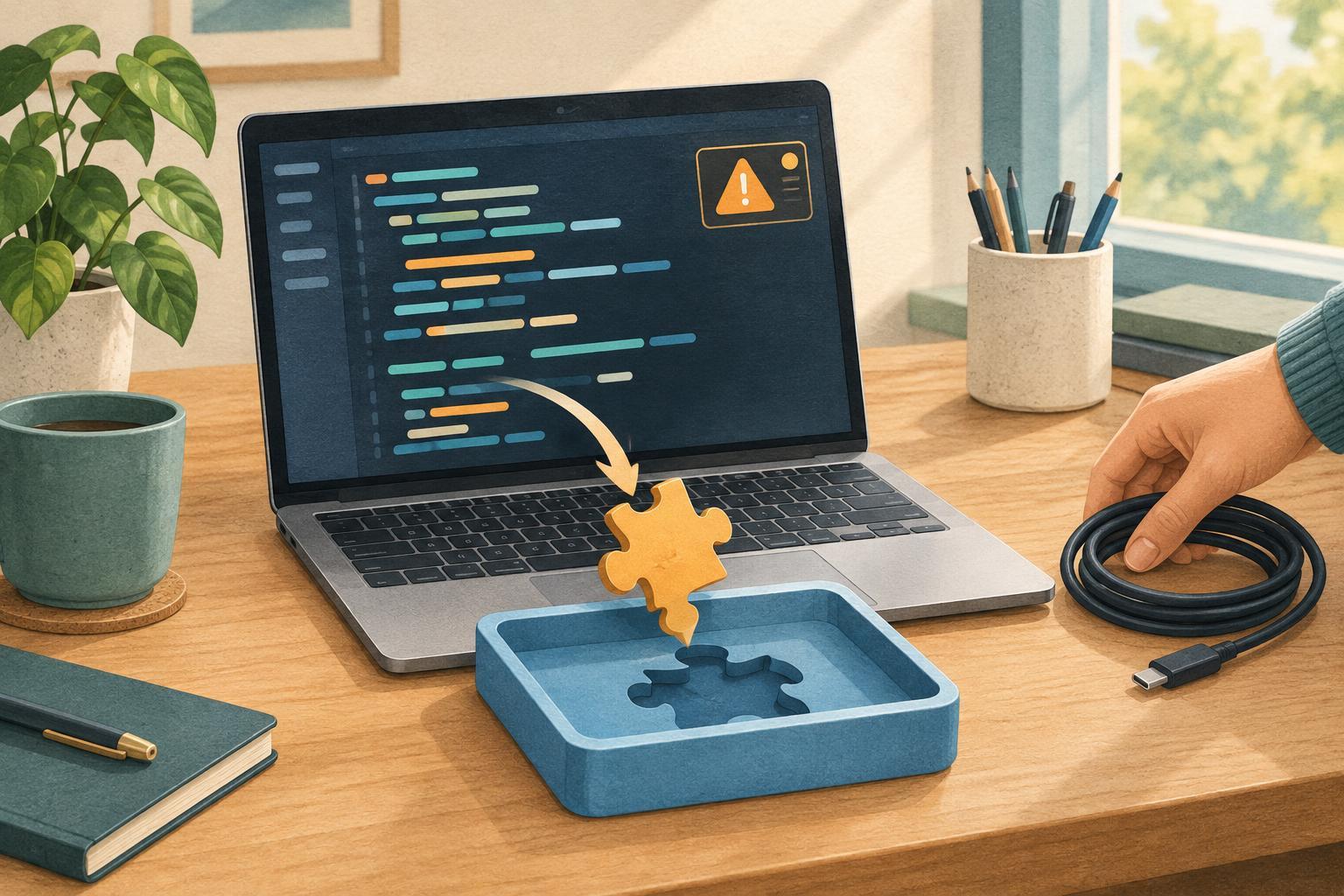
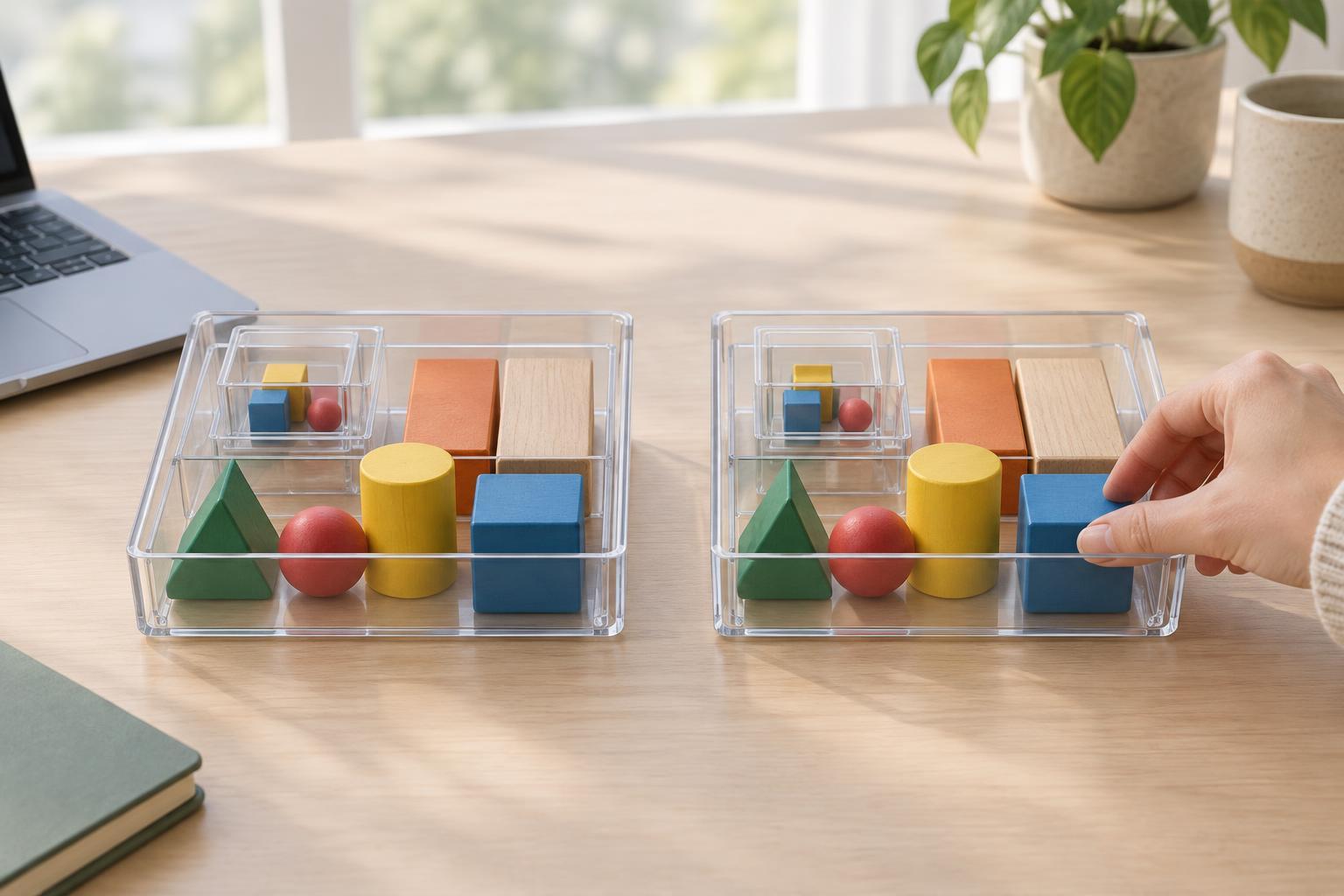
Programming BasicsAssigning an array or object to a new variable does not make a copy. Learn when to use spread syntax, how nested values can still be shared, and when a deeper copy is useful.
Read article · 4 min↗
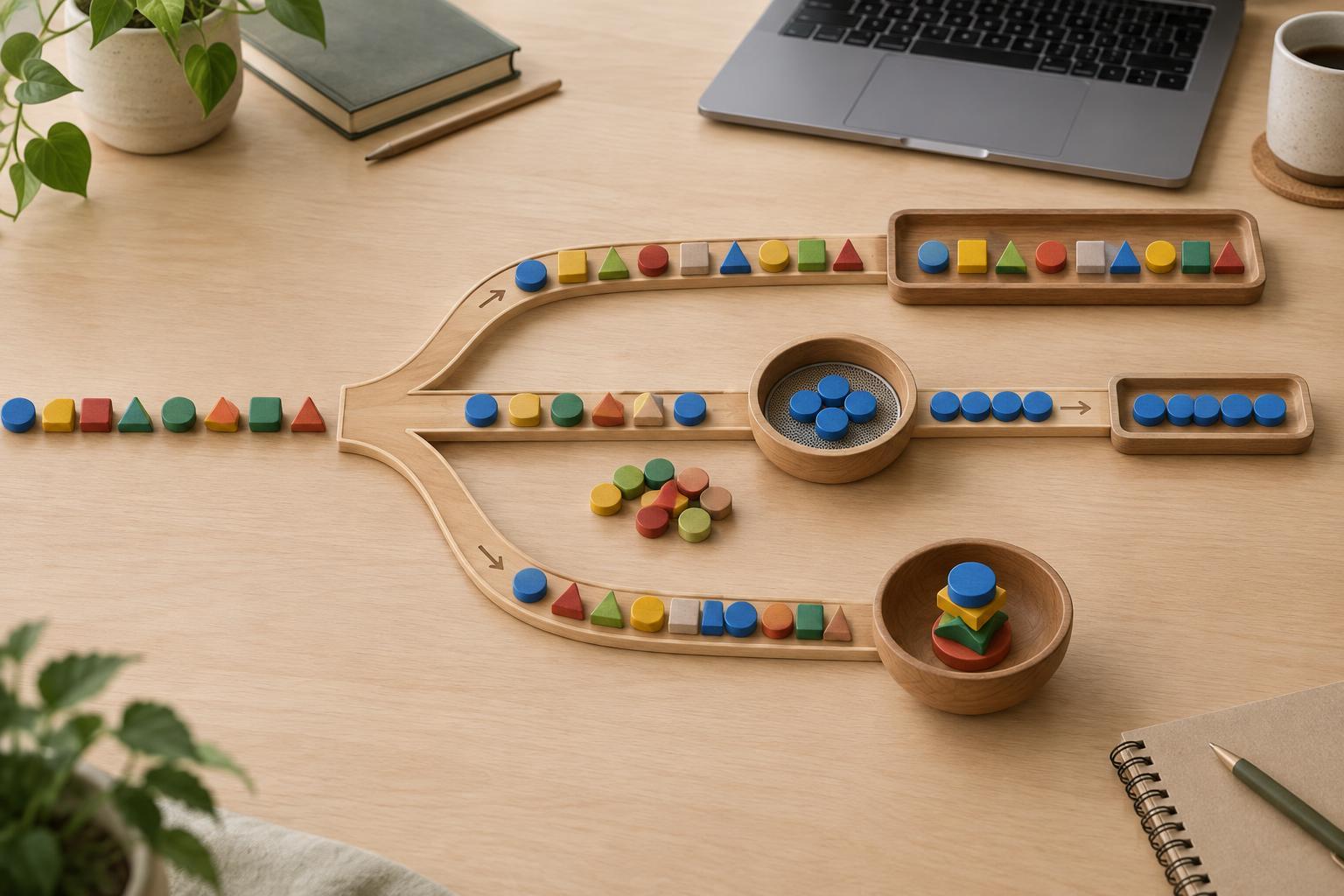
Programming BasicsMap transforms every item, filter keeps selected items, and reduce combines items into one result. Learn how to choose among them with small JavaScript examples, including a safe way to handle empty arrays.
Read article · 3 min↗
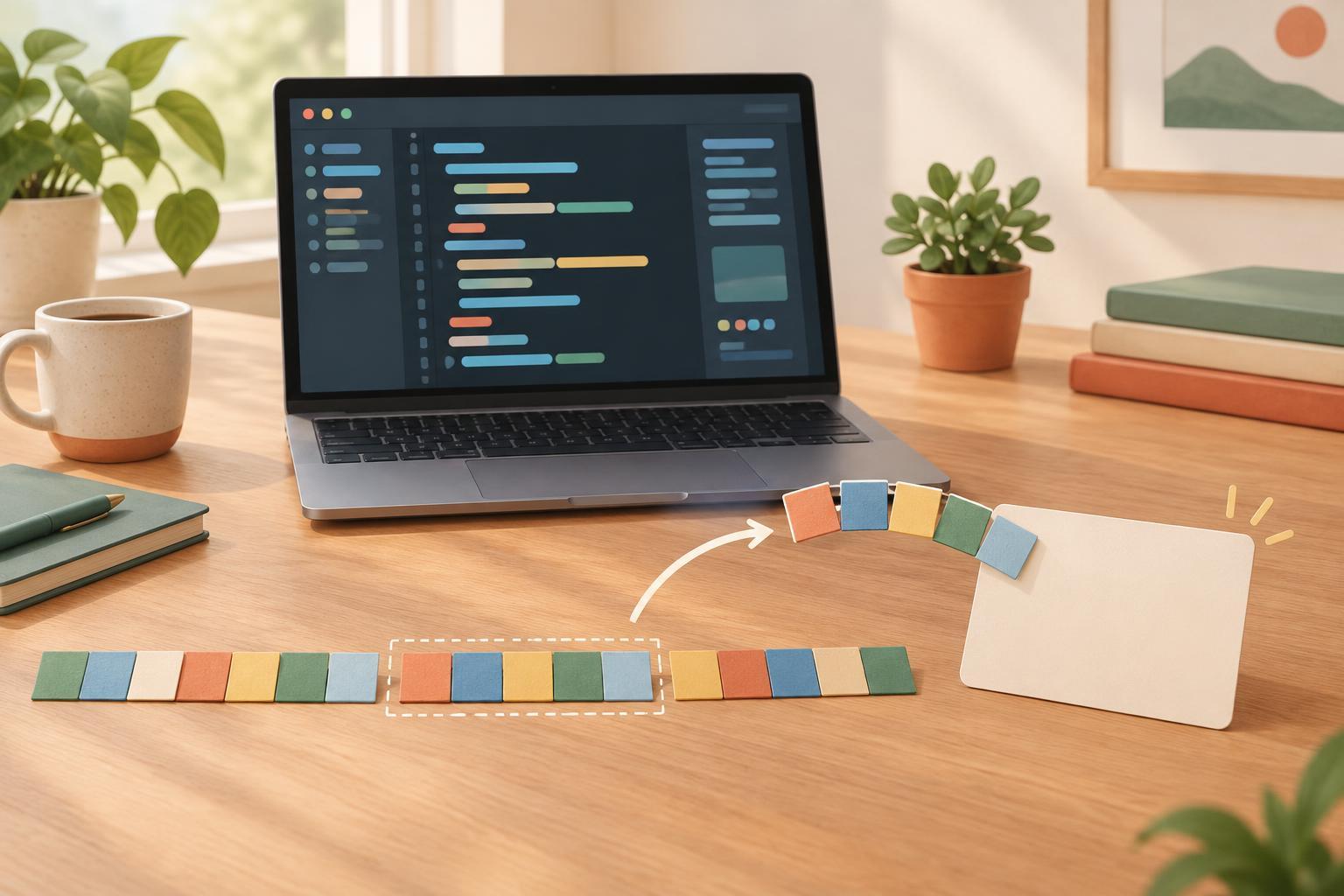
Programming BasicsLearn how to take part of a JavaScript string with slice() and build readable messages with template literals. Follow small examples, check the most common edge cases, and put both techniques together.
Read article · 4 min↗
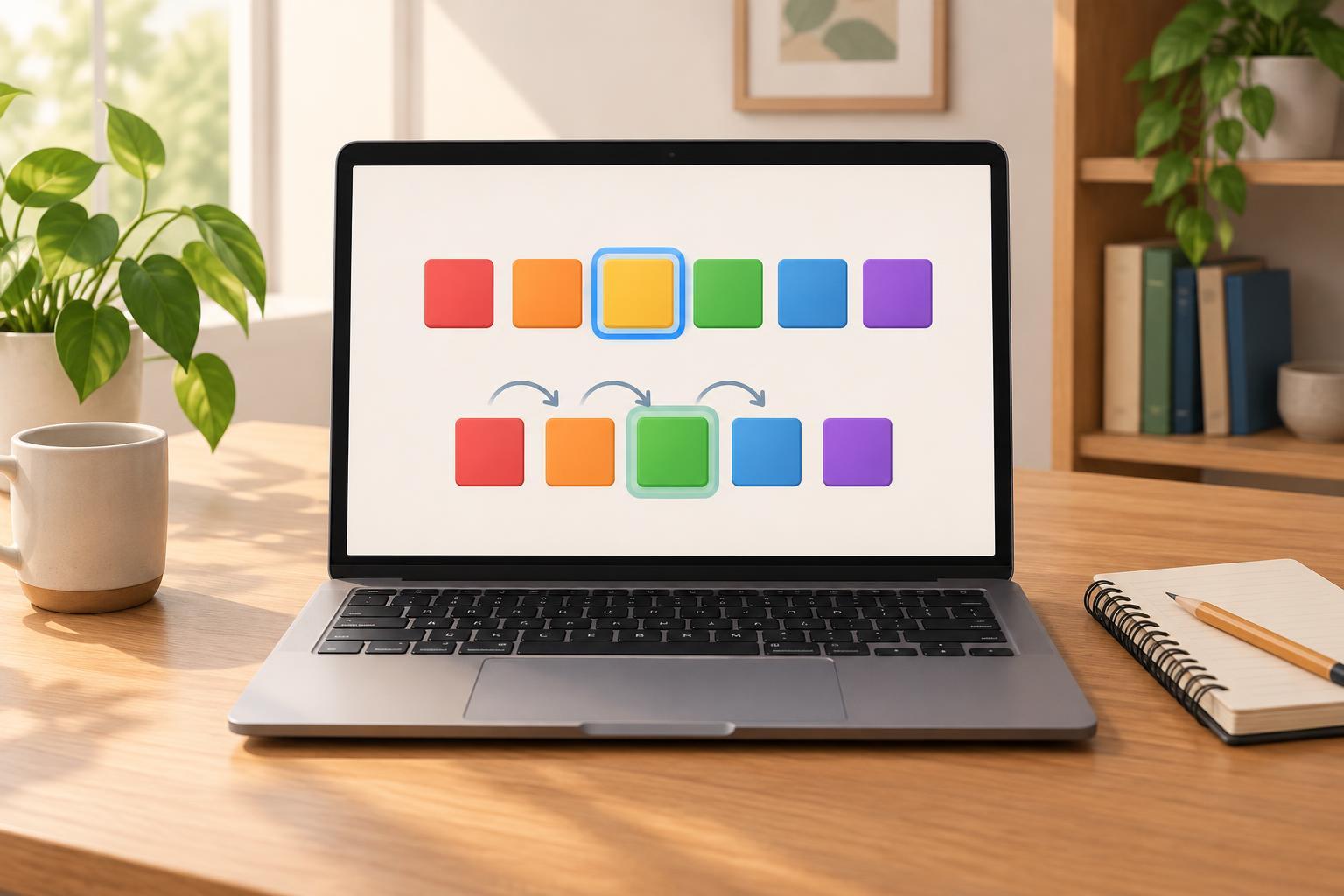
Programming BasicsLearn how to store a list in a JavaScript array, read and change its elements, and work through it with loops and array methods. Short examples show what happens with missing indexes, const arrays, and methods that return a new array.
Read article · 4 min↗
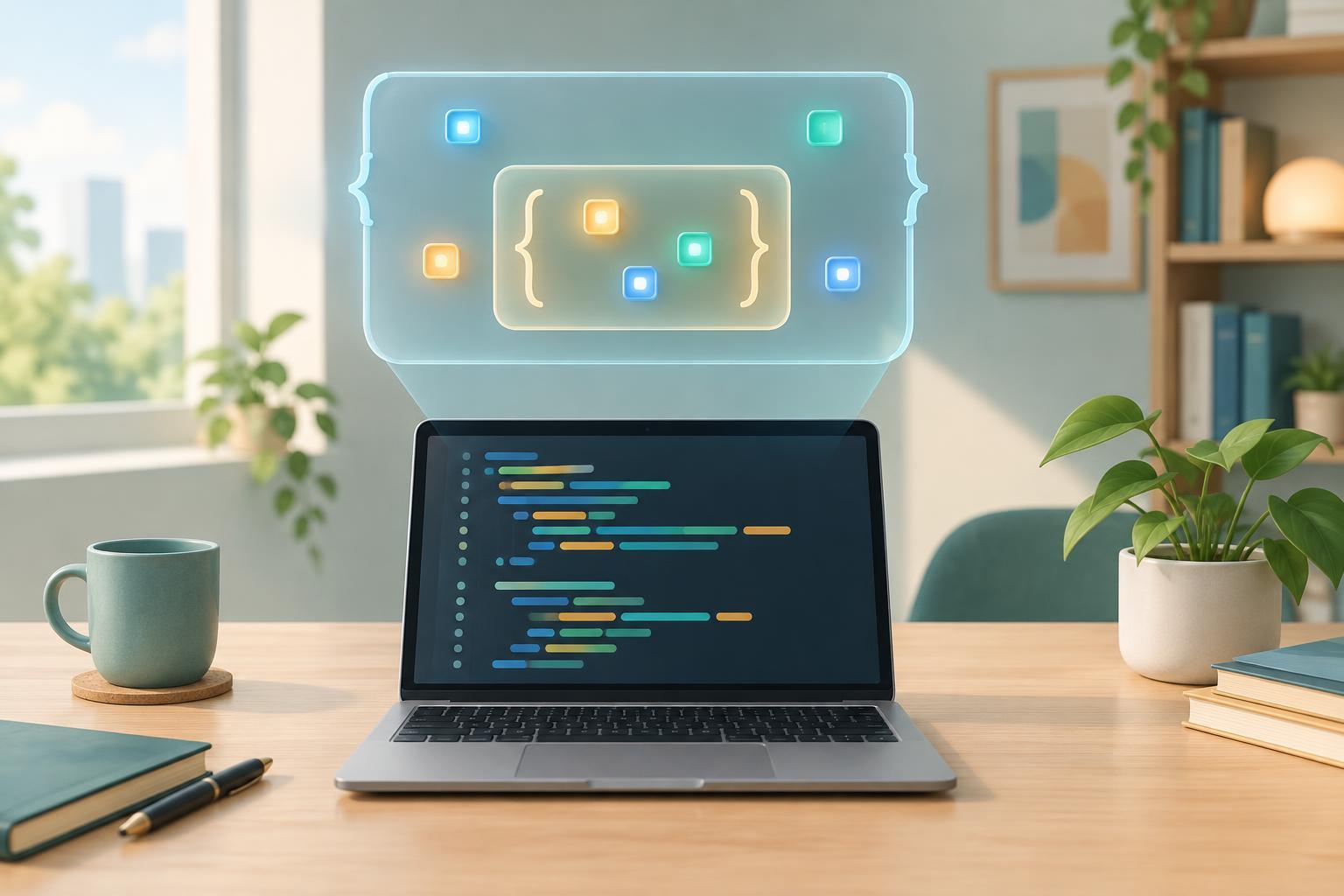
Programming BasicsScope determines where a JavaScript variable can be used. Learn how function scope, block scope, shadowing, and closures work, with small examples you can try in a browser console.
Read article · 4 min↗
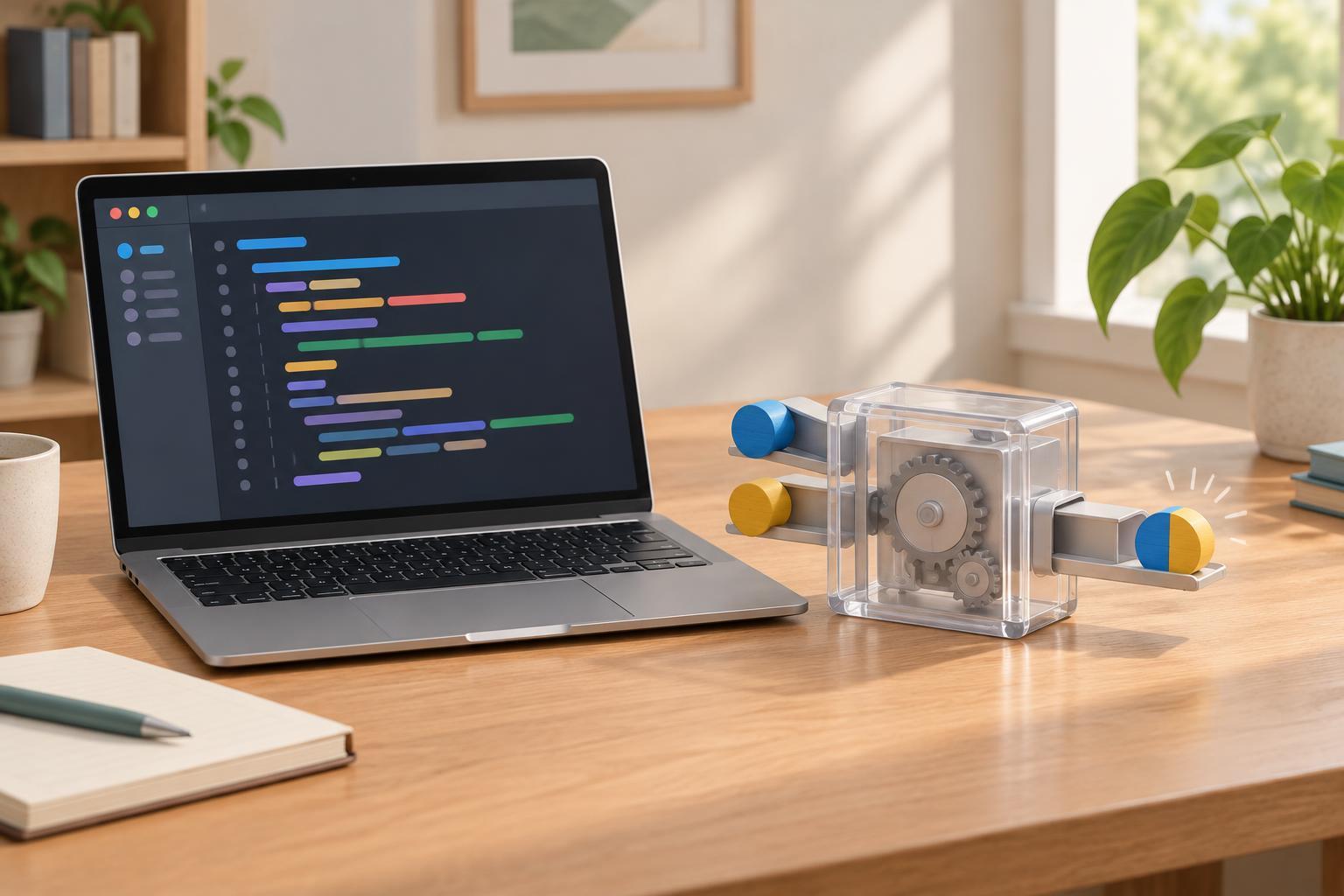
Programming BasicsLearn how JavaScript functions receive inputs and produce results. Follow small examples that distinguish parameters from arguments, show what return does, and help you check common mistakes.
Read article · 4 min↗
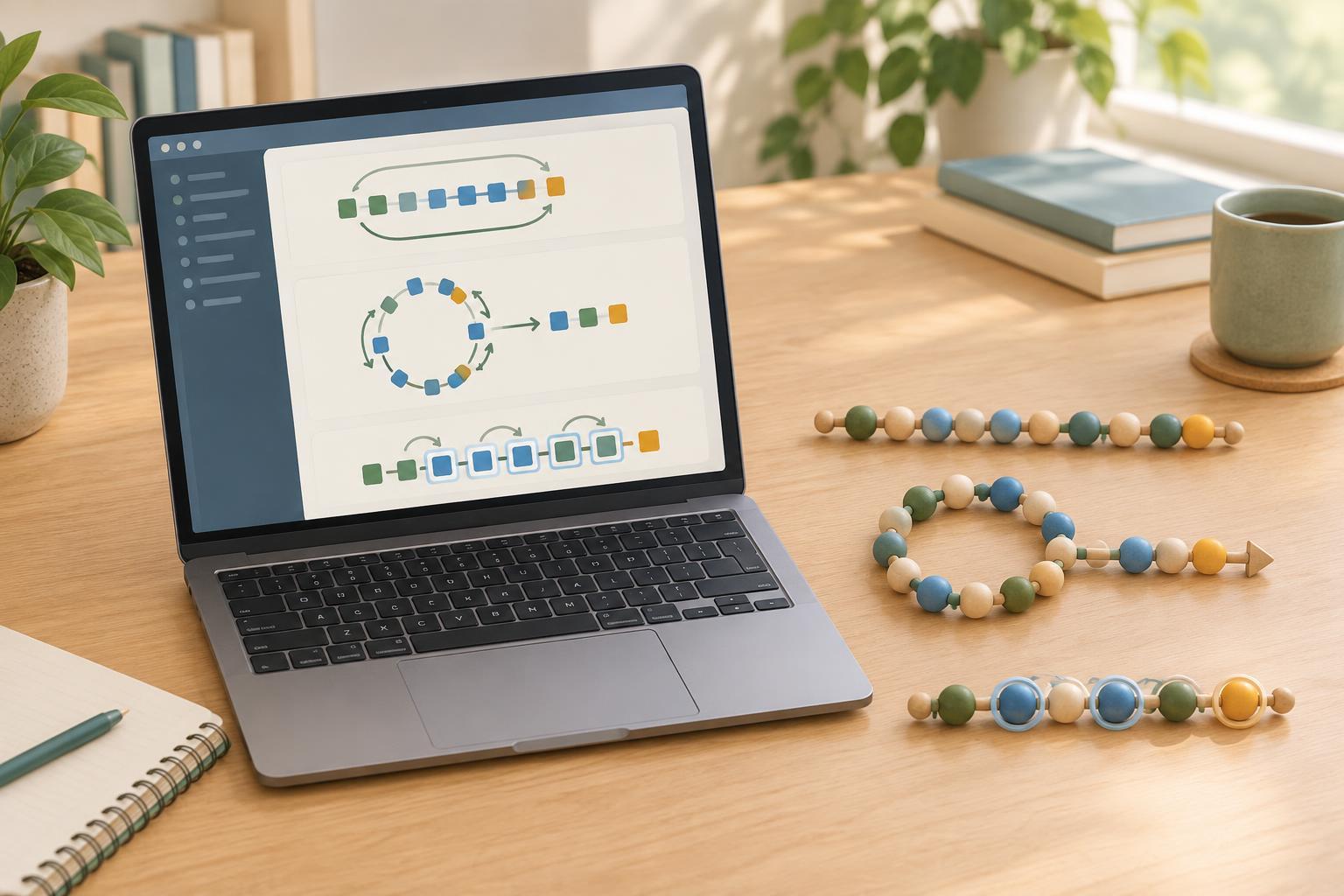
Programming BasicsJavaScript offers several ways to repeat work. Learn when a for loop, a while loop, or a for...of loop makes the clearest choice, with small examples and tips for avoiding loops that never end.
Read article · 4 min↗
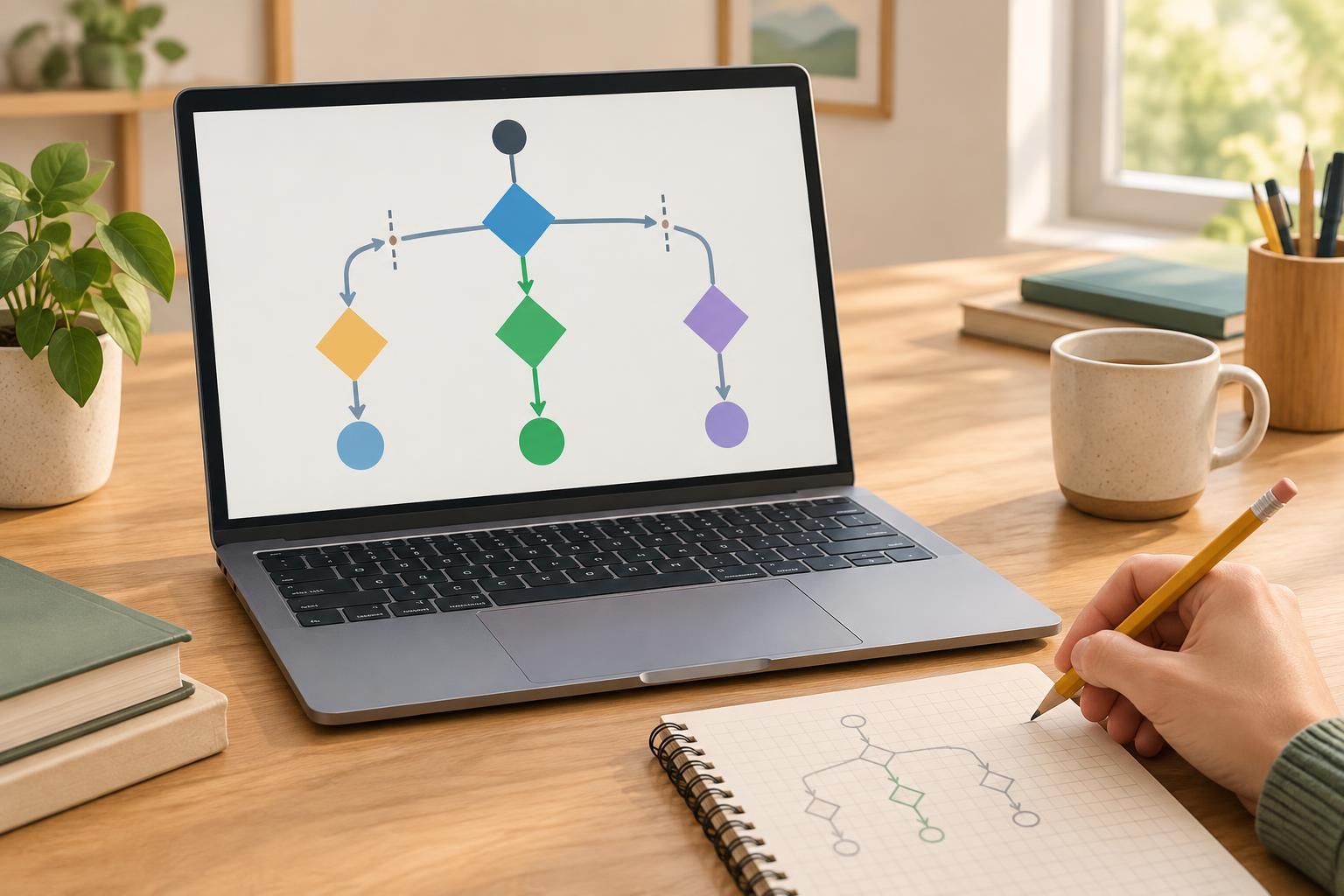
Programming BasicsLearn how JavaScript chooses between actions with if, else if, and else. Follow a small example, see why the order of conditions matters, and practice checking boundary values.
Read article · 4 min↗
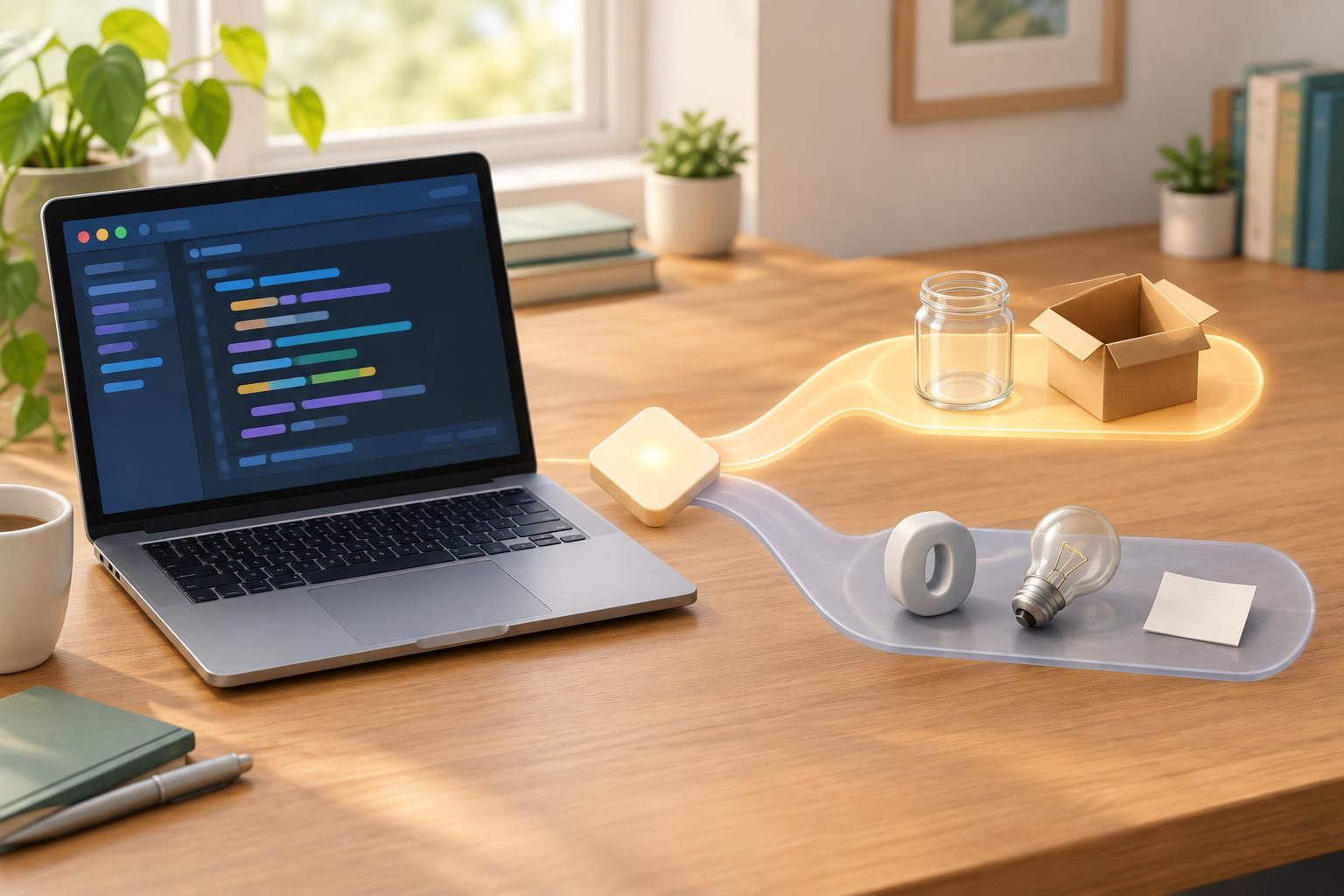
Programming BasicsJavaScript conditionals can evaluate values that are not booleans. Learn which values are falsy, why empty arrays and objects are truthy, and how to write checks that match what you actually mean.
Read article · 3 min↗
Programming BasicsIn JavaScript, = stores a value, while === checks whether two values are strictly equal. Learn how to read both operators, test them in a browser console, and avoid a common condition bug.
Read article · 4 min↗
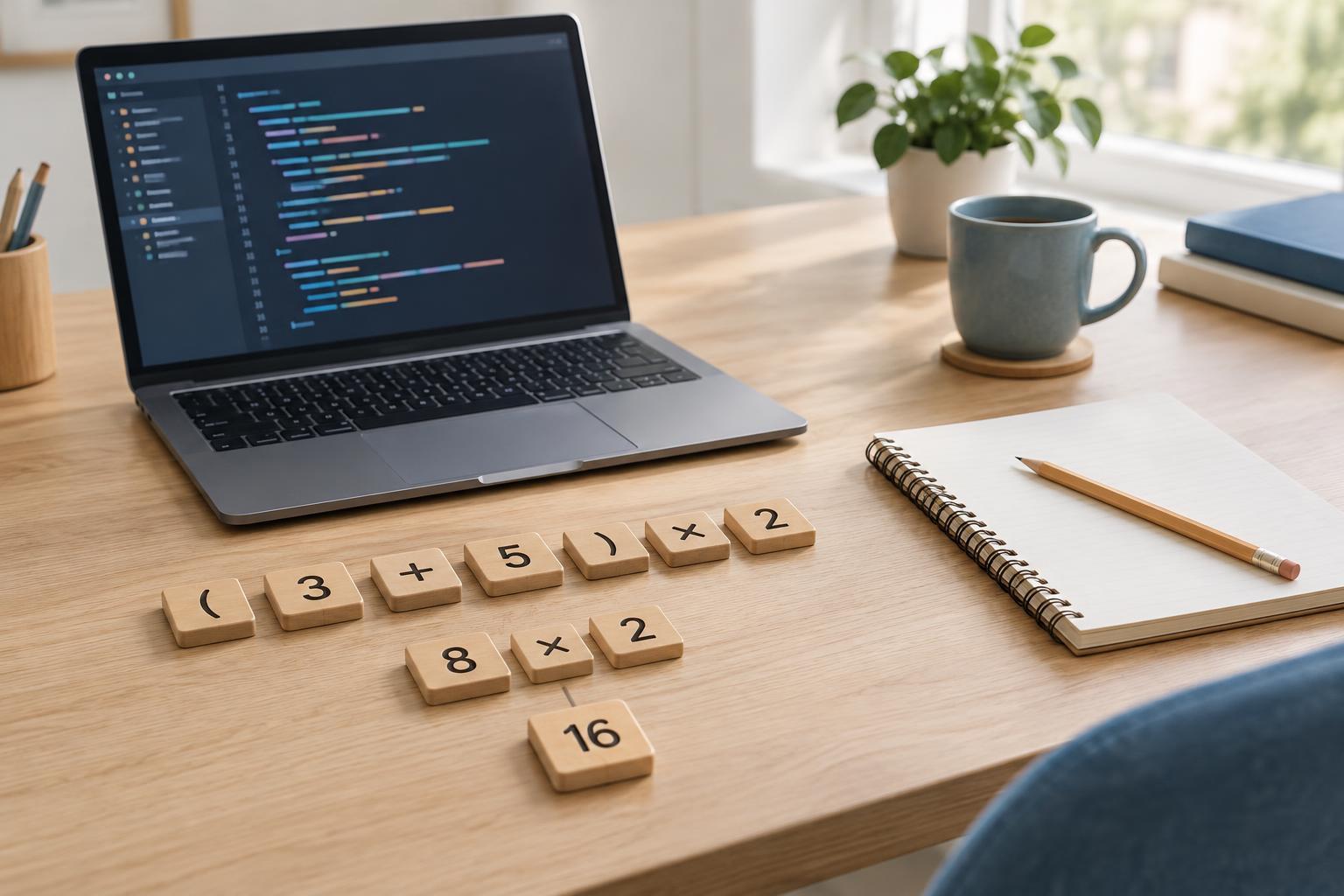
Programming BasicsLearn how JavaScript adds, subtracts, multiplies, divides, and groups calculations. Work through small examples of operator precedence, remainders, and common surprises such as string concatenation.
Read article · 4 min↗
Programming BasicsJavaScript expressions produce values, while statements direct what a program does. Learn how to tell them apart in assignments, conditionals, functions, and the browser console.
Read article · 4 min↗
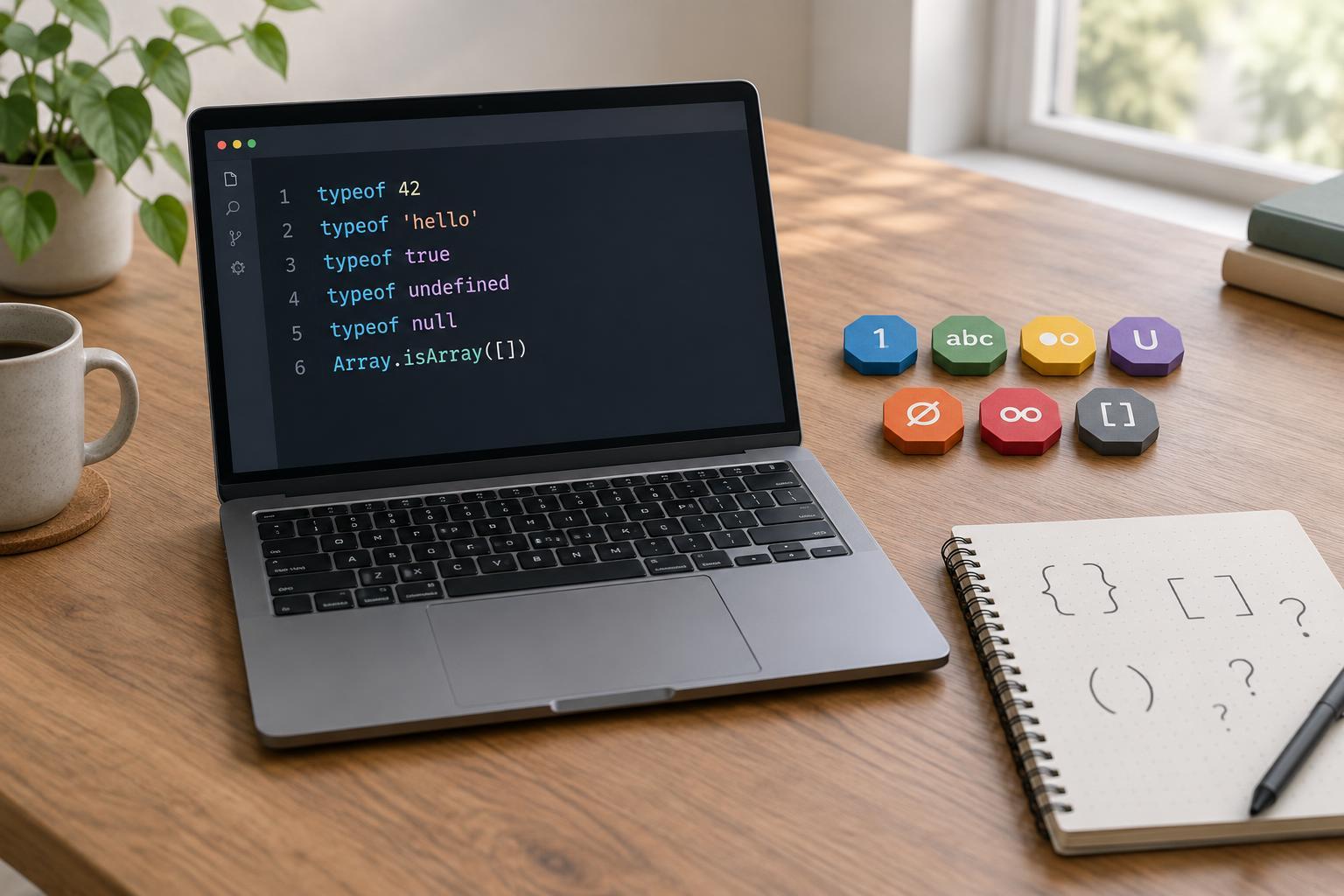
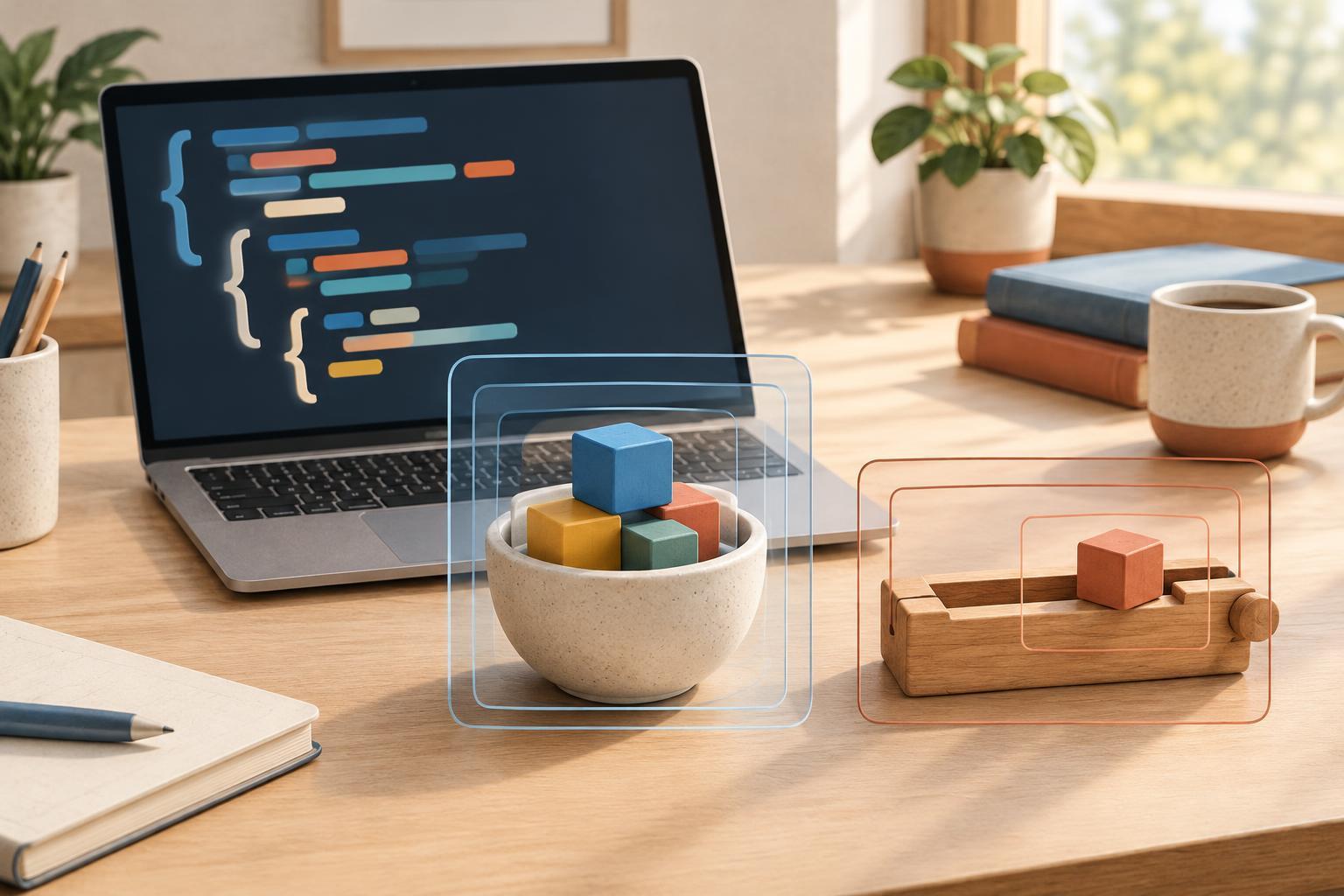
Programming BasicsLearn how let and const differ, why const does not make objects immutable, and how block scope affects both declarations. Short examples and a practical decision rule help you choose the right keyword.
Read article · 4 min↗
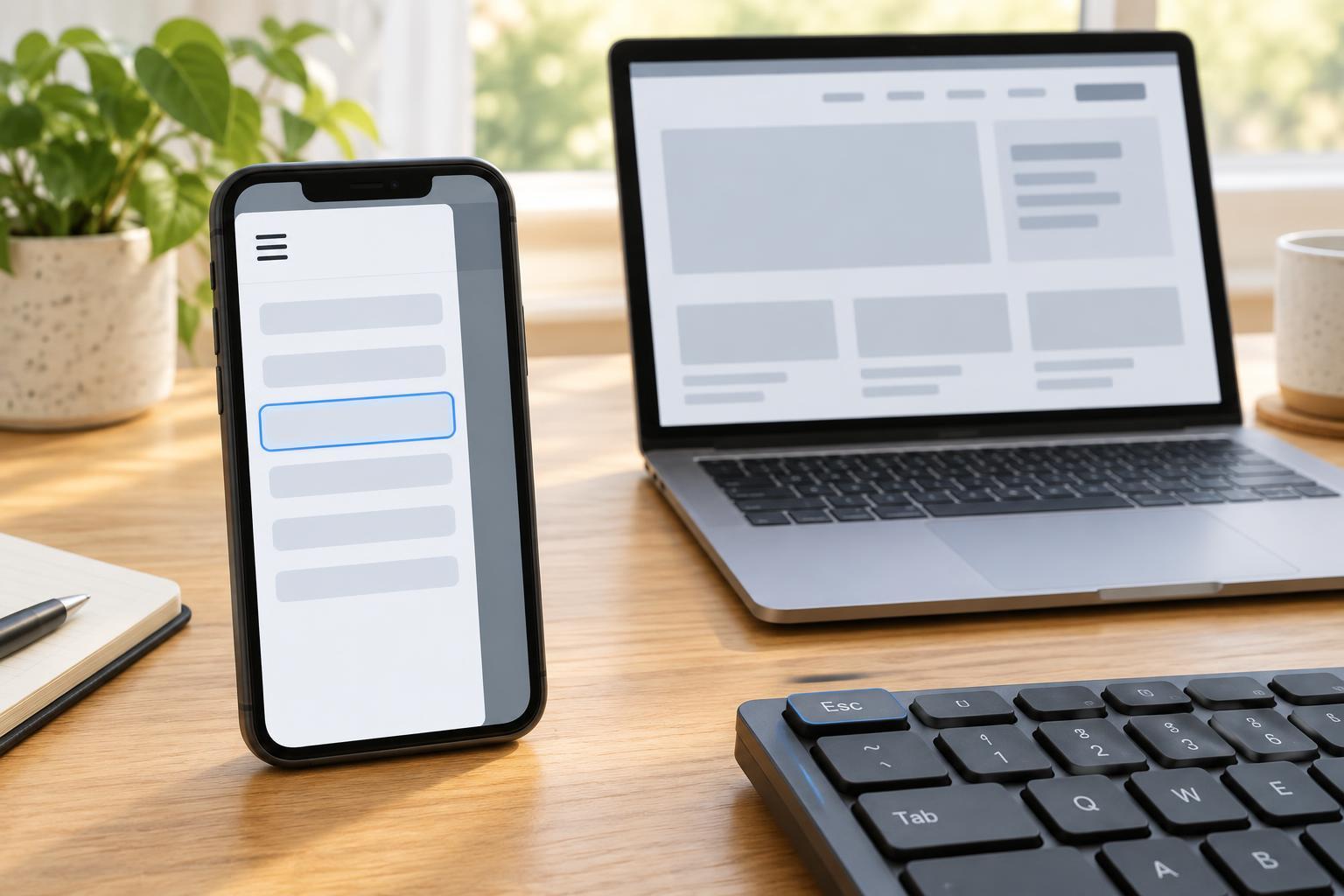
Practice ProjectsCreate a small navigation menu that collapses on narrow screens without hiding links from keyboard users. This project uses a real button, the hidden attribute, a short JavaScript toggle, visible focus styles, and a simple test checklist.
Read article · 4 min↗
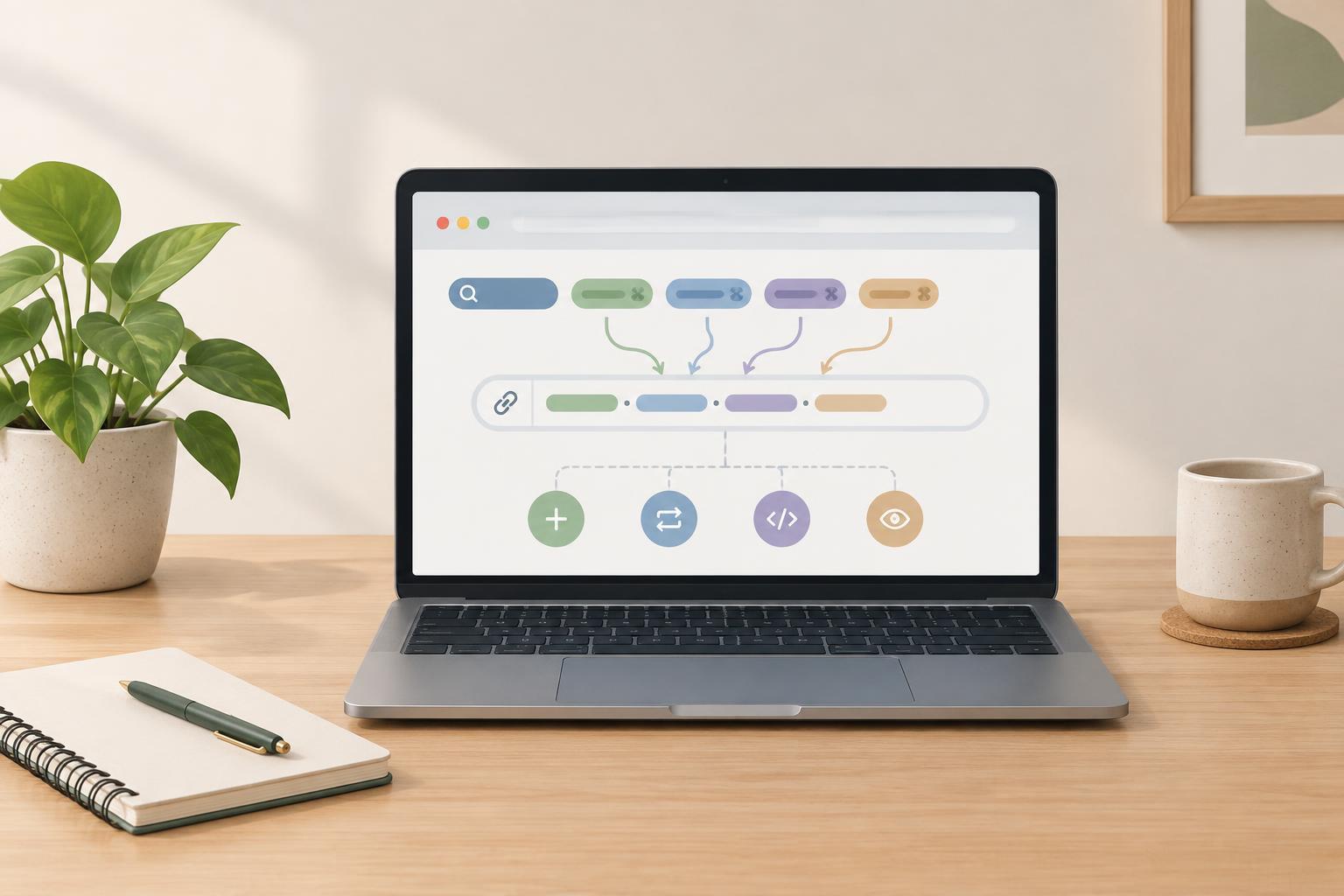
Practice ProjectsMake a small JavaScript helper that adds search terms and repeatable filters to a URL. Learn how URLSearchParams handles encoding, existing query strings, and duplicate keys.
Read article · 4 min↗
Practice ProjectsCreate a small FAQ accordion using real buttons, clearly associated answer panels, and a short JavaScript click handler. Learn how to keep its visible state and accessibility state in sync, then check it with a keyboard.
Read article · 4 min↗
Practice ProjectsMake a small drawing pad with a canvas, a color picker, a brush-size slider, and a clear button. This beginner-friendly project uses plain JavaScript and works with mouse, touch, or pen input in a browser that supports Canvas 2D and Pointer Events.
Read article · 4 min↗
Practice ProjectsCreate a small Python program that reads a UTF-8 text file, counts its words and prints the most frequent ones. Along the way, practice command-line arguments, error handling and predictable output.
Read article · 4 min↗
Practice ProjectsCreate a small Node.js game that picks a secret number, checks guesses, and gives helpful hints. This beginner project uses only built-in modules and covers input validation, loops, and simple testing.
Read article · 4 min↗
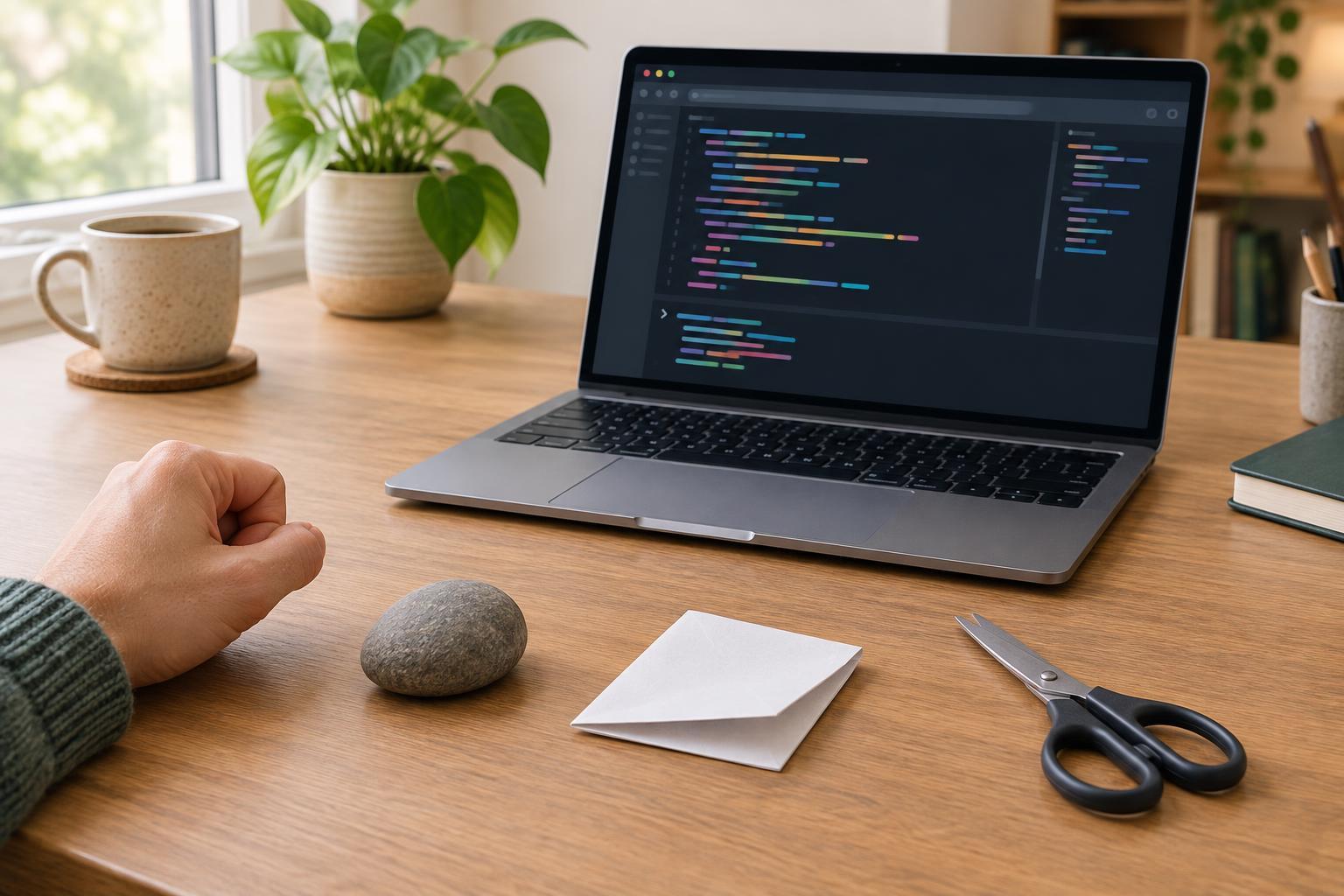
Practice ProjectsMake a one-round rock-paper-scissors game in your browser’s JavaScript console. Learn how to check input, choose a random computer move, decide the winner, and test each rule.
Read article · 4 min↗
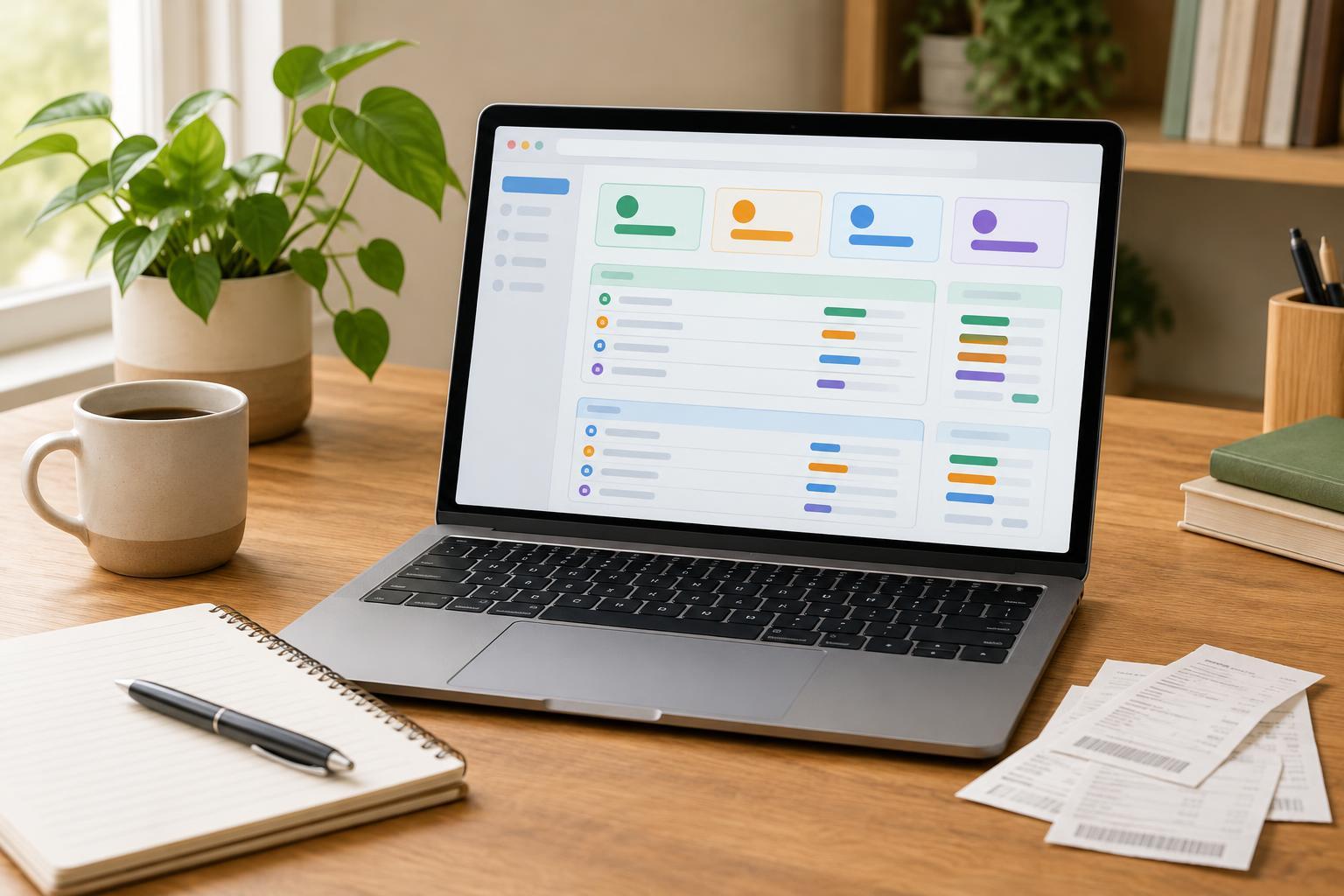
Practice ProjectsCreate a small browser-based expense tracker that groups entries by month and category. This beginner project uses plain JavaScript, stores amounts as whole cents, and needs no packages or account.
Read article · 4 min↗
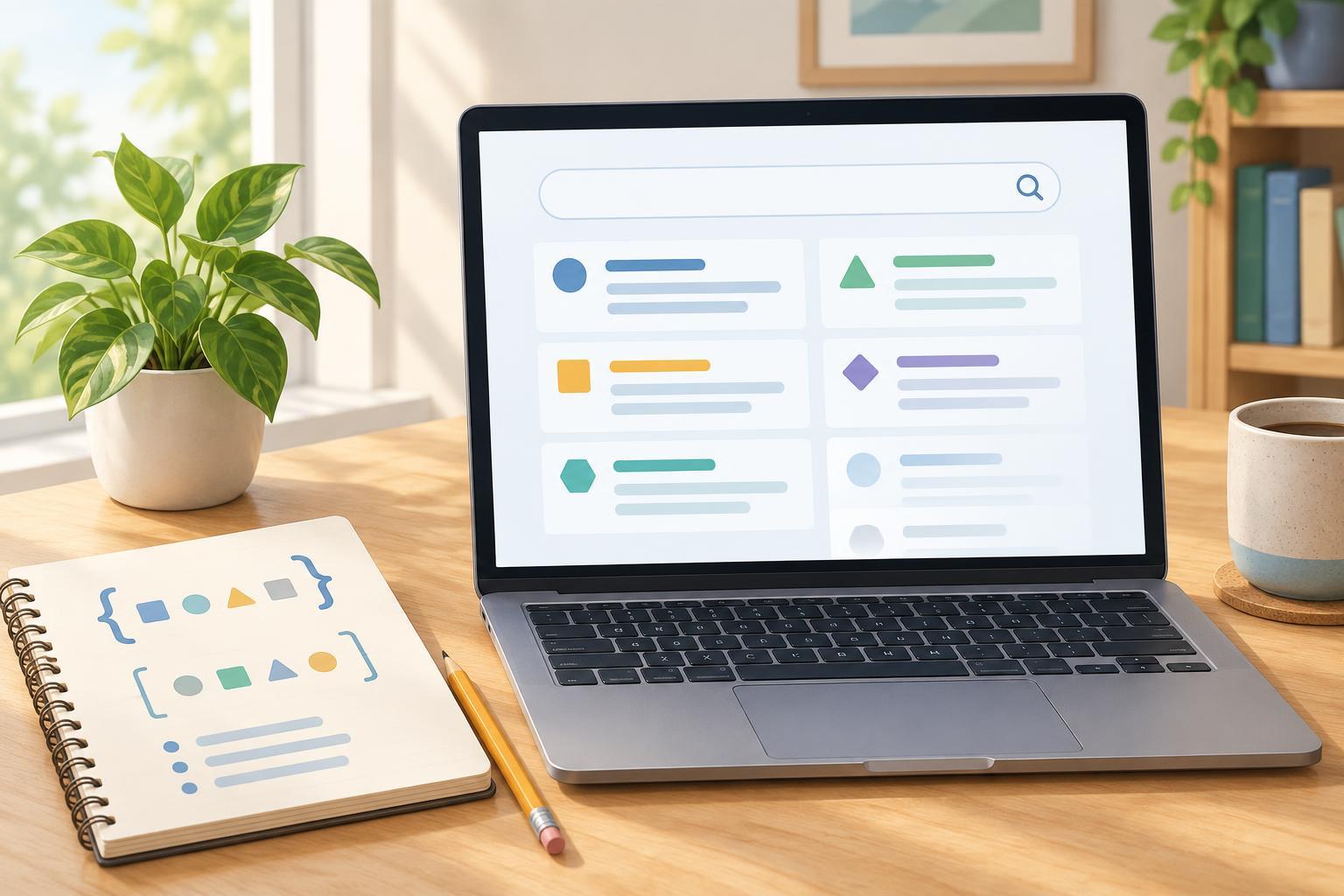
Practice ProjectsMake a small glossary that filters as you type. This beginner-friendly project keeps its entries in a JavaScript array, creates the interface with the DOM, and shows a helpful message when nothing matches.
Read article · 3 min↗

Practice ProjectsCreate a small photo gallery that adapts to different screen widths and opens larger images in an accessible dialog. This beginner project uses local image files, CSS Grid, and a little JavaScript—no framework or build tool required.
Read article · 4 min↗
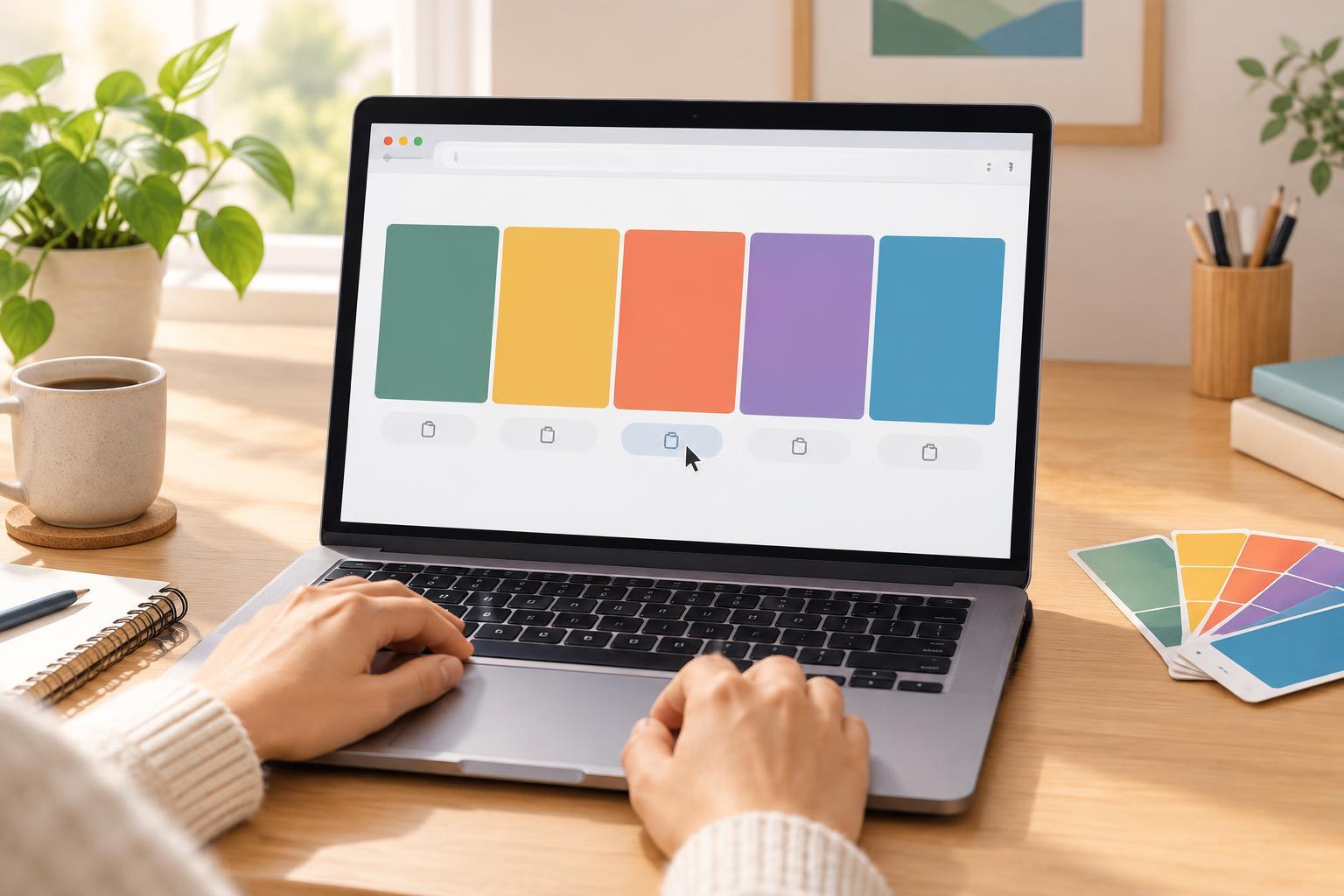
Practice ProjectsMake a small browser project that generates five random colors, displays their hex codes, and lets you copy a code with one click. The project uses plain JavaScript and includes a manual-copy fallback.
Read article · 4 min↗
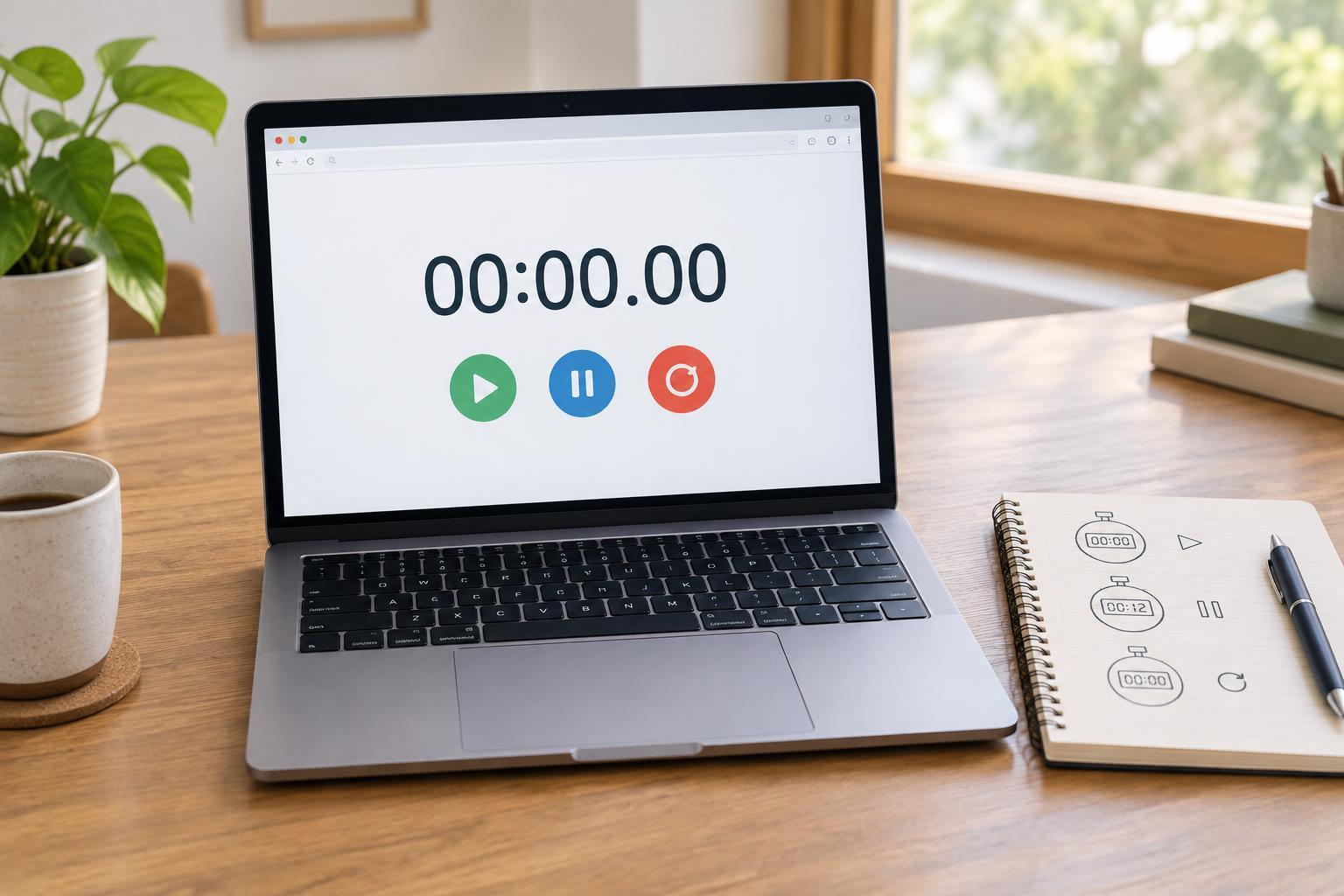
Practice ProjectsBuild a small browser stopwatch while practicing event listeners, elapsed-time calculations, and interface updates. This project uses plain JavaScript and needs no packages or build tools.
Read article · 4 min↗
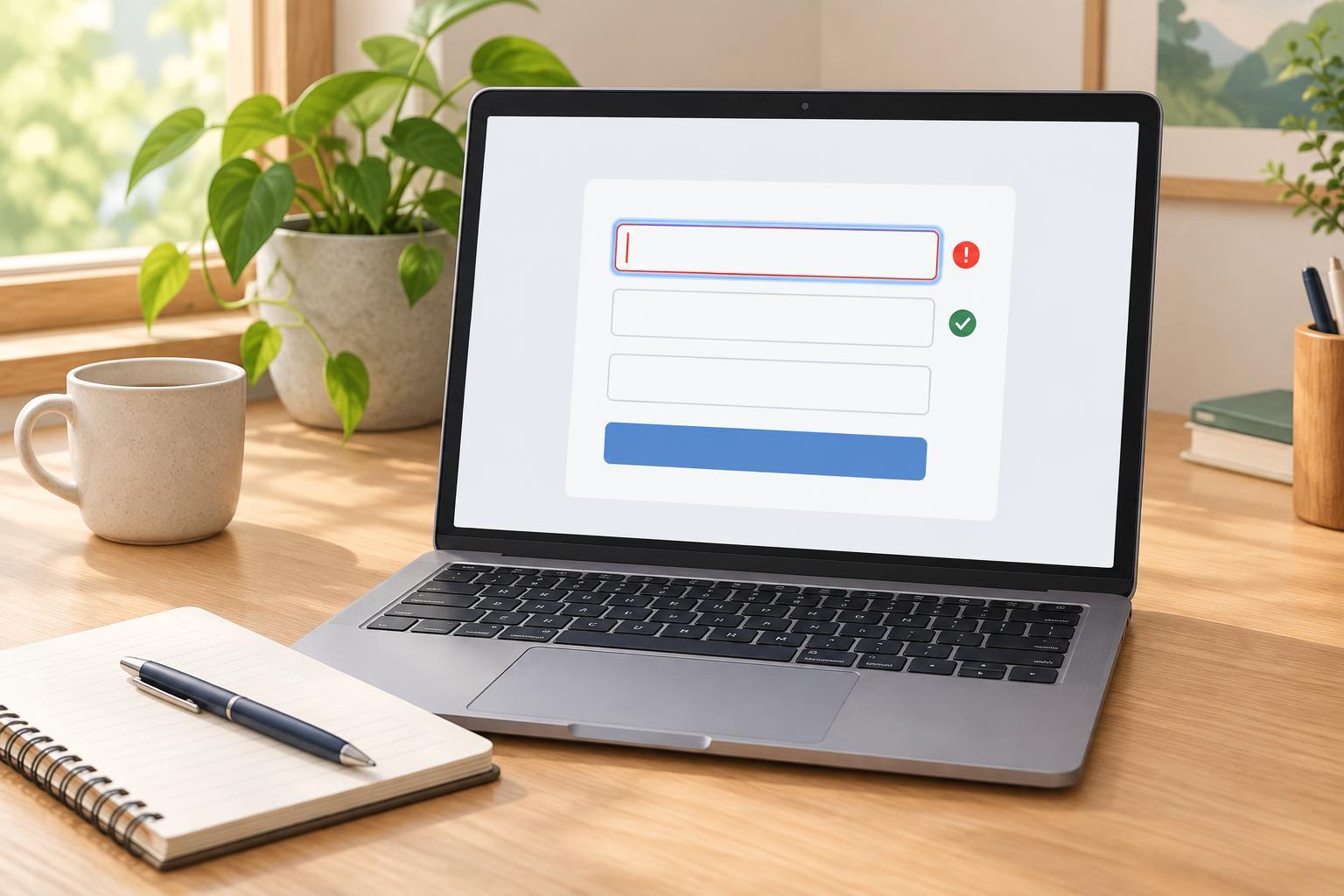
Practice ProjectsCreate a small signup form that explains what needs fixing, keeps feedback close to each field, and focuses the first error. This browser-only practice project uses plain JavaScript and makes clear why client-side validation is not a substitute for server-side checks.
Read article · 4 min↗
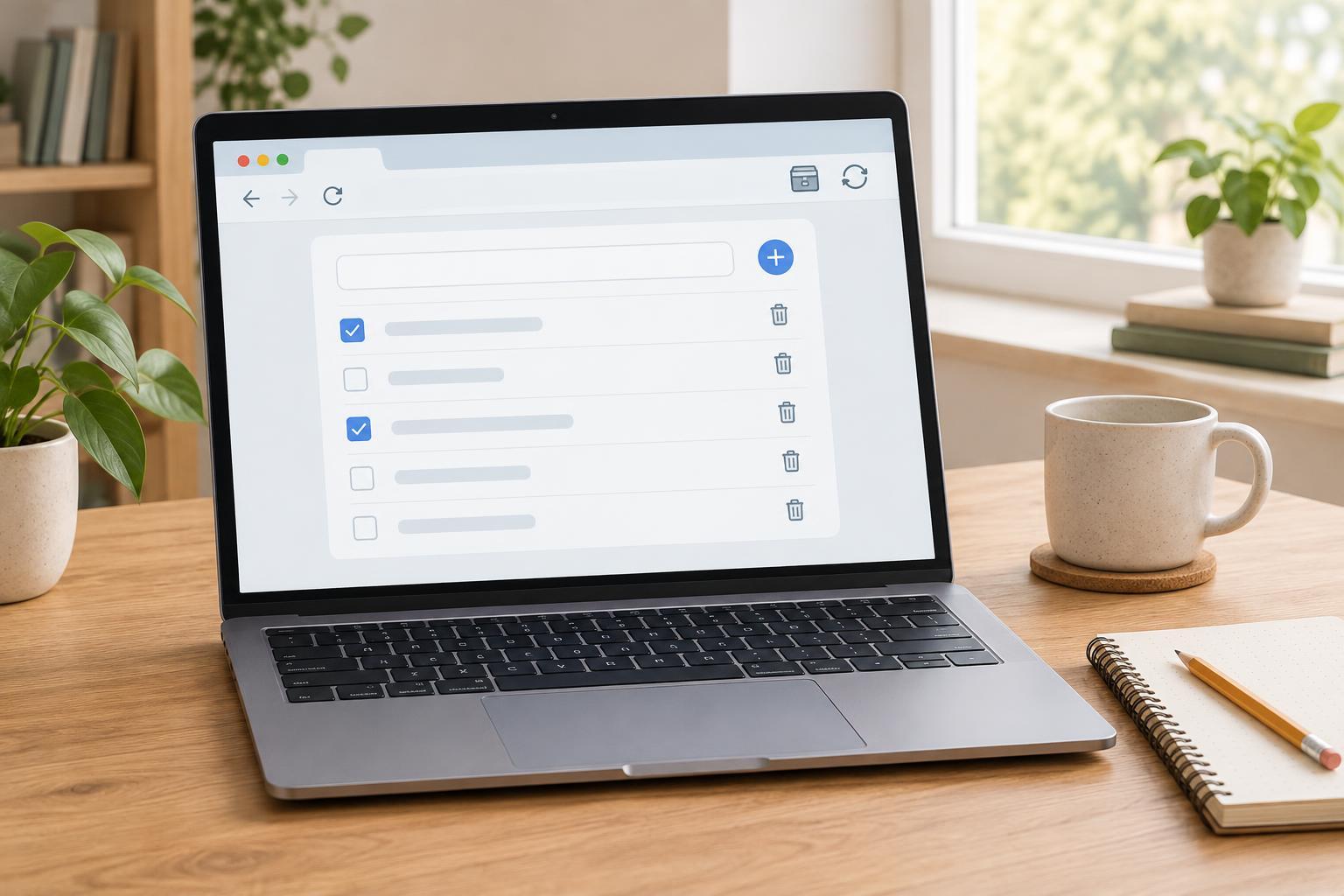
Practice ProjectsCreate a small to-do list that lets you add, complete, and remove tasks. This beginner-friendly project uses one HTML file and browser localStorage to keep tasks after a page reload.
Read article · 4 min↗
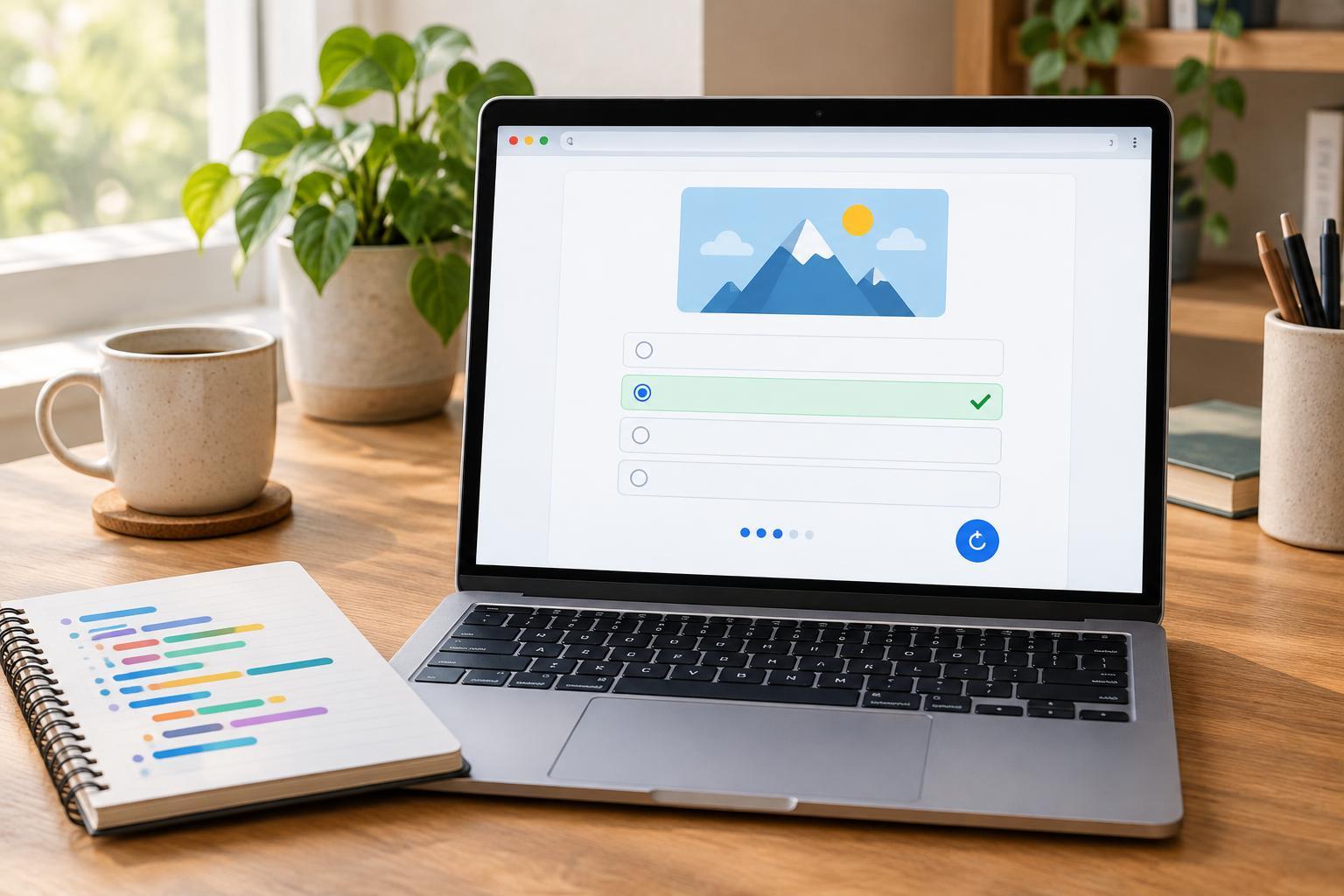
Practice ProjectsCreate a small browser quiz using one HTML file and plain JavaScript. The quiz shows one question at a time, updates the score, gives feedback, and lets the player start over.
Read article · 4 min↗
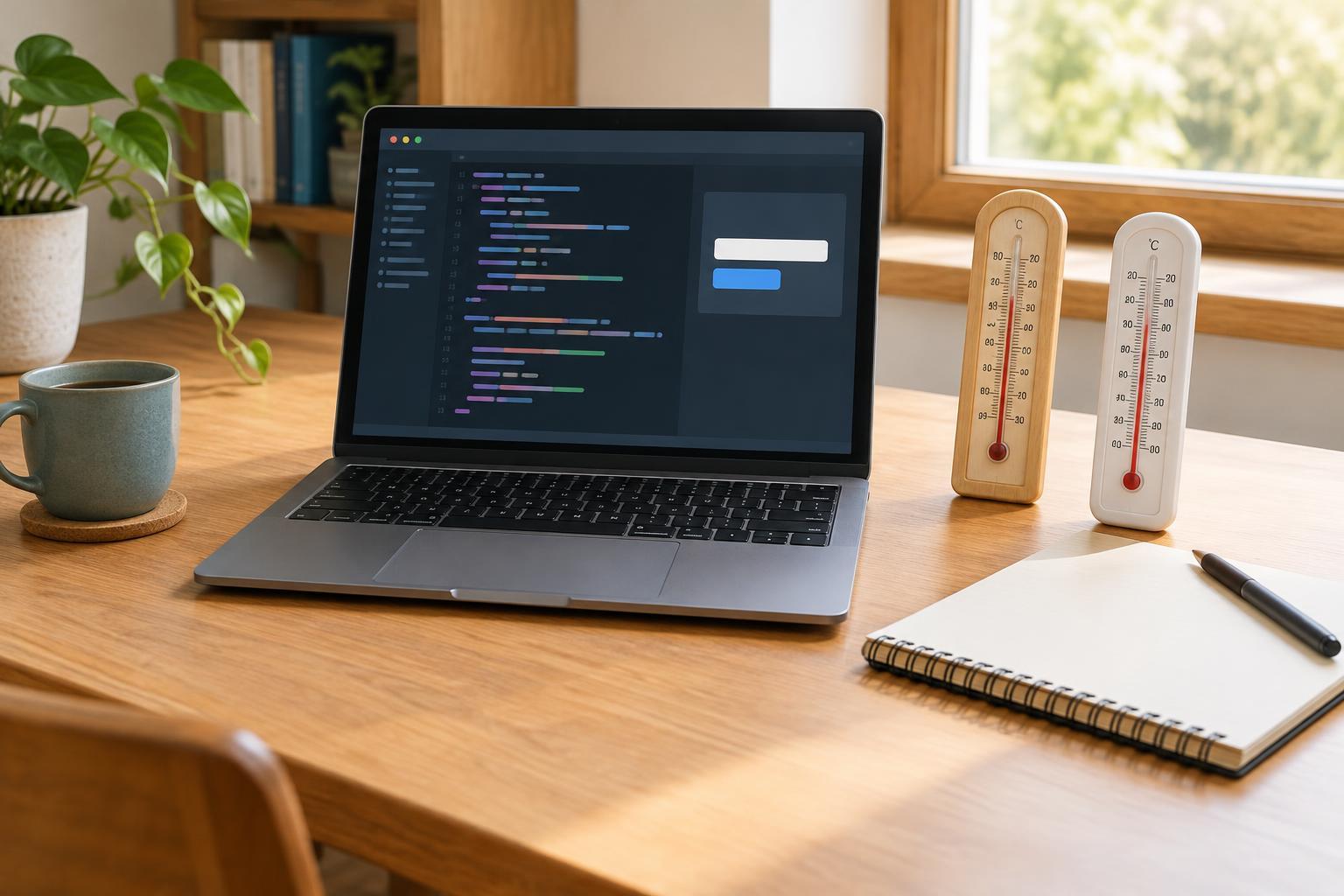
Practice ProjectsBuild a small Python program that converts between Celsius and Fahrenheit, rejects invalid input, and displays a clear result. Includes a complete example and practical test cases.
Read article · 4 min↗

Practice ProjectsMake a small browser-based tip calculator that accepts a bill amount, tip percentage, and group size. The project calculates in cents, handles leftover cents fairly, and gives you useful cases to test.
Read article · 4 min↗
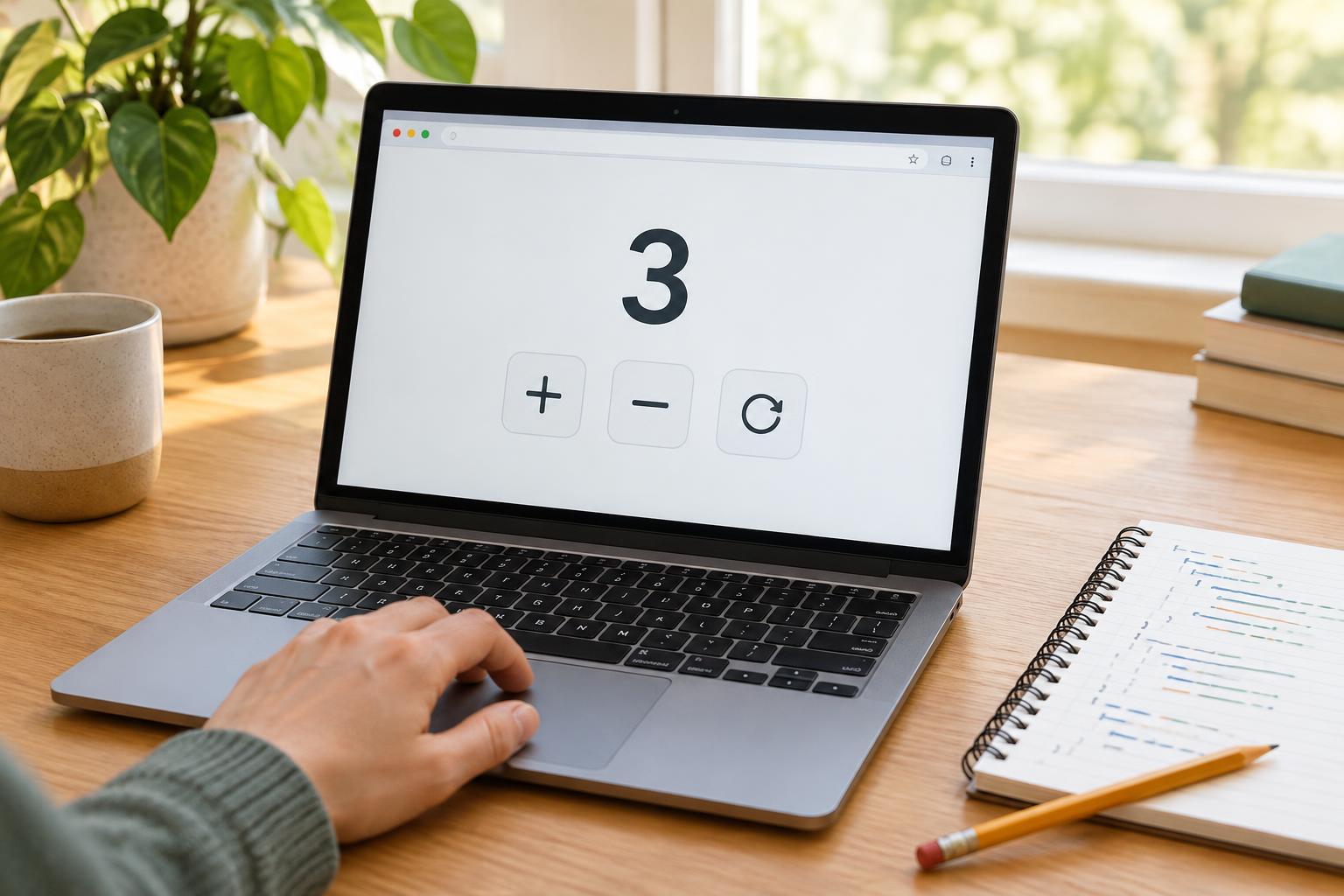
Practice ProjectsMake a small interactive counter with Increase, Decrease, and Reset buttons. This beginner project uses JavaScript to create the controls, update the displayed value, and prevent the count from dropping below zero.
Read article · 4 min↗
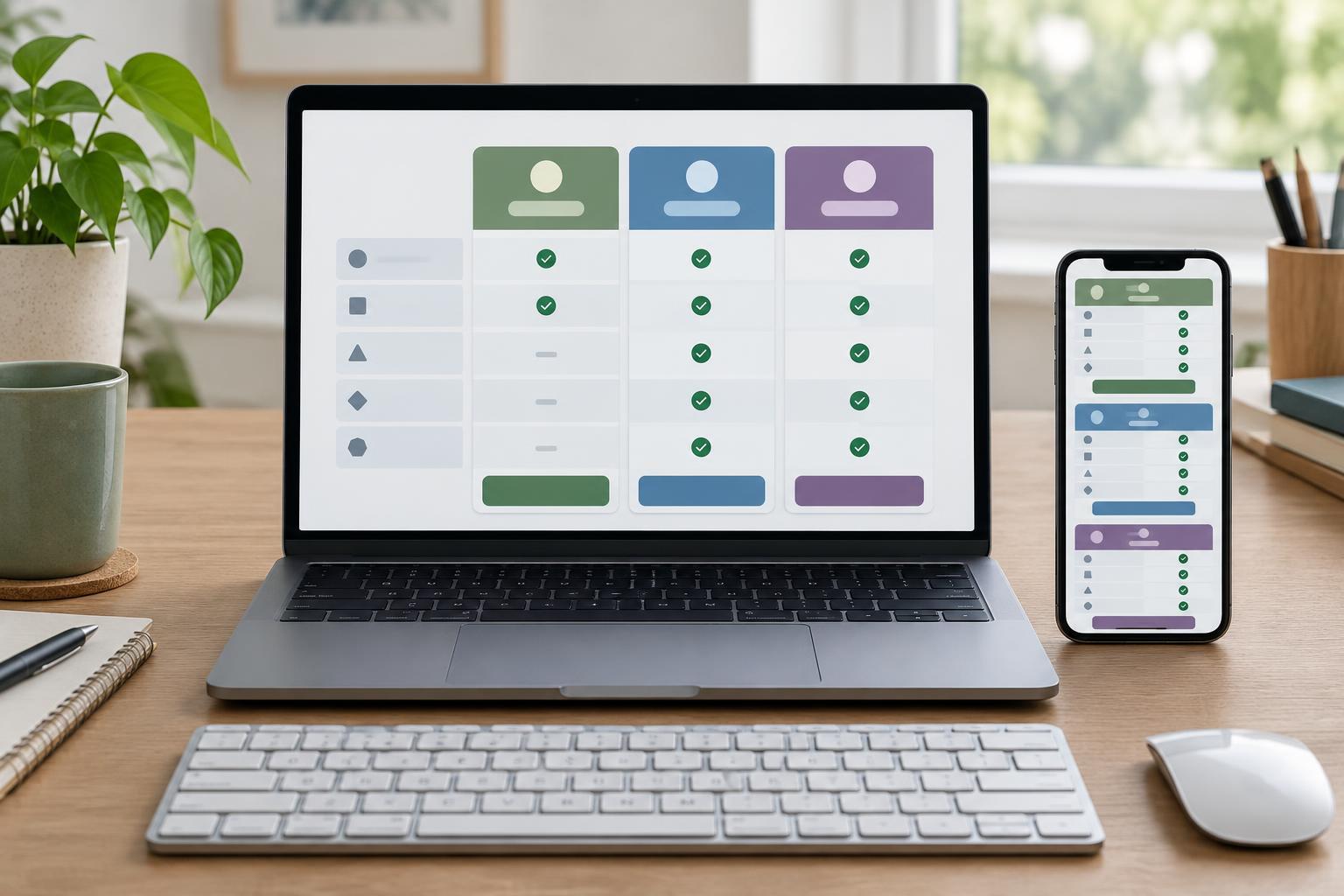
Practice ProjectsA practical beginner project for presenting plans, prices, and features in a table that is easier to read with a keyboard, screen reader, or small screen.
Read article · 4 min↗

Practice ProjectsCreate a compact profile card that adapts to narrow screens. This beginner project covers semantic HTML, flexible CSS sizing, readable spacing, and simple checks you can make in a browser.
Read article · 4 min↗
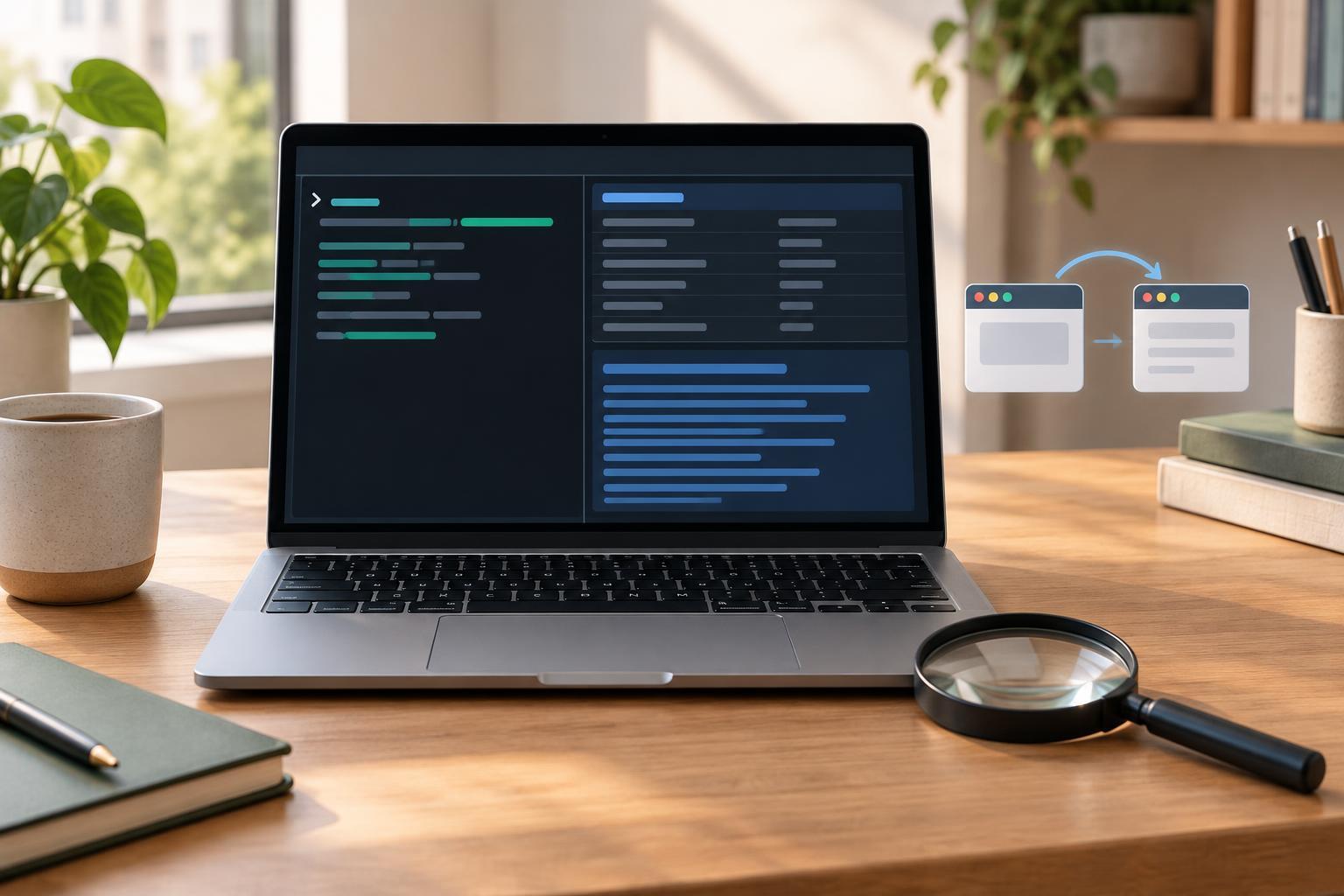
Developer ToolsLearn how to use curl to check an HTTP response’s status, headers, body, and redirects. This beginner-friendly guide explains the commands, what their output means, and a few mistakes to avoid.
Read article · 4 min↗
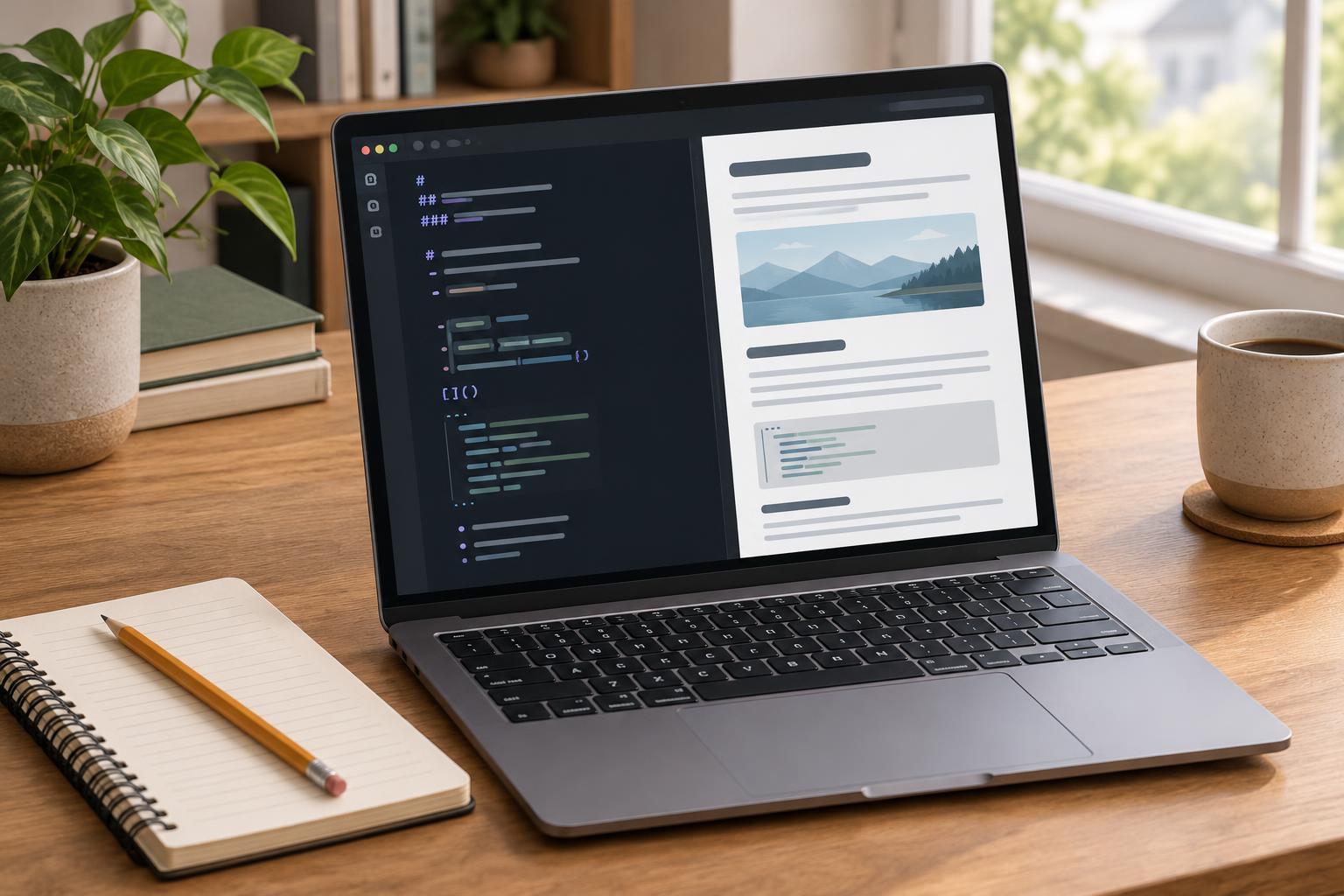
Developer ToolsPreviewing Markdown lets you check headings, links, images, and code blocks while you write. Learn a simple workflow in Visual Studio Code, plus ways to diagnose common preview problems.
Read article · 4 min↗
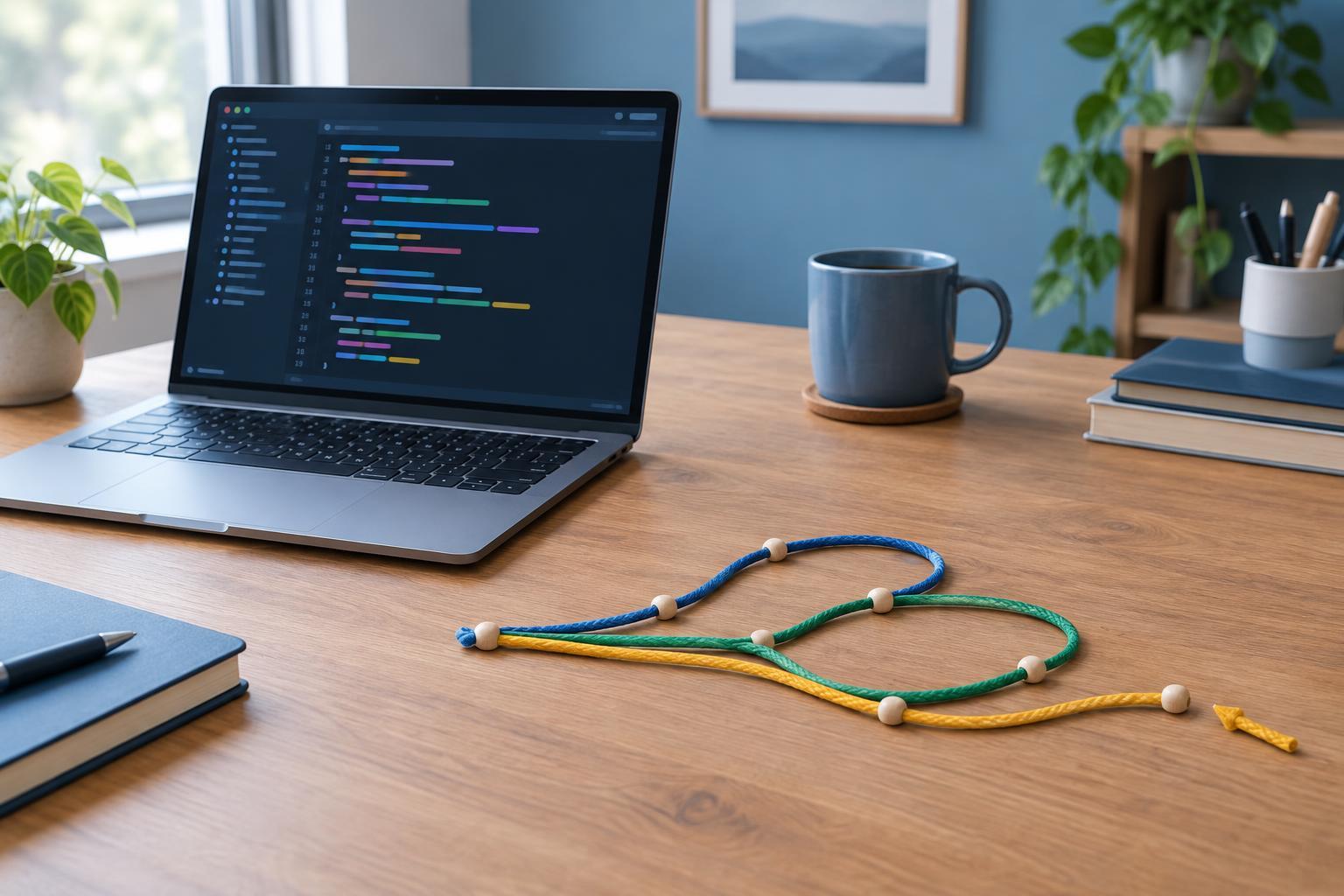
Developer ToolsLearn how to choose the right Git command for an unwanted edit, a staged file, or a commit. This beginner-friendly guide explains what restore, reset, and revert change, with practical examples and safety checks.
Read article · 4 min↗
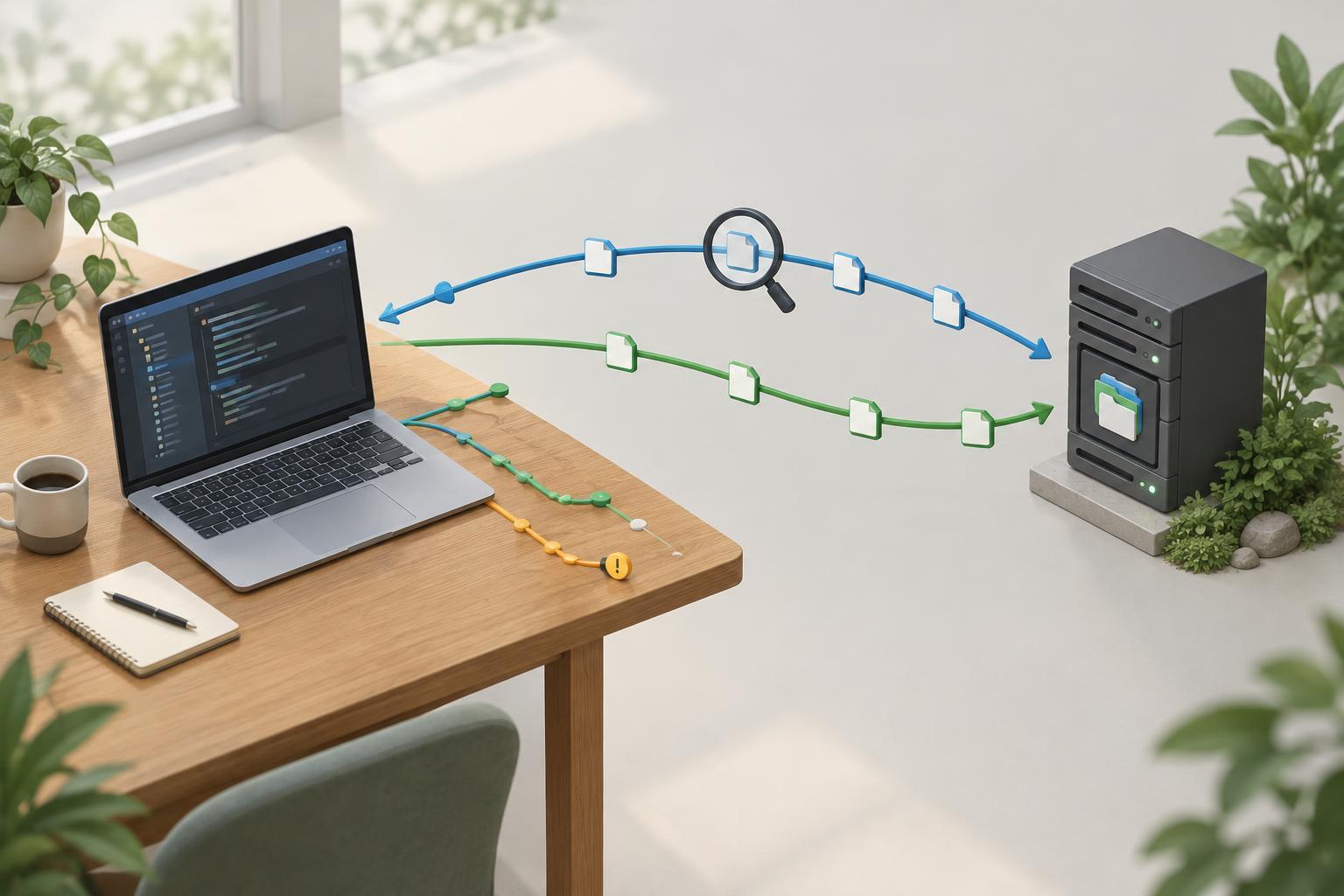
Developer ToolsA beginner-friendly guide to Git remotes: what they point to, what push and pull actually do, and how to check changes before sharing or receiving them.
Read article · 4 min↗
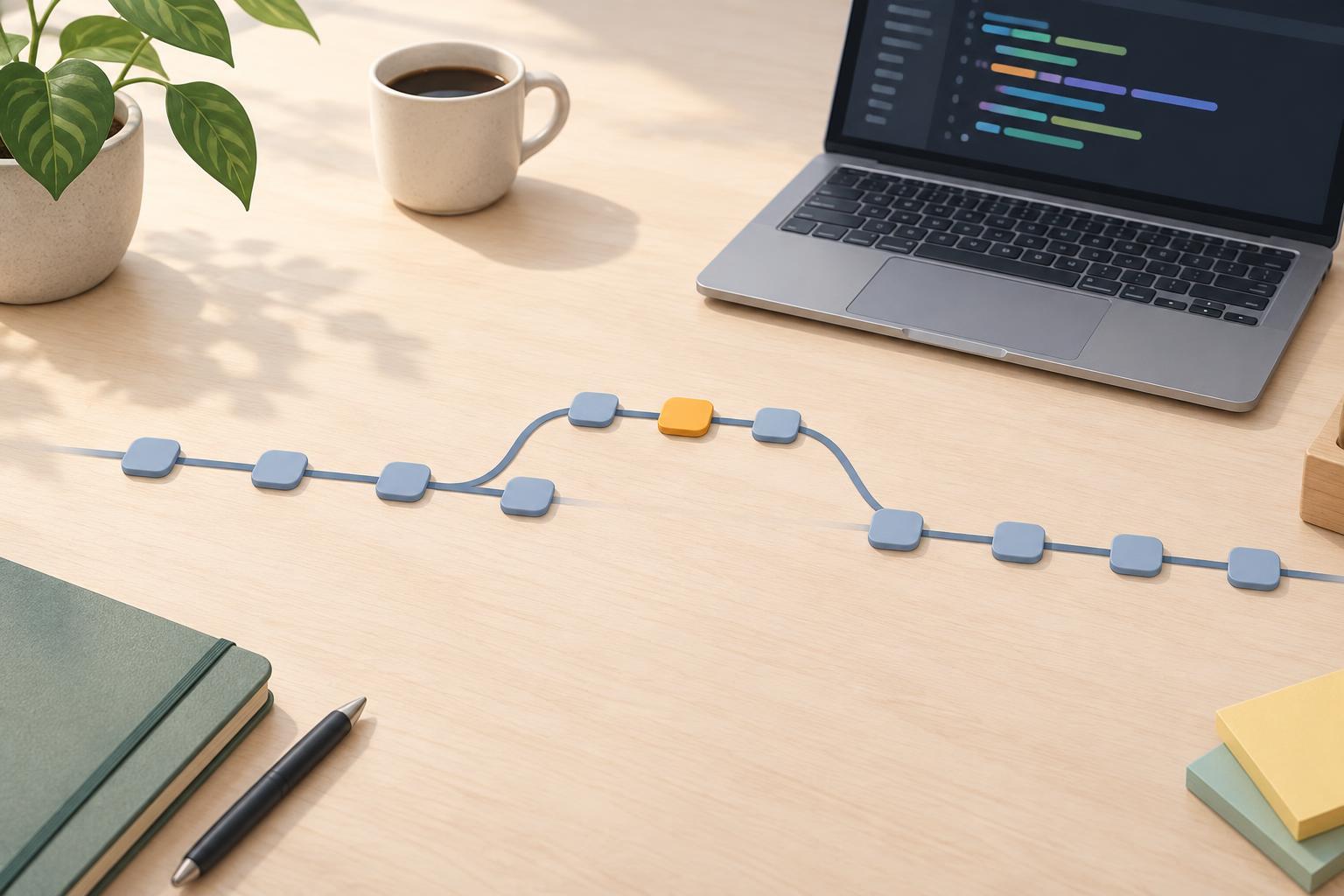
Developer ToolsLearn a simple Git workflow for keeping a change separate from your main branch, committing it, merging it, and checking the result. Includes the commands you need and a brief guide to merge conflicts.
Read article · 4 min↗
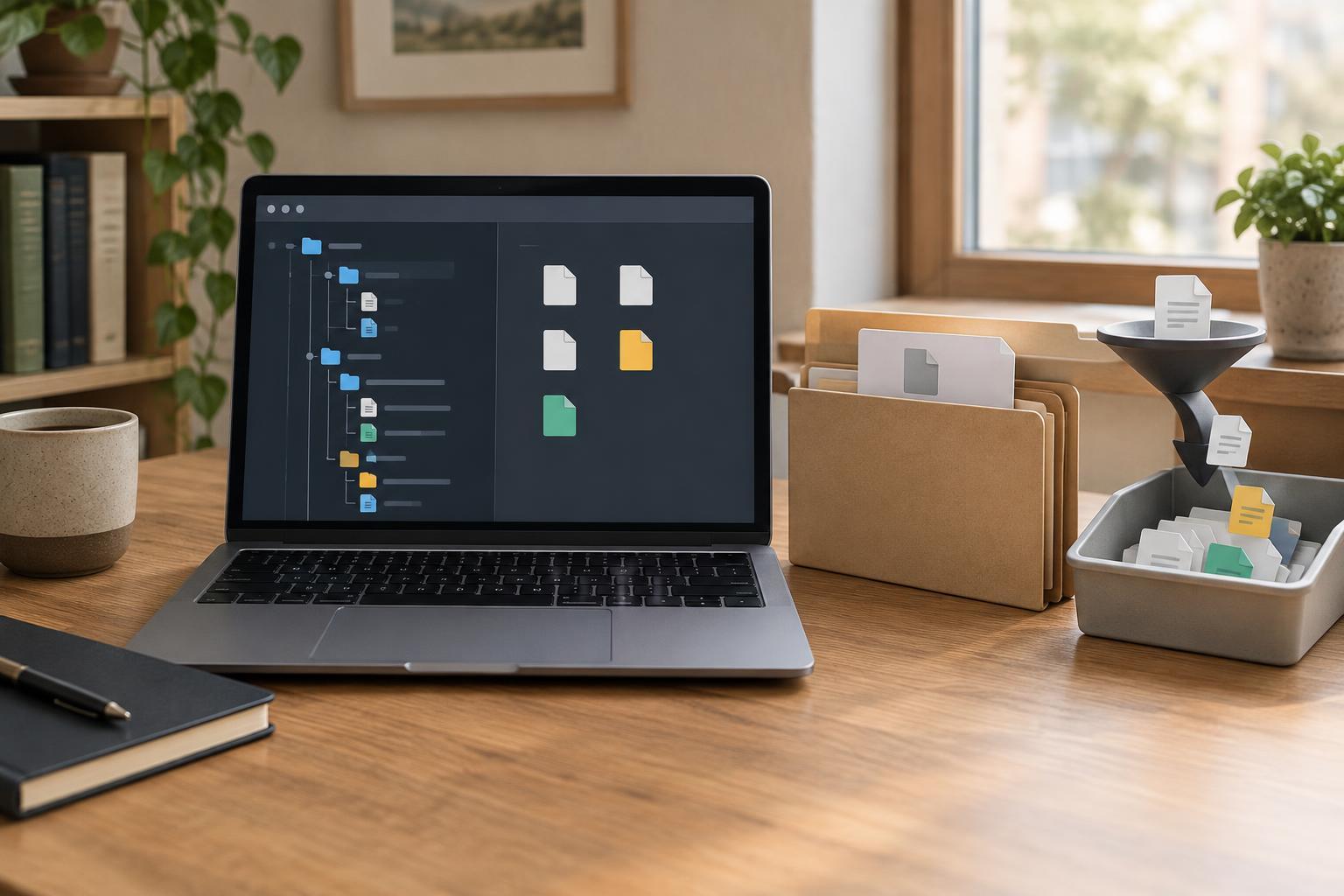
Developer ToolsA .gitignore file helps Git leave local and generated files out of future commits, but it does not remove files Git already tracks. Learn how to write useful patterns, check whether they match, and safely stop tracking a file while keeping your local copy.
Read article · 4 min↗
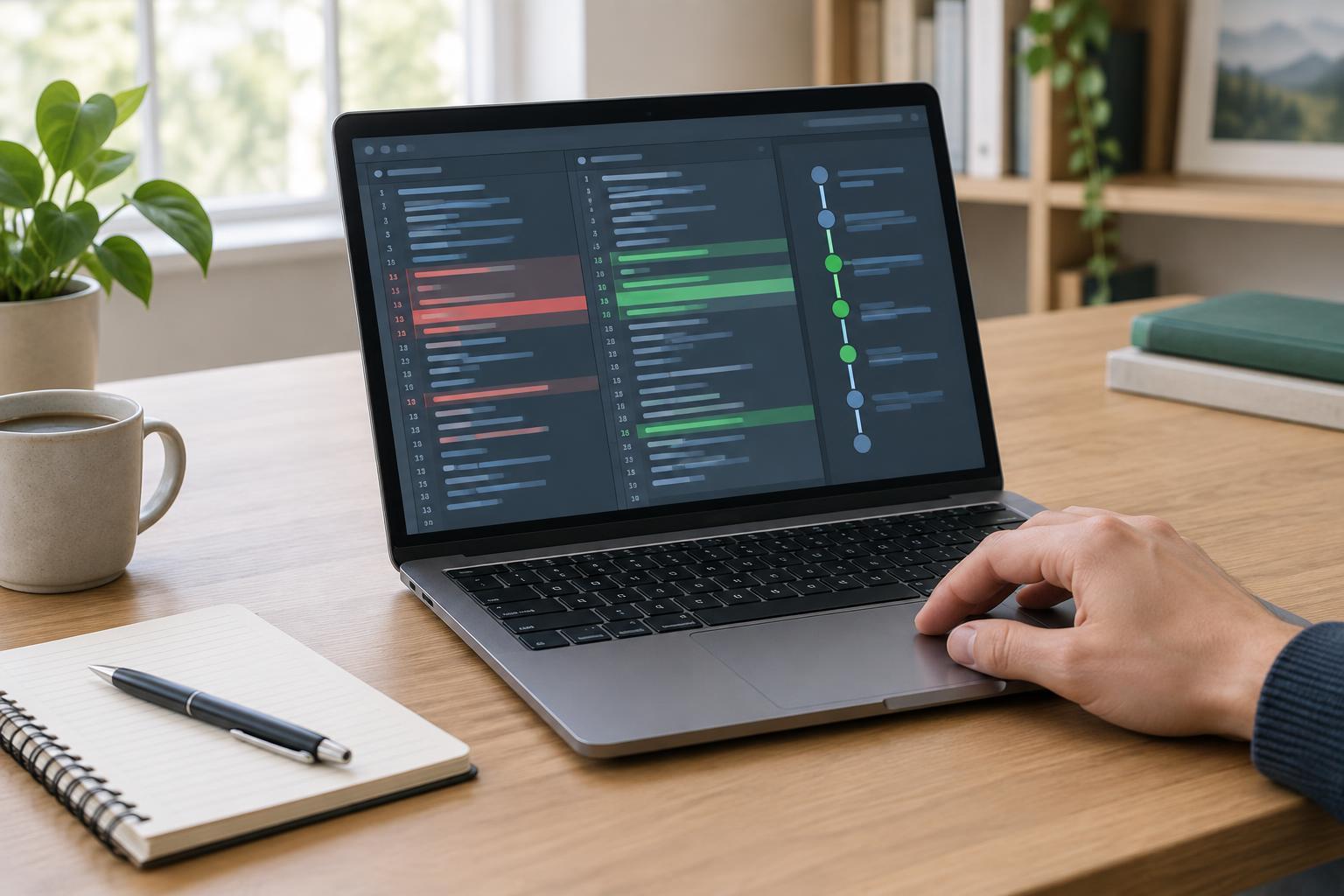
Developer ToolsLearn a repeatable way to inspect uncommitted edits, staged changes, and past commits. This beginner-friendly guide uses git diff and git log to help you understand what changed before you commit or continue working.
Read article · 4 min↗
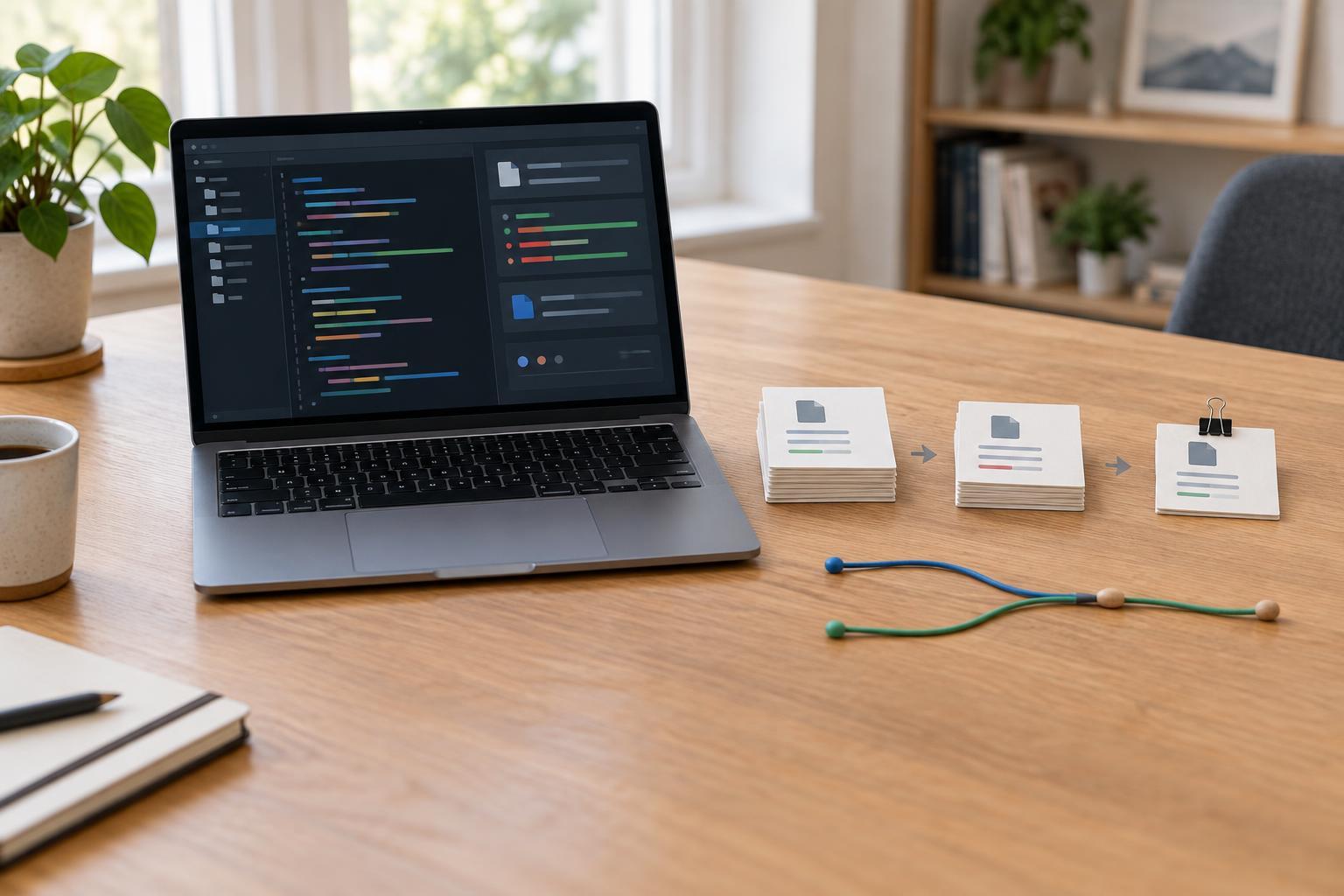
Developer ToolsLearn a simple local Git workflow: start a repository, check its status, stage a file, and save a commit. This beginner-friendly guide also explains how to review staged changes and avoid committing files you did not intend to include.
Read article · 3 min↗
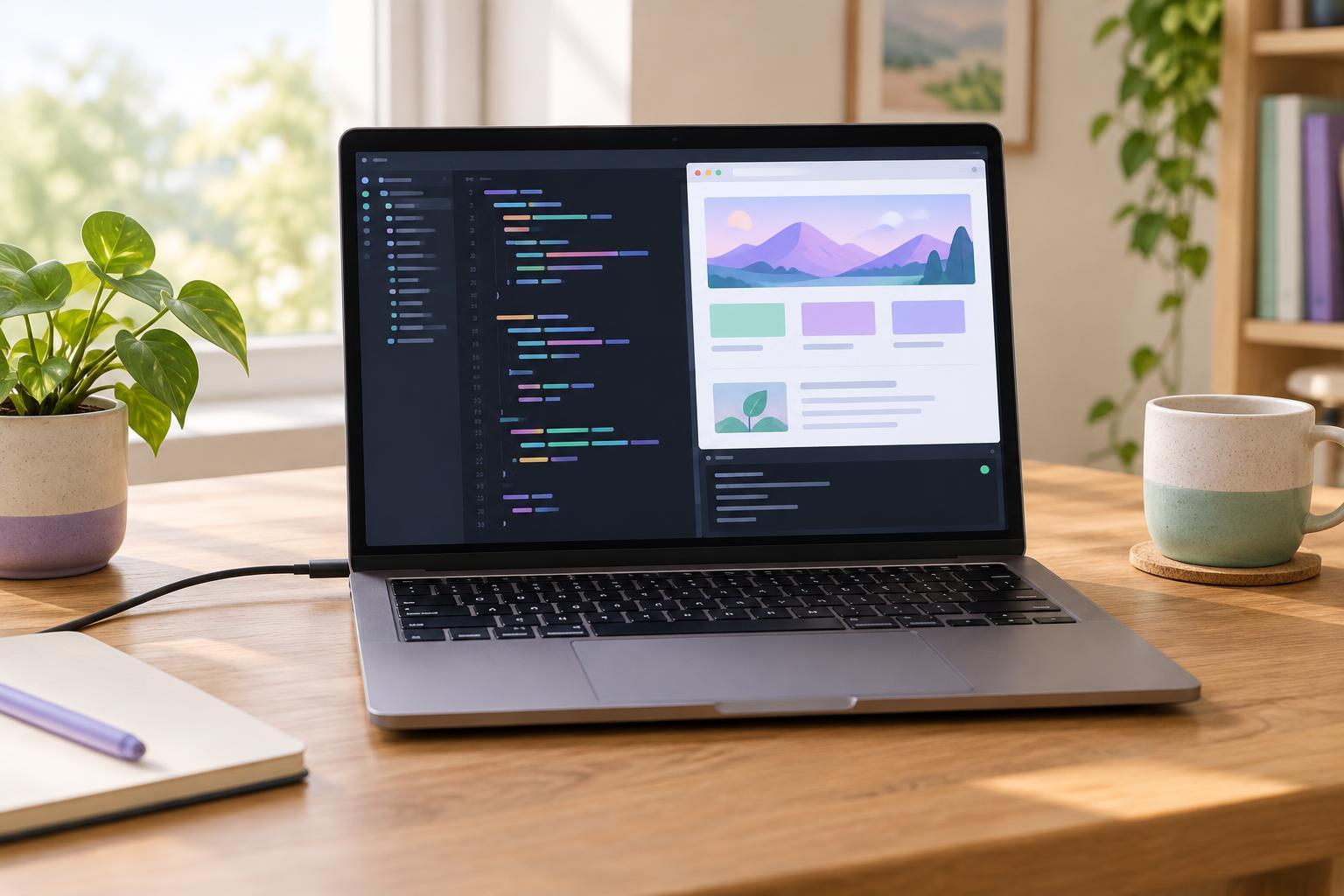
Developer ToolsSet up a small Vite project, start its local development server, and see changes in your browser. This beginner-friendly guide covers the tools you need, the commands to run, and common startup problems.
Read article · 4 min↗
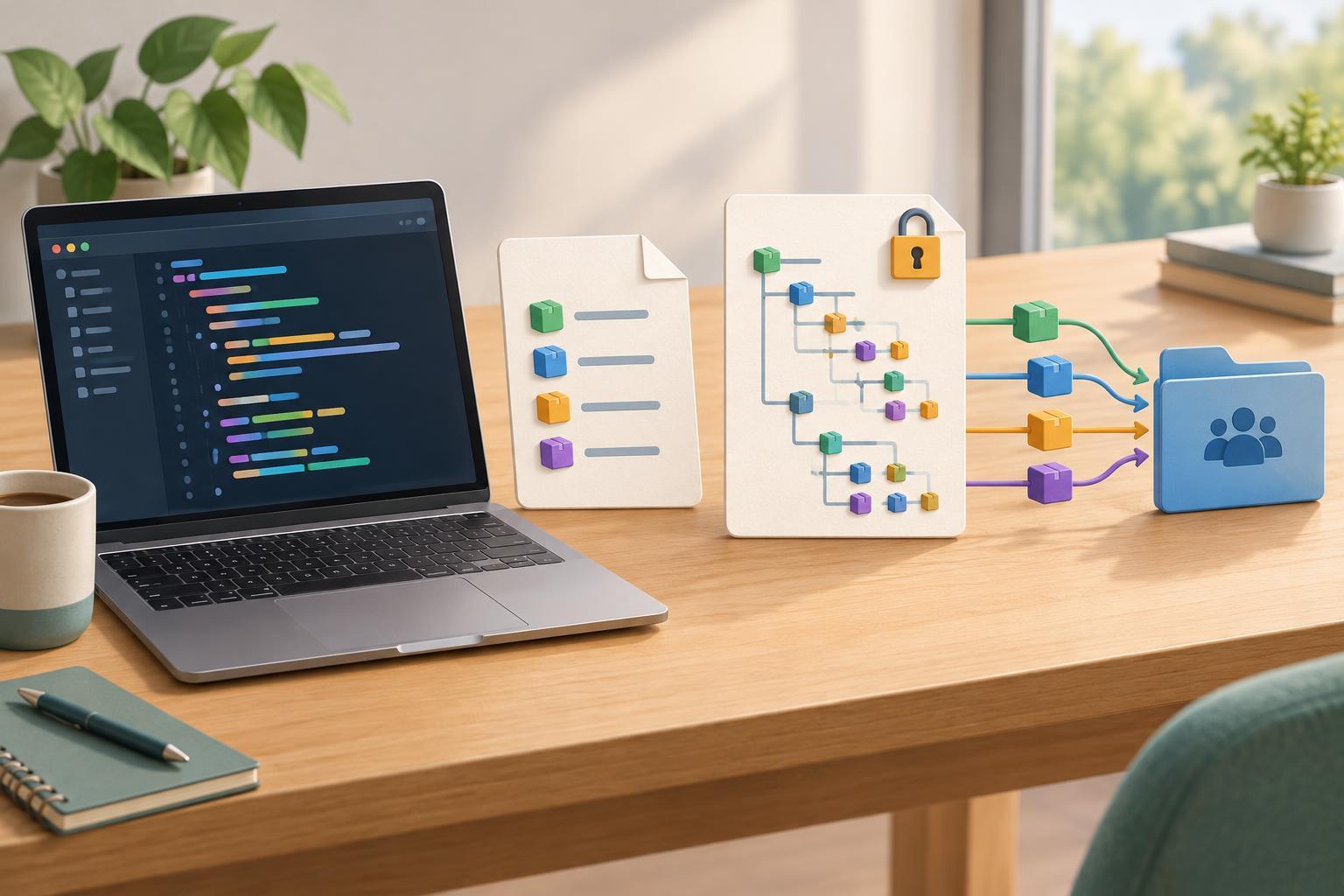
Developer ToolsA package-lock.json file records the dependency tree npm selected for a project. Learn how it works with package.json, why teams usually commit it, and when to update it.
Read article · 3 min↗
Developer ToolsLearn how npm scripts turn common project tasks into memorable commands. Set up a small Node.js project, add start and check scripts, run them from a terminal, and troubleshoot common mistakes.
Read article · 4 min↗
Developer ToolsLearn the two commands that show your installed Node.js and npm versions, how to tell whether both tools are available, and what to check when a terminal cannot find them.
Read article · 3 min↗
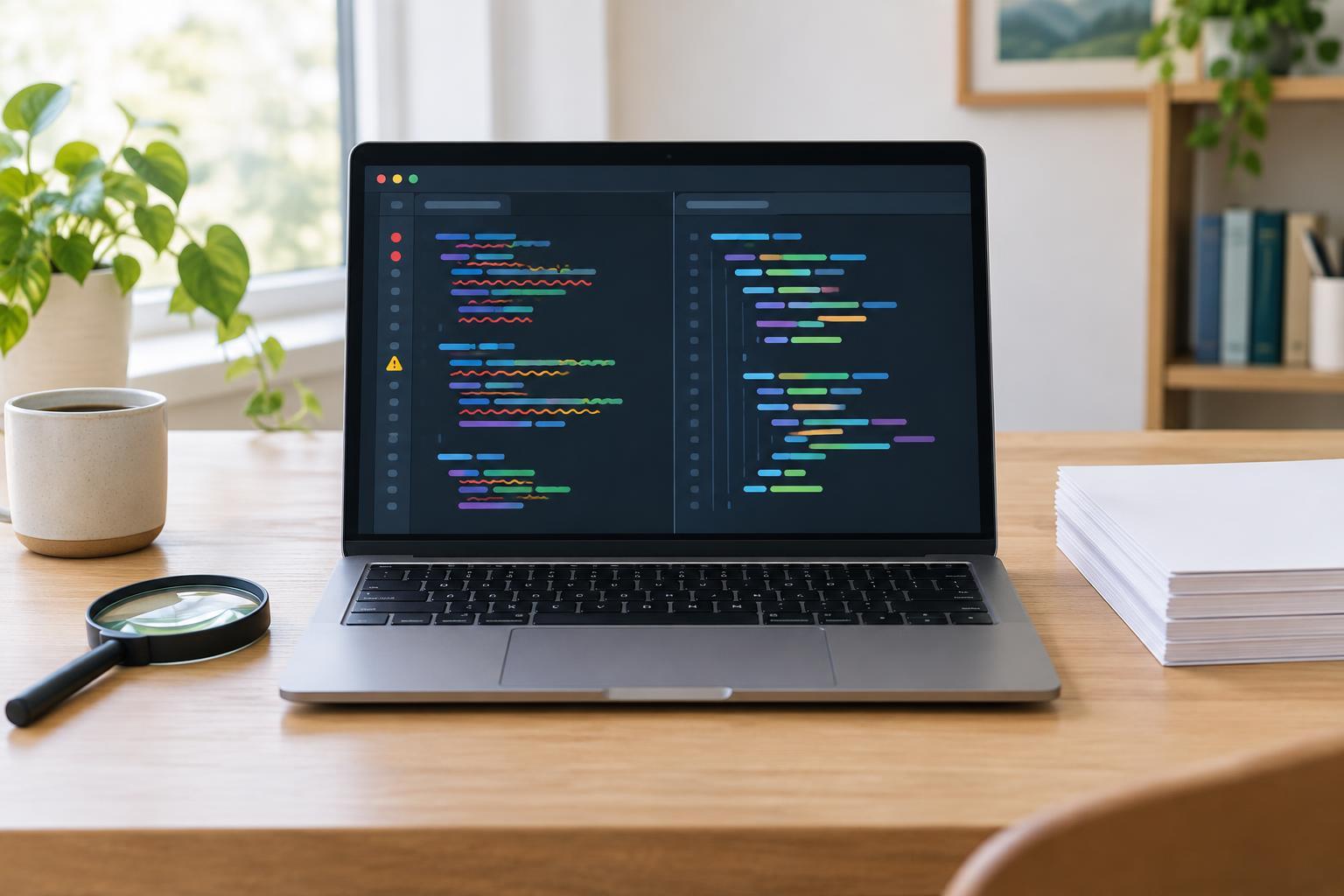
Developer ToolsESLint and Prettier can both improve a JavaScript project, but they do different jobs. Learn what each tool checks, how their roles overlap, and how to set up a simple workflow without making beginners manage the same style rule twice.
Read article · 4 min↗
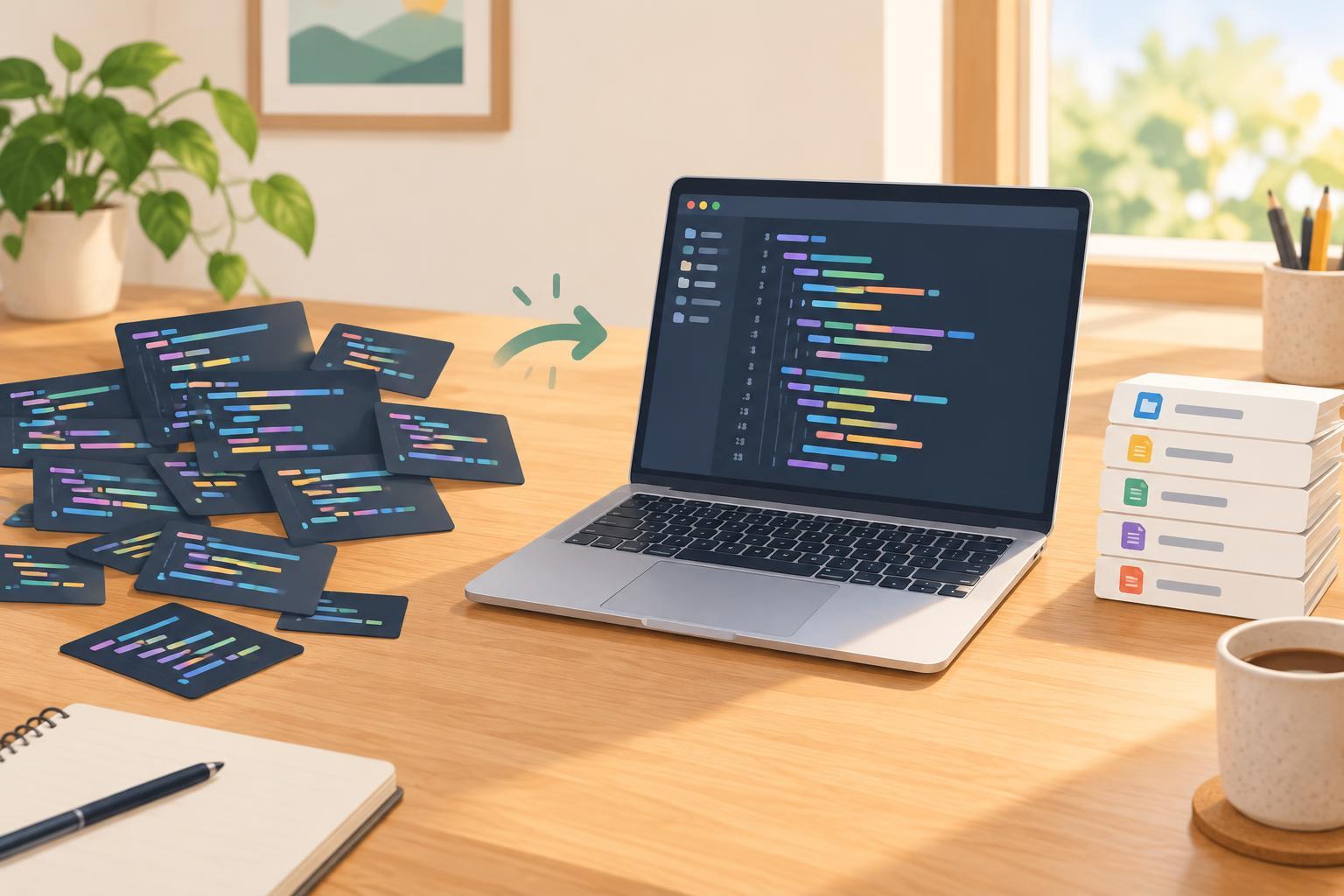
Developer ToolsSet up Prettier in a JavaScript project, choose a small set of shared formatting options, and add commands that everyone can run before committing changes.
Read article · 3 min↗
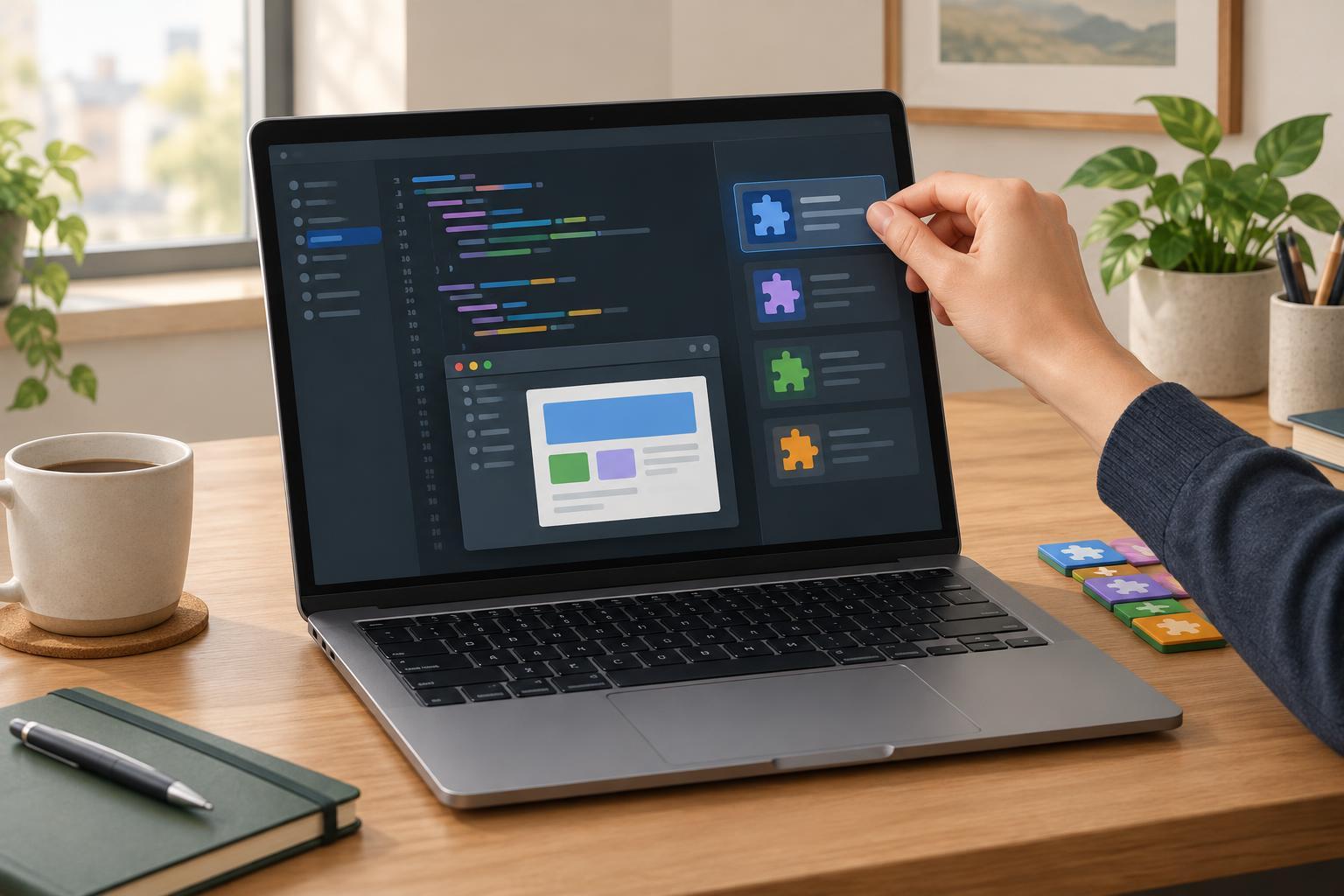
Developer ToolsExtensions can make Visual Studio Code more useful, but installing too many can create noise and make problems harder to diagnose. Learn how to choose extensions for a specific task, check what they can do, test them safely, and keep your setup manageable.
Read article · 4 min↗
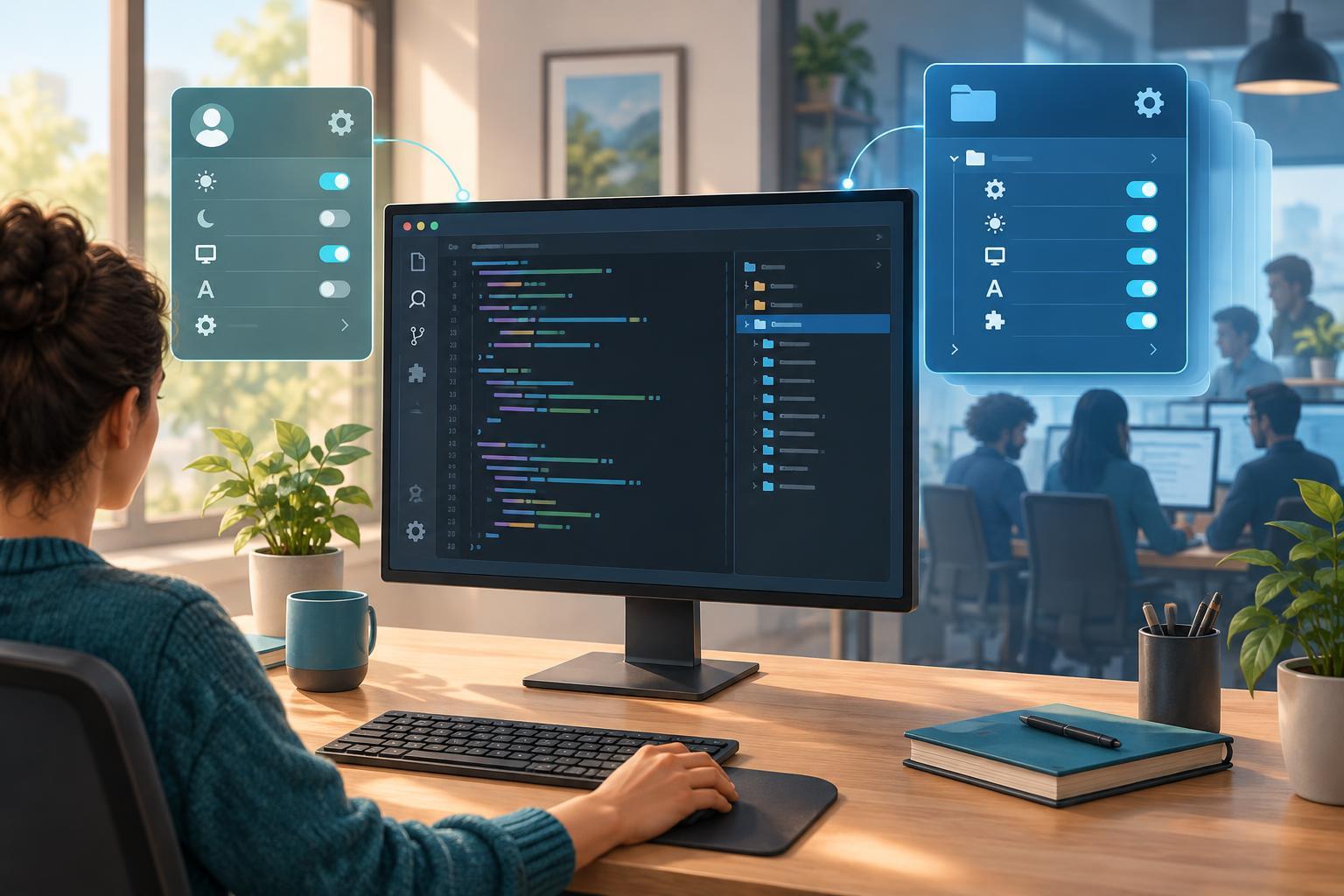
Developer ToolsVisual Studio Code lets you set personal preferences for every project or choose settings for one workspace. Learn where each type lives, which one takes priority, and how to avoid sharing preferences your teammates may not want.
Read article · 4 min↗
Developer ToolsCommand-line tools are easier to explore when you know where to find help, how to read flags, and what an exit code tells you. Learn these basics with a small Python example you can run on your own computer.
Read article · 4 min↗
Developer ToolsLearn the basic command-line tools for managing files in a small practice folder. This beginner-friendly guide covers creating files, making copies, moving and renaming them, and deleting them with care.
Read article · 4 min↗
Developer ToolsLearn how to find your current folder, move between folders, and list files using common terminal commands. Includes a small practice exercise for Bash, Zsh, and PowerShell.
Read article · 4 min↗
DebuggingA practical guide to finding code that never finishes: recognize the symptoms, interrupt safely, check loop progress and recursion base cases, and add guards while debugging JavaScript.
Read article · 4 min↗
DebuggingAn import error does not always mean a package is missing. Learn how to read the error, check paths and project settings, inspect dependencies, and verify a fix without making your project harder to reproduce.
Read article · 4 min↗
DebuggingAn application can start locally but fail in a test, a new terminal, or a deployment because a required environment variable is missing. Learn how to recognize the symptoms, check the process environment without exposing secrets, and make configuration errors easier to diagnose.
Read article · 4 min↗
DebuggingA failing unit test tells you that an expectation and a result differ, but it does not tell you which one is wrong. Learn a repeatable way to reproduce the failure, read its evidence, check the expected behavior, and make a focused fix.
Read article · 4 min↗
DebuggingA JSON parsing error does not always mean the JSON itself is malformed. Learn how to inspect the actual API response, distinguish parsing failures from HTTP errors, and fix common problems such as HTML error pages, empty bodies, and invalid JSON syntax.
Read article · 4 min↗
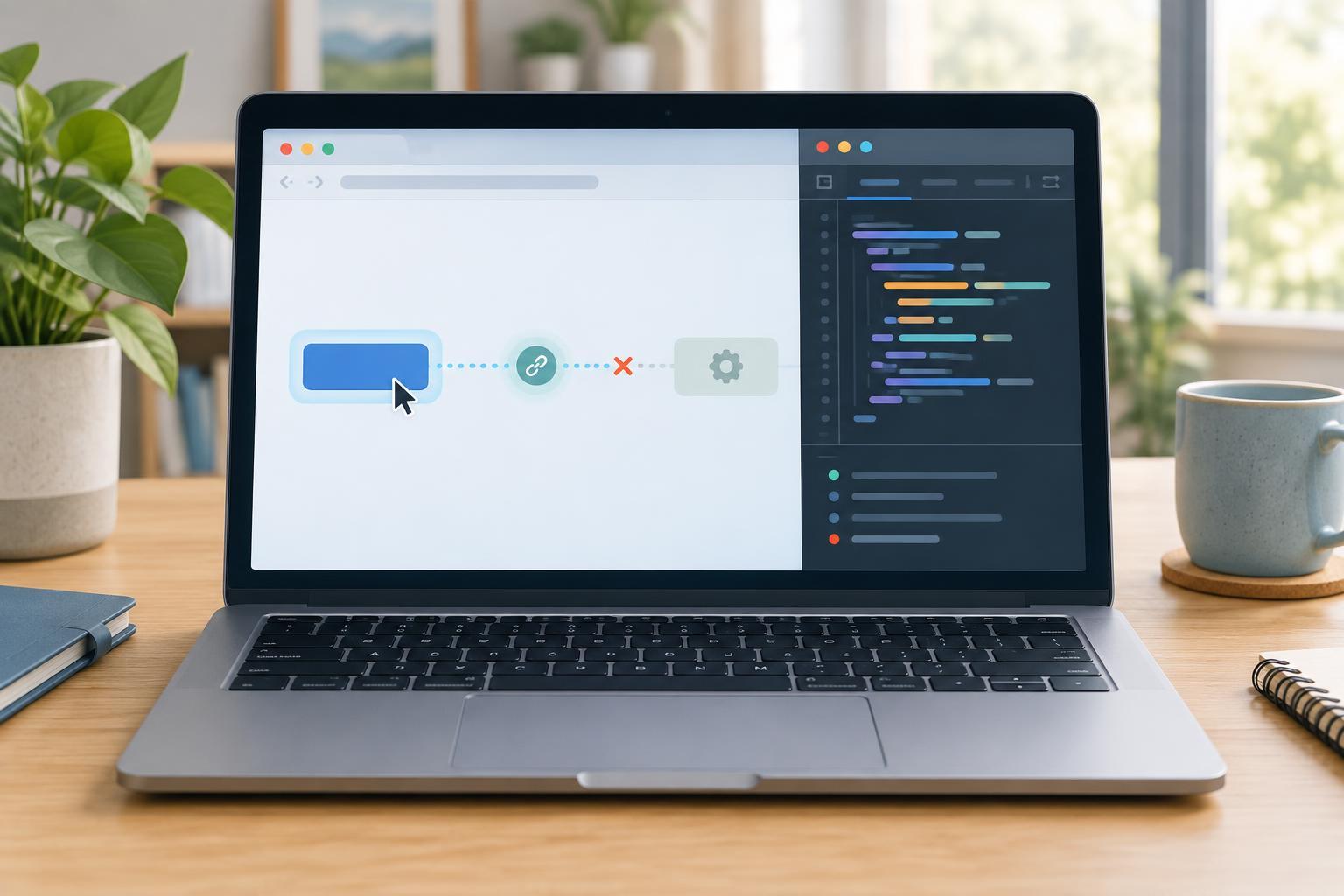
DebuggingA practical checklist for finding out why a button click produces no response. Learn how to check the console, confirm your selector, inspect event listeners, and distinguish a missing click from a handler that fails later.
Read article · 4 min↗
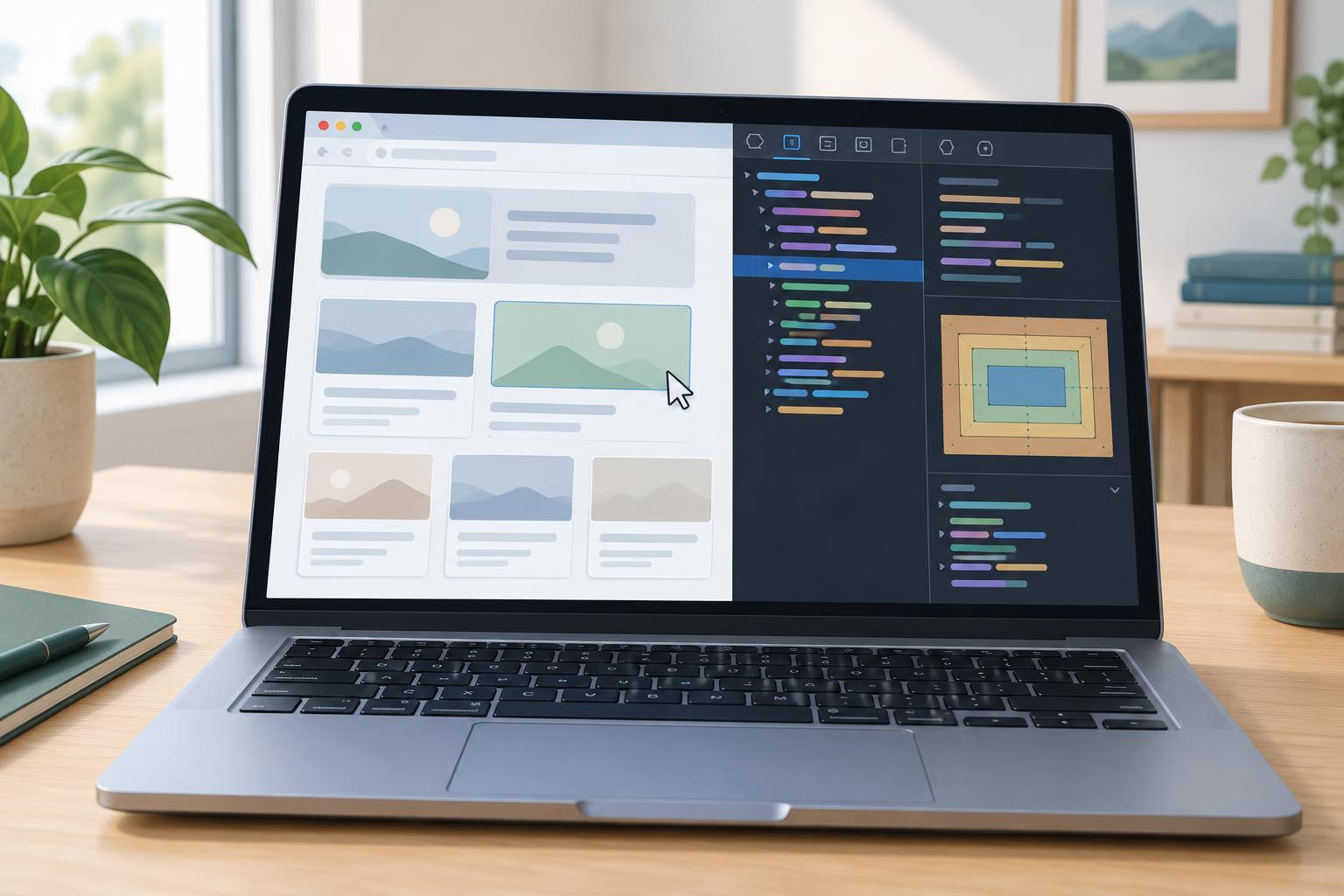
DebuggingWhen a page looks wrong, changing CSS at random can create new problems. Learn a repeatable way to inspect an element, identify the rule or container causing the issue, test a fix in browser developer tools, and move the change back into your stylesheet.
Read article · 4 min↗
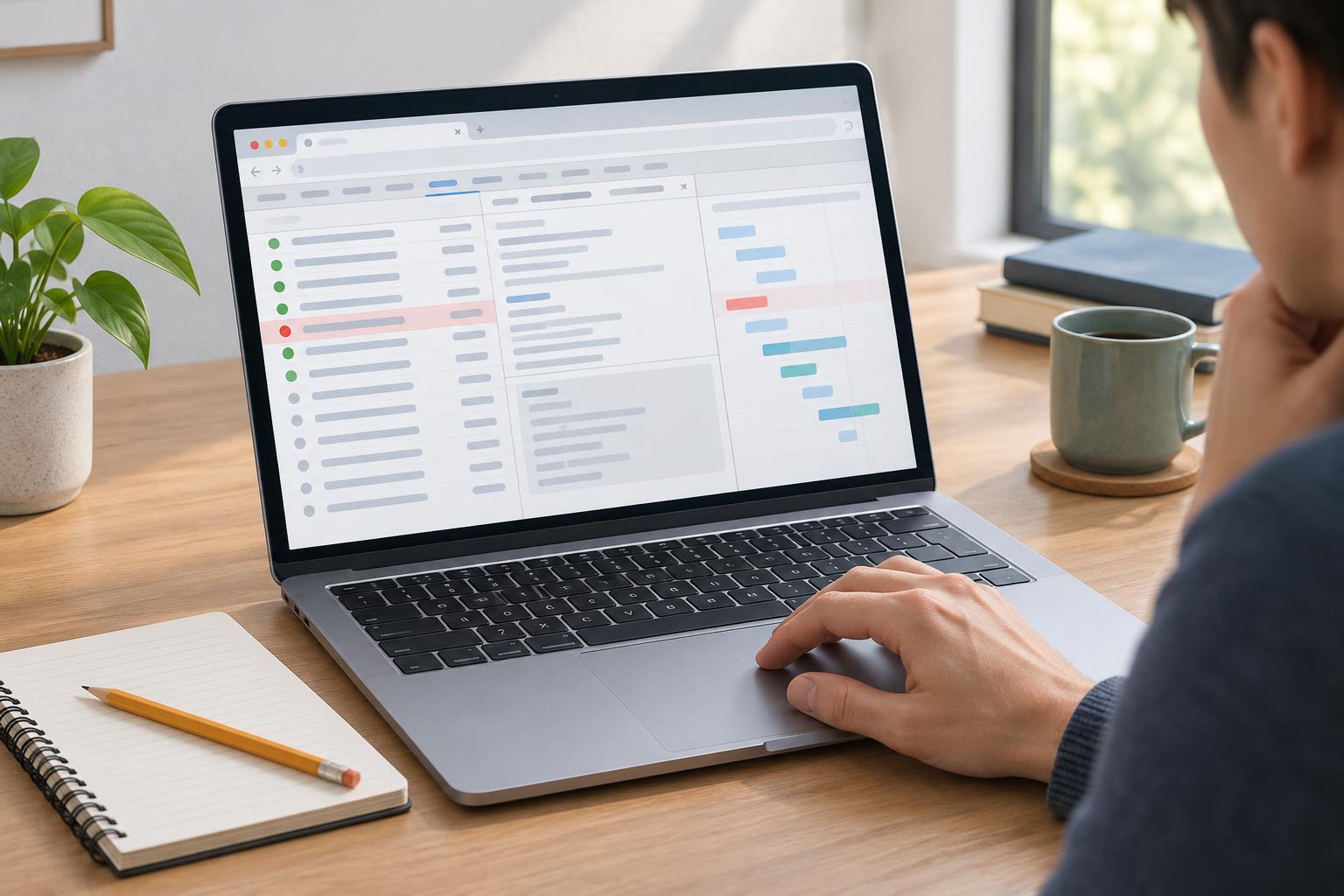
DebuggingA beginner-friendly workflow for finding out why a web page cannot load data, submit a form, or fetch a file. Learn how to capture the request, inspect its status and response, and decide what to check next.
Read article · 5 min↗
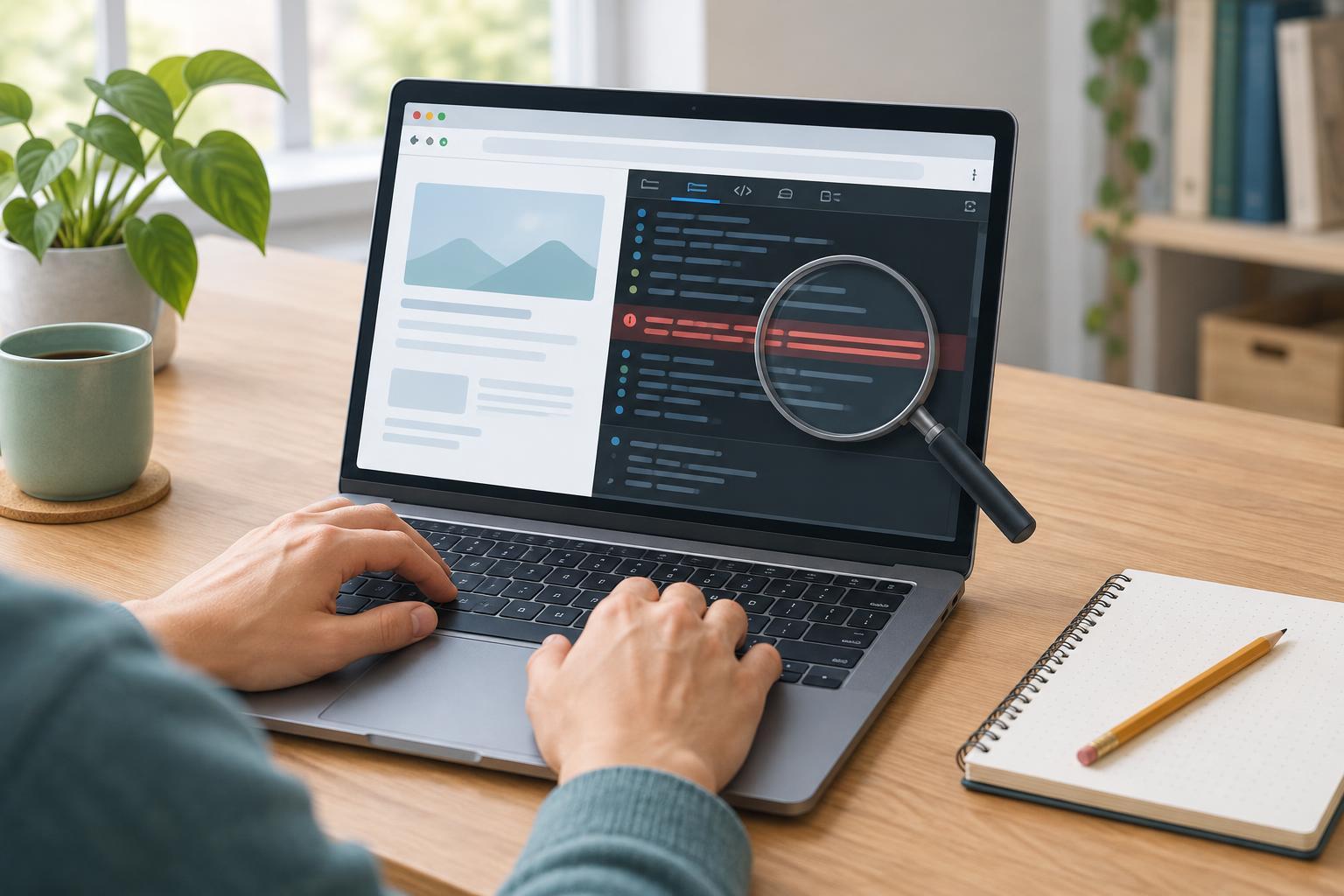
DebuggingA browser console error is a starting point, not a verdict. Learn how to reproduce the problem, read its message and stack trace, inspect the values involved, and verify that your fix addresses the cause.
Read article · 4 min↗
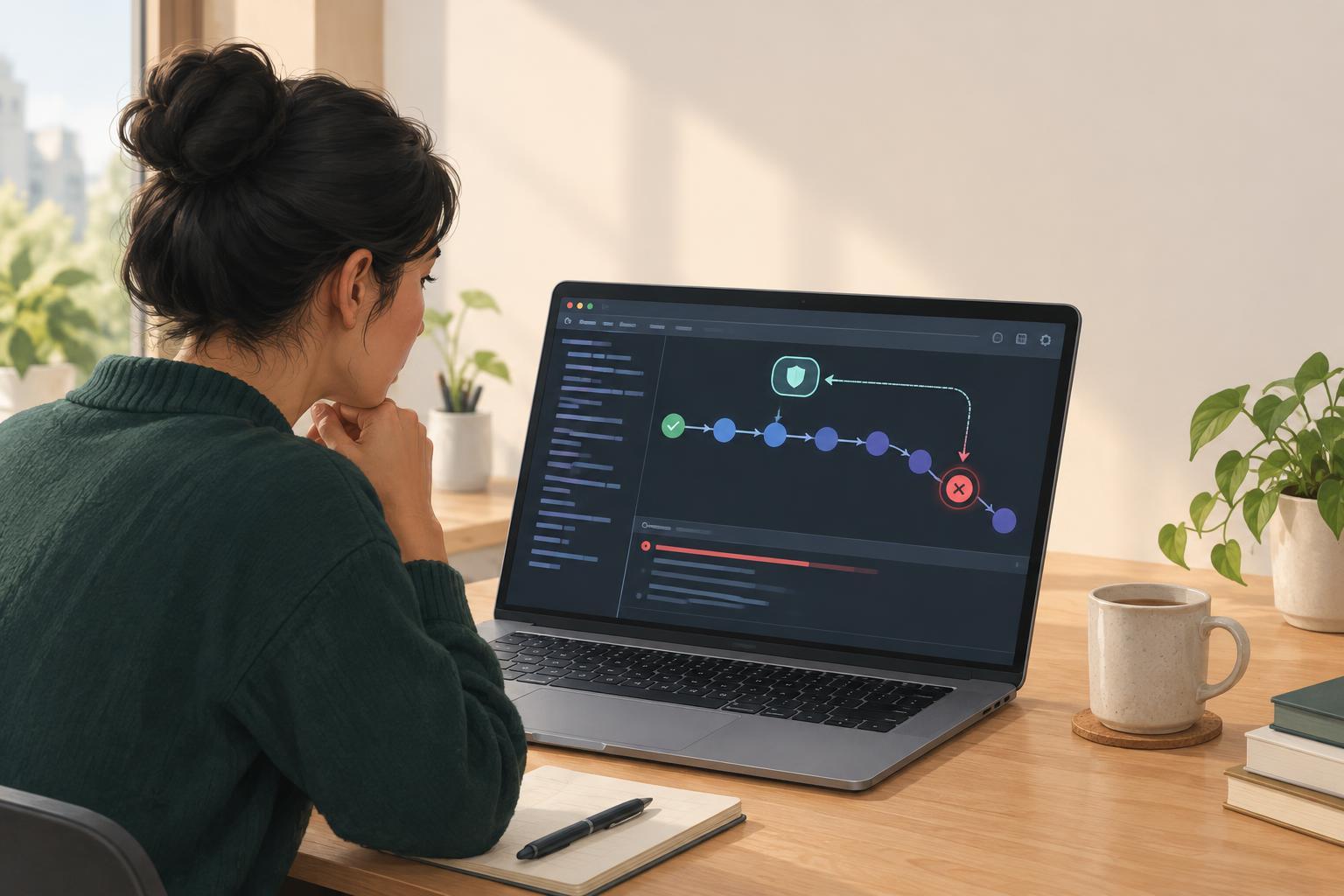
DebuggingAn unhandled promise rejection can make an asynchronous failure easy to miss. Learn how to reproduce one, trace it through browser developer tools, and put error handling at the right boundary.
Read article · 4 min↗
DebuggingWhen JavaScript produces a surprising value, check the types involved before changing the calculation. Learn how to trace string and number conversions, inspect inputs, and fix common mistakes with explicit validation.
Read article · 4 min↗

DebuggingA practical debugging method for finding where a missing JavaScript value came from. Learn to read the error, inspect each step of a property path, trace assignments backward, and fix the cause rather than hiding the symptom.
Read article · 4 min↗

DebuggingA loop that runs once too many or once too few can quietly skip a value or read past the end of an array. Learn to spot off-by-one errors by checking index ranges, tracing small examples, and testing boundary cases.
Read article · 4 min↗
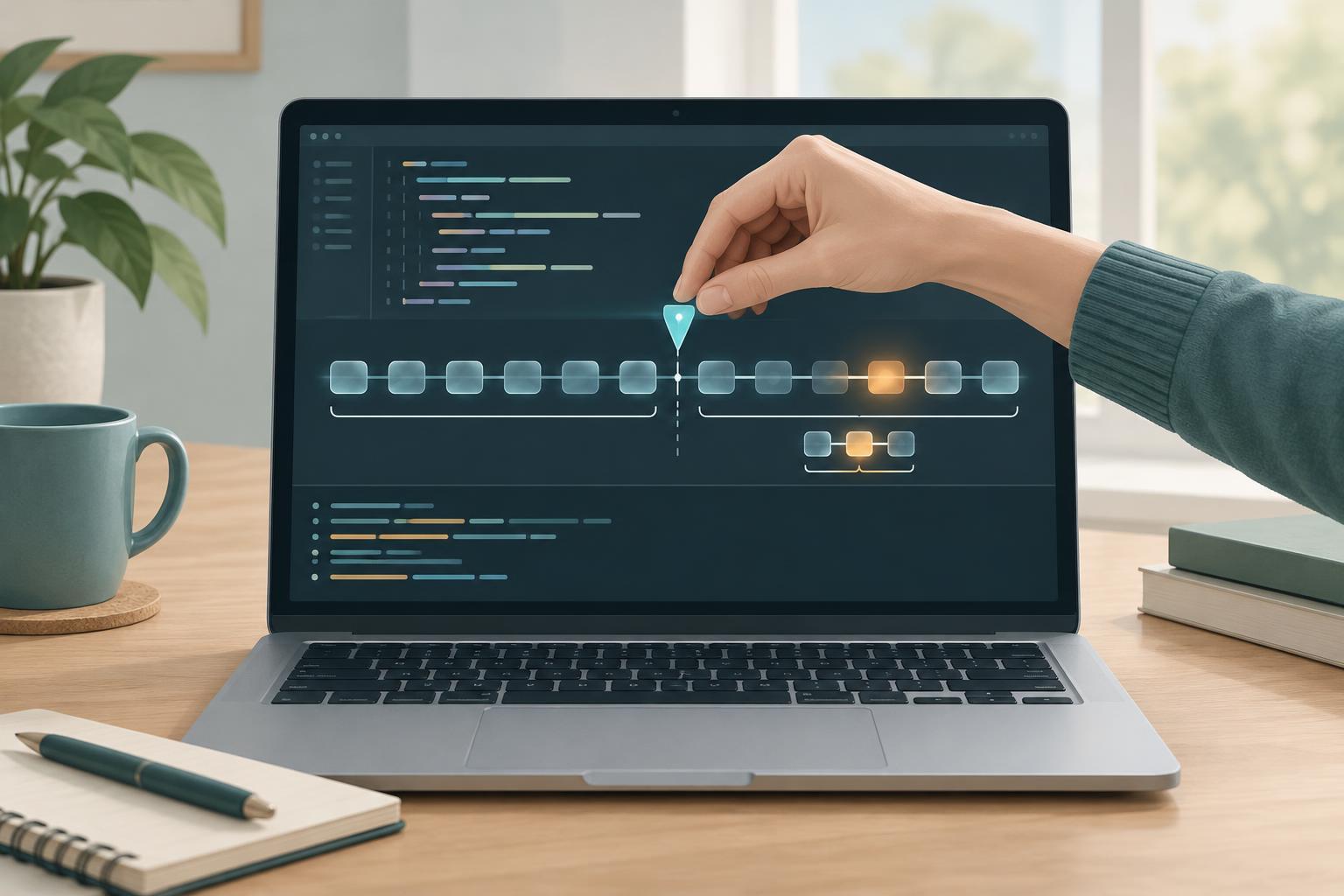
DebuggingWhen a program produces the wrong result, you do not have to inspect every line in order. Check the data near the middle of the process, decide which half contains the problem, and repeat. This guide shows how to use that approach with a small JavaScript example.
Read article · 4 min↗
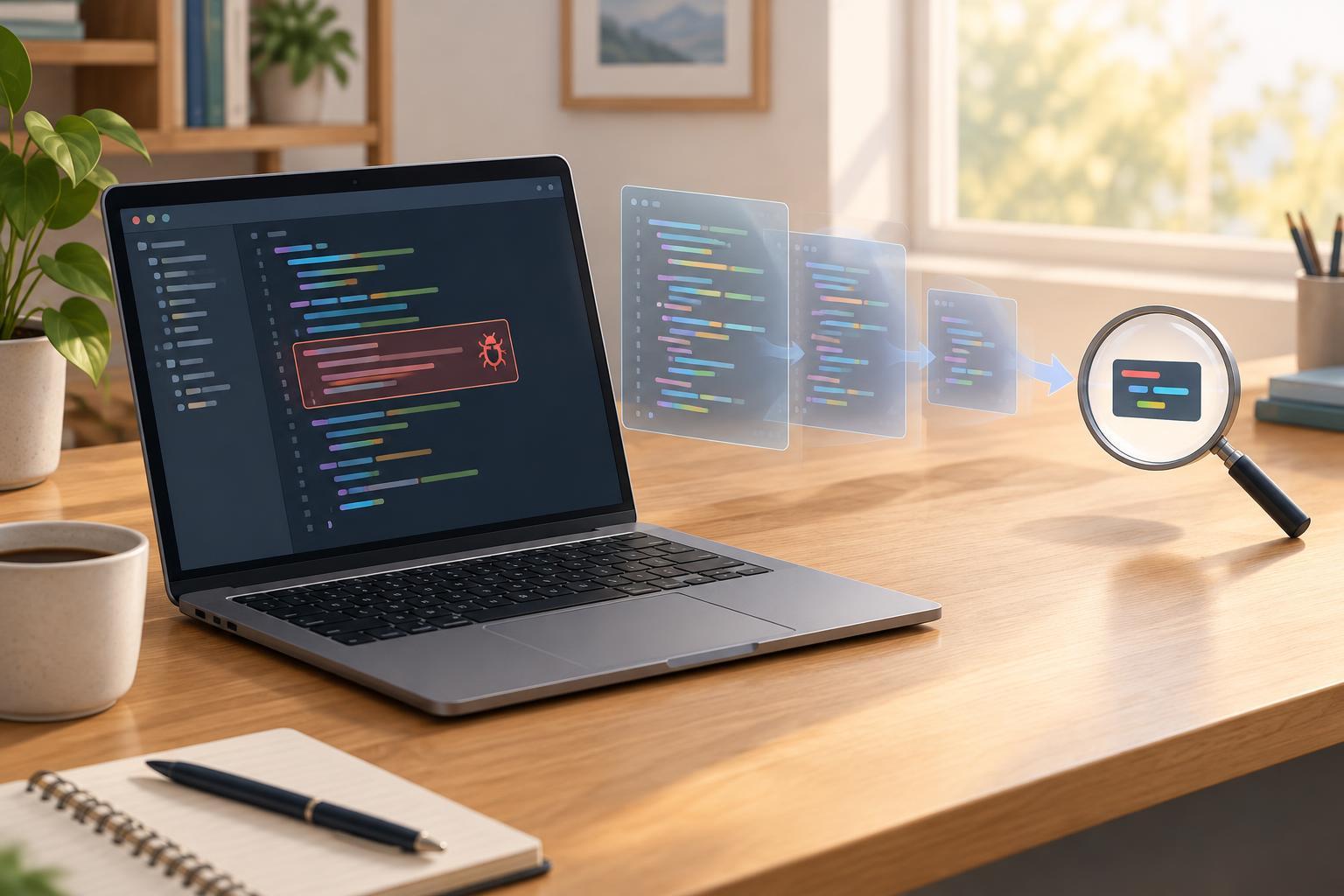
DebuggingA minimal reproducible example strips a bug down to the smallest set of steps that still shows the problem. Learn how to capture the expected and actual results, remove unrelated code safely, and share an example someone else can run.
Read article · 4 min↗
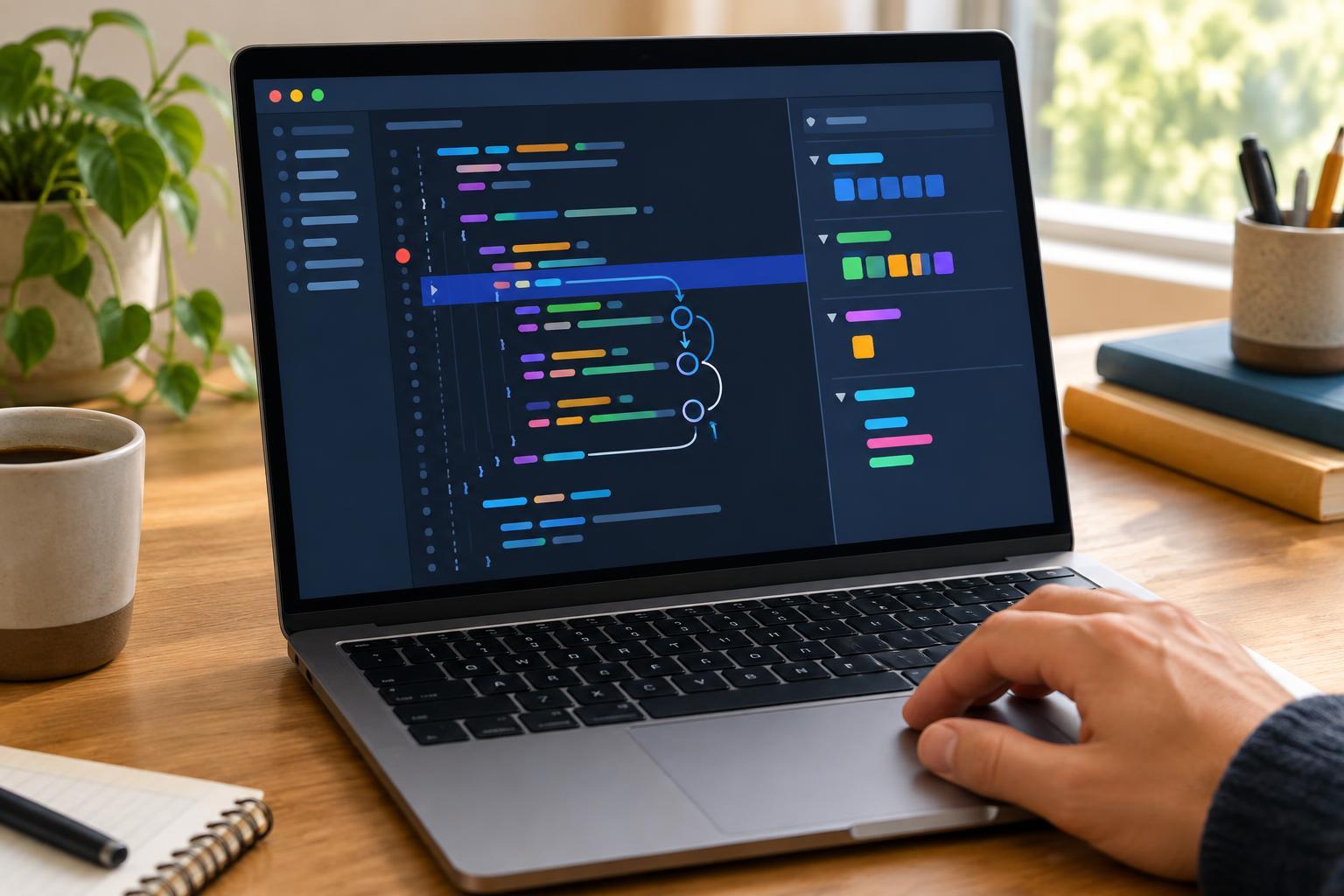
DebuggingA beginner-friendly guide to pausing JavaScript, following its execution one line at a time, and checking variable values to find a loop bug.
Read article · 4 min↗
DebuggingBreakpoints are useful when you can pause a program and inspect its state. Logging is often better when a bug is intermittent, depends on timing, or happens somewhere you cannot easily attach a debugger. Learn how to choose between the two and write logs that help you trace a problem without creating new ones.
Read article · 4 min↗
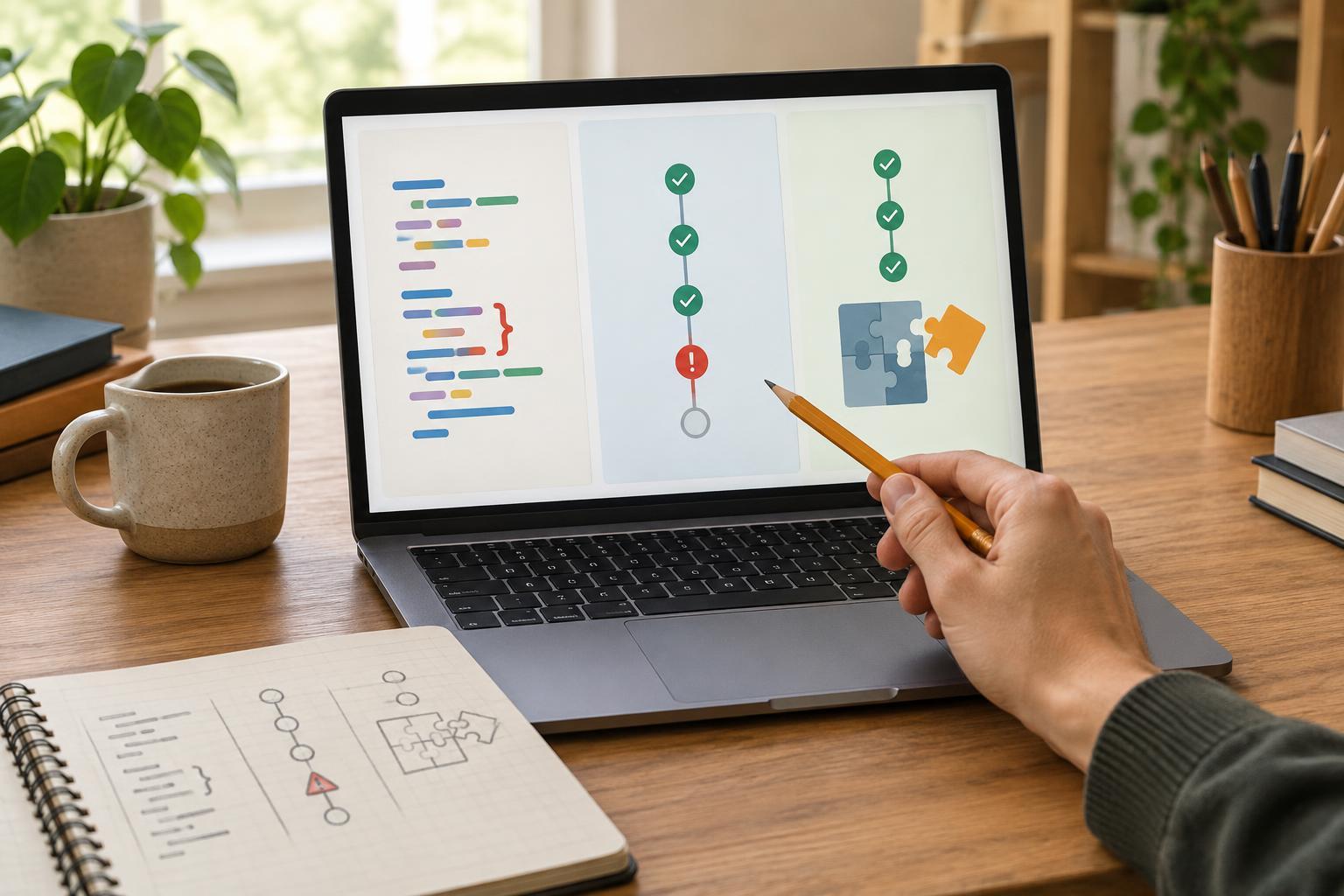
DebuggingA program can fail before it starts, stop while it runs, or finish with the wrong answer. Learn how to recognize each kind of problem and choose a useful first debugging step.
Read article · 3 min↗
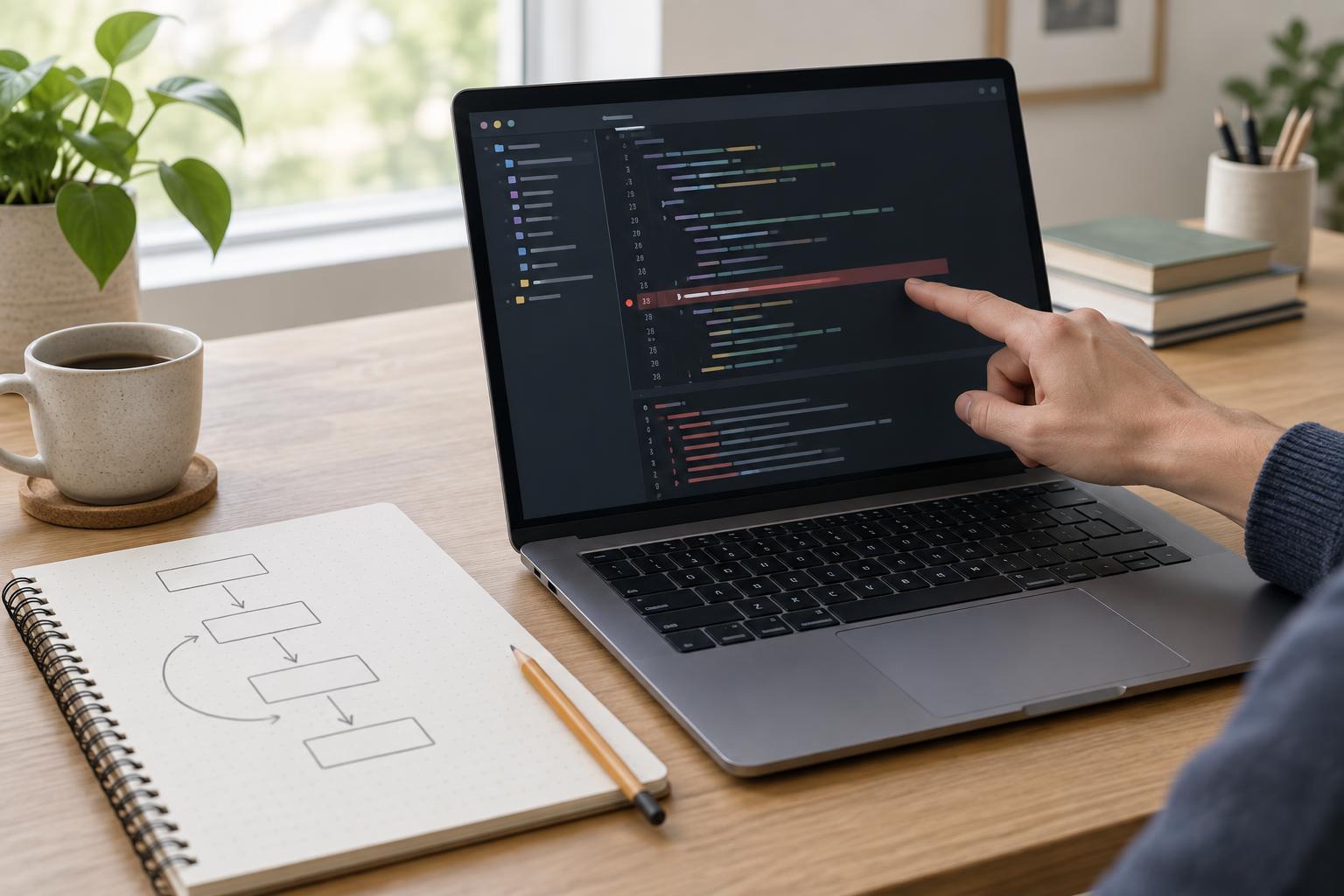
DebuggingA stack trace can look intimidating, but it follows a useful pattern. Learn how to identify the error, follow the path through your code, and turn the trace into a small debugging experiment.
Read article · 4 min↗
DebuggingA useful bug report gives another person a reliable path from a clean setup to the same failure. Learn what to include, how to build a minimal example, and how to separate what you observed from what you expected.
Read article · 4 min↗