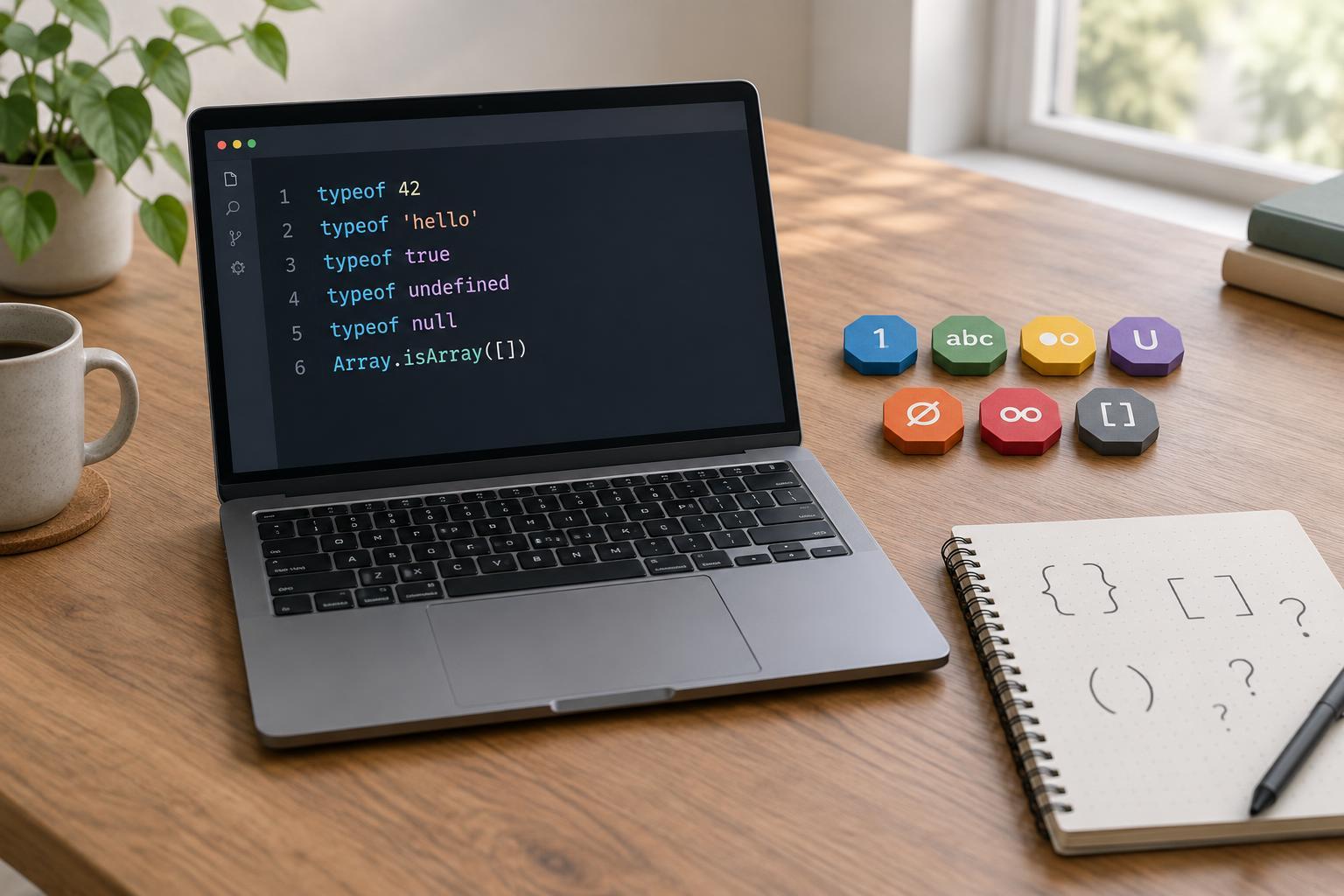
What is a primitive value?
A primitive is a JavaScript value that is not an object. JavaScript has seven primitive types: string, number, bigint, boolean, undefined, symbol, and null. You encounter them whenever you write text, perform arithmetic, check a condition, or represent a missing value.
To try the examples in this article, use the developer-tools console in a modern browser. The BigInt example requires support for ES2020 or later; the other examples use longstanding JavaScript features. Type each expression into the console and inspect the result. No package or project setup is needed.
Examples include "hello" for a string, 42 for a number, 42n for a bigint, true for a boolean, and undefined for an undefined value. Symbol("id") creates a symbol. null is a primitive value typically used to indicate an intentional absence of a value. The distinction between null and undefined matters: a variable you declare without assigning a value starts as undefined, while you assign null explicitly.
How typeof works
The typeof operator returns a string describing the type of its operand. Try typeof "hello", typeof 42, typeof 42n, and typeof true. Their results are "string", "number", "bigint", and "boolean". Likewise, typeof undefined returns "undefined", and typeof Symbol("id") returns "symbol". Because the result is a string, you can compare it with a quoted type name: typeof 42 === "number" evaluates to true.
You can apply typeof to a variable as well as a literal. For example, let message = "Ready"; followed by typeof message returns "string". If you later assign message = 10;, typeof message returns "number". The variable has not acquired a permanent type; typeof describes the value it holds at that moment.
One special case is typeof null, which returns "object", even though null is a primitive. This is a longstanding JavaScript behavior, not evidence that null has object properties. To check specifically for null, use value === null rather than typeof value === "object".
Results that can surprise beginners
All ordinary numeric values share the "number" result, including decimals, Infinity, and NaN. Try typeof NaN: it returns "number". NaN means that a numeric operation did not produce an ordinary numeric result; its name does not make it a separate type. To check whether a value is NaN without converting other values, use Number.isNaN(value).
Arrays and plain objects are not primitives. Both typeof [] and typeof {} return "object". To distinguish an array from other objects, use Array.isArray(value). Functions are objects too, but typeof function () {} returns "function". That result is useful when you need to check whether a value can be called.
typeof can also inspect a name that has never been declared: typeof missingName returns "undefined" instead of throwing an error. Do not rely on that behavior for every uninitialized variable, though. If you write typeof temporary; before let temporary = 1; in the same scope, JavaScript throws a ReferenceError. A variable declared with let or const cannot be accessed before its declaration runs.
Choosing the right check
Use typeof when you need a broad check for a string, number, bigint, boolean, undefined, symbol, or function. For example, if an input should be text, typeof input === "string" answers that question directly. Remember that a type check does not validate the value’s contents: an empty string is still a string, and NaN is still a number.
For a value expected to be an object, decide what you actually need to know. If null must be excluded, check value !== null as well as typeof value === "object". If you need an array, use Array.isArray(value). If you need to know whether a value is missing, consider whether undefined, null, or both should count. Choosing the check based on your goal makes your code easier to understand than treating typeof as a complete description of every value.