Two files with different jobs
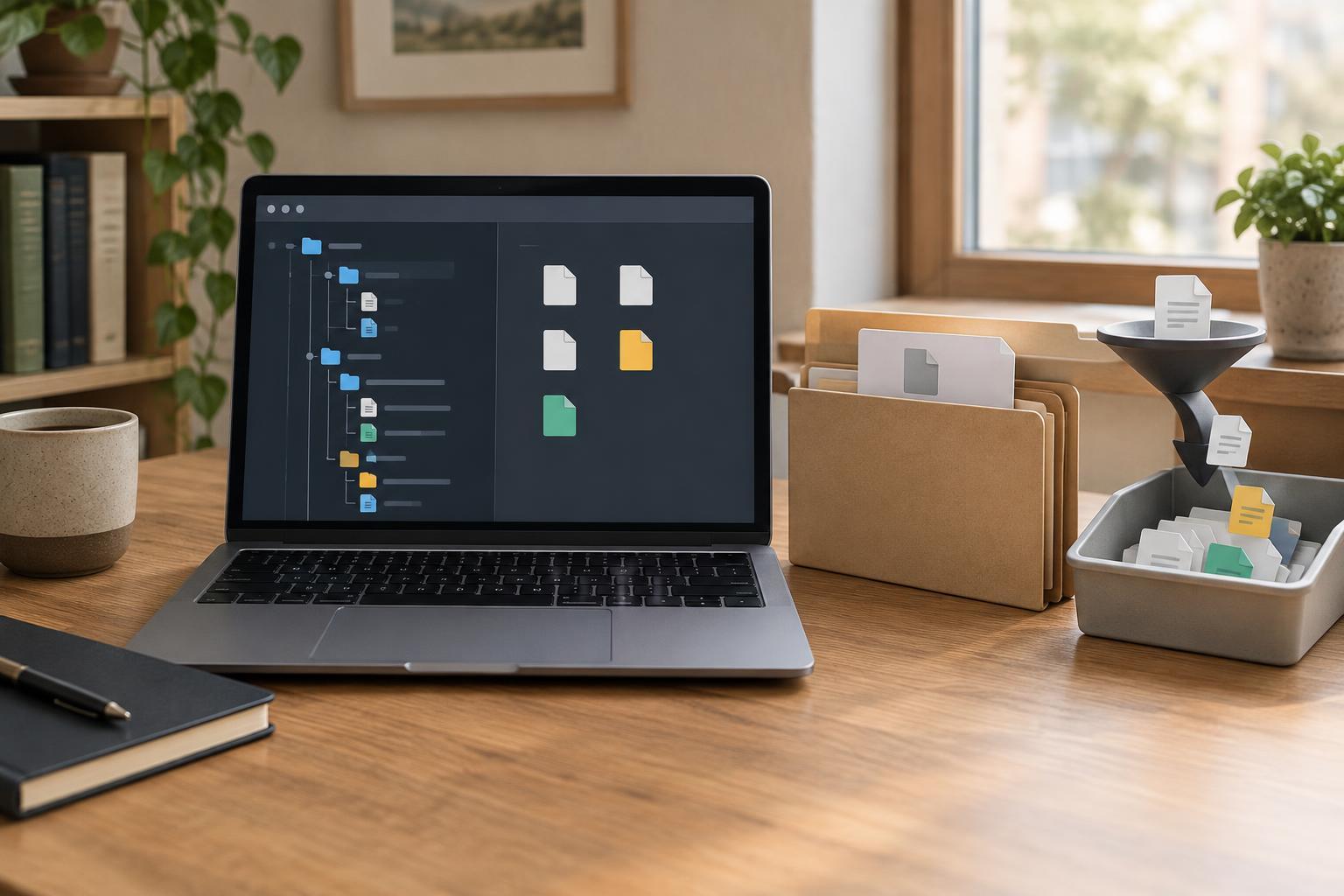
In an npm project, package.json describes the project and the dependencies it asks for. A dependency entry may allow a range of versions rather than one exact version. package-lock.json records the dependency tree npm selected during installation, including versions of packages that your project depends on indirectly. Those indirect packages are often called transitive dependencies.
Suppose your project depends on a library that, in turn, depends on two other packages. You might see only the library in your package.json, but the lockfile can contain entries for all three. It also records information npm uses to locate and check installed packages. The lockfile is generated by npm; you normally change dependencies with npm commands rather than editing it by hand.
The name matters: package-lock.json is npm's lockfile. Other package managers use different lockfiles and may resolve dependencies differently. For a project, use the package manager its maintainers specify instead of switching between tools casually.
Why commit the lockfile?
Without a committed lockfile, two developers can install from the same package.json at different times and receive different versions that both satisfy its allowed ranges. Their applications may still work, but a changed dependency can also affect behavior, tests, or a build. Committing package-lock.json gives teammates and automated builds a shared record of the versions selected for the project.
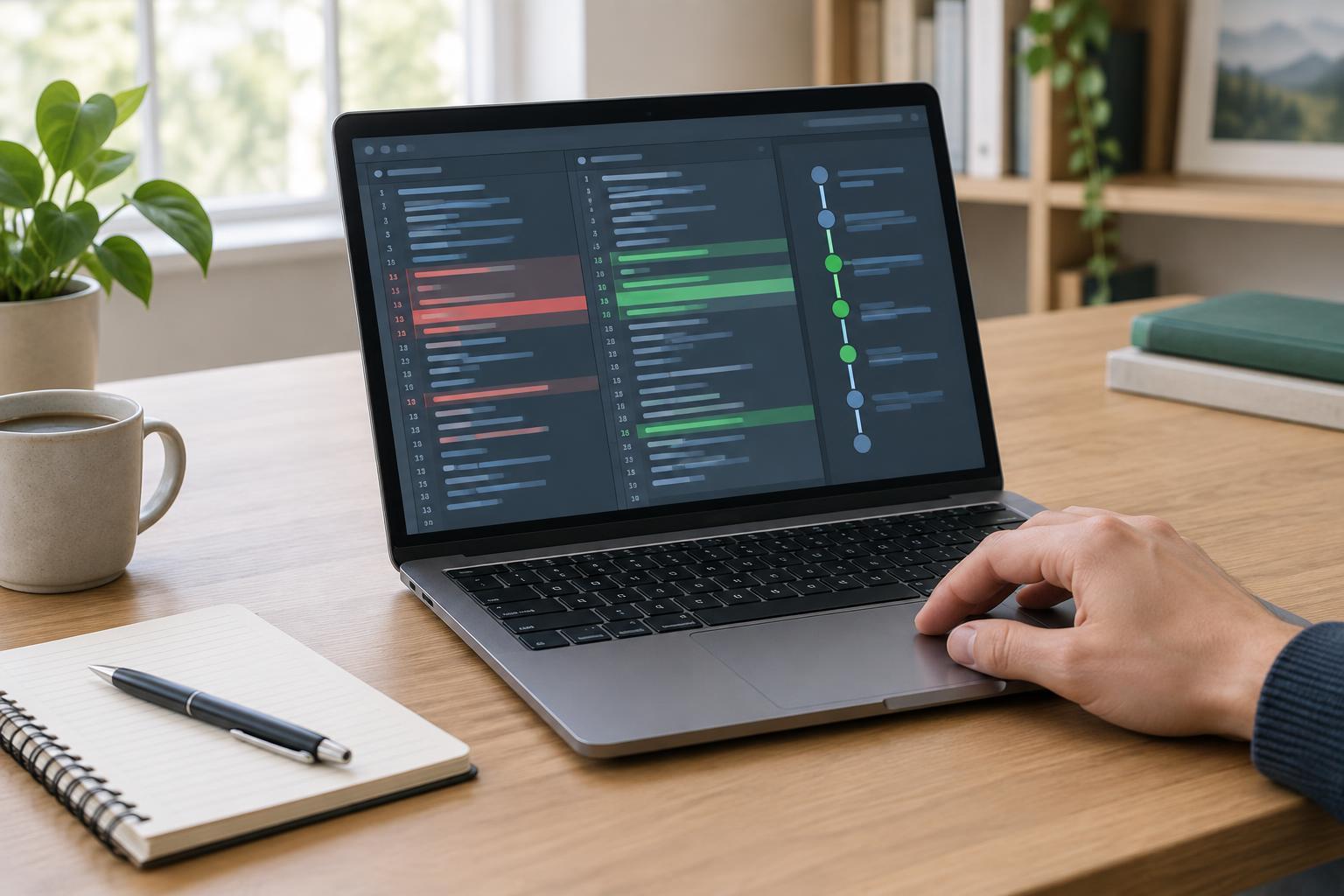
It also makes dependency changes easier to review. When someone installs or updates a package, the lockfile diff shows changes beyond the direct dependency listed in package.json. A larger-than-expected diff is a reason to check what changed before merging, not necessarily a sign that something is wrong.
A lockfile improves consistency, but it does not make every environment identical. Node.js and npm versions, operating systems, and platform-specific packages can still affect an install. It is not a security guarantee, either: recording an exact package version does not establish that the package is safe. For an application or other project people install and run directly, committing the npm lockfile is generally the useful default.
How npm uses it during everyday work
For a small example, you need Node.js and npm installed. Use npm 7 or newer for the commands described here, and check your installed versions with node --version and npm --version. If you are joining an existing project, follow any Node.js or npm version requirements it documents before installing. In a new directory, npm init -y creates a package.json; npm install lodash then adds a dependency and creates or updates package-lock.json.
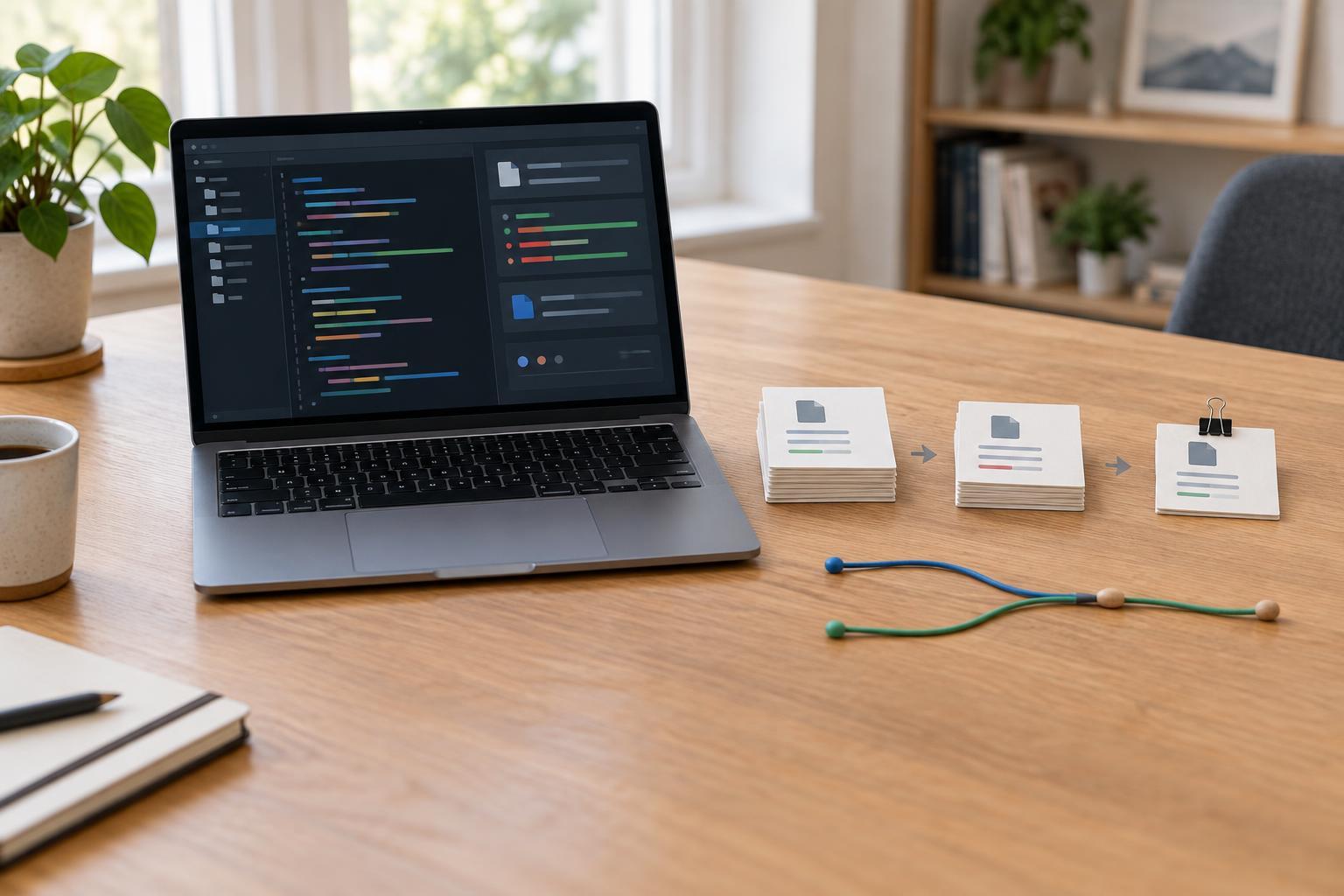
When you run npm install later, npm uses the lockfile where it can and may update it to reflect changes in package.json or a new dependency resolution. If you intentionally change a dependency, commit the resulting package.json and package-lock.json changes together. Avoid deleting the lockfile merely because an install fails: doing so can select a different dependency tree and obscure the original problem.
For a clean install in automated builds, npm ci is often a better choice. It requires an existing lockfile, expects it to agree with package.json, removes any existing node_modules directory, and installs without rewriting the lockfile. If npm ci reports that the files disagree, update the dependencies with npm install, inspect the changes, and commit the corrected files before retrying.
What about packages published as libraries?
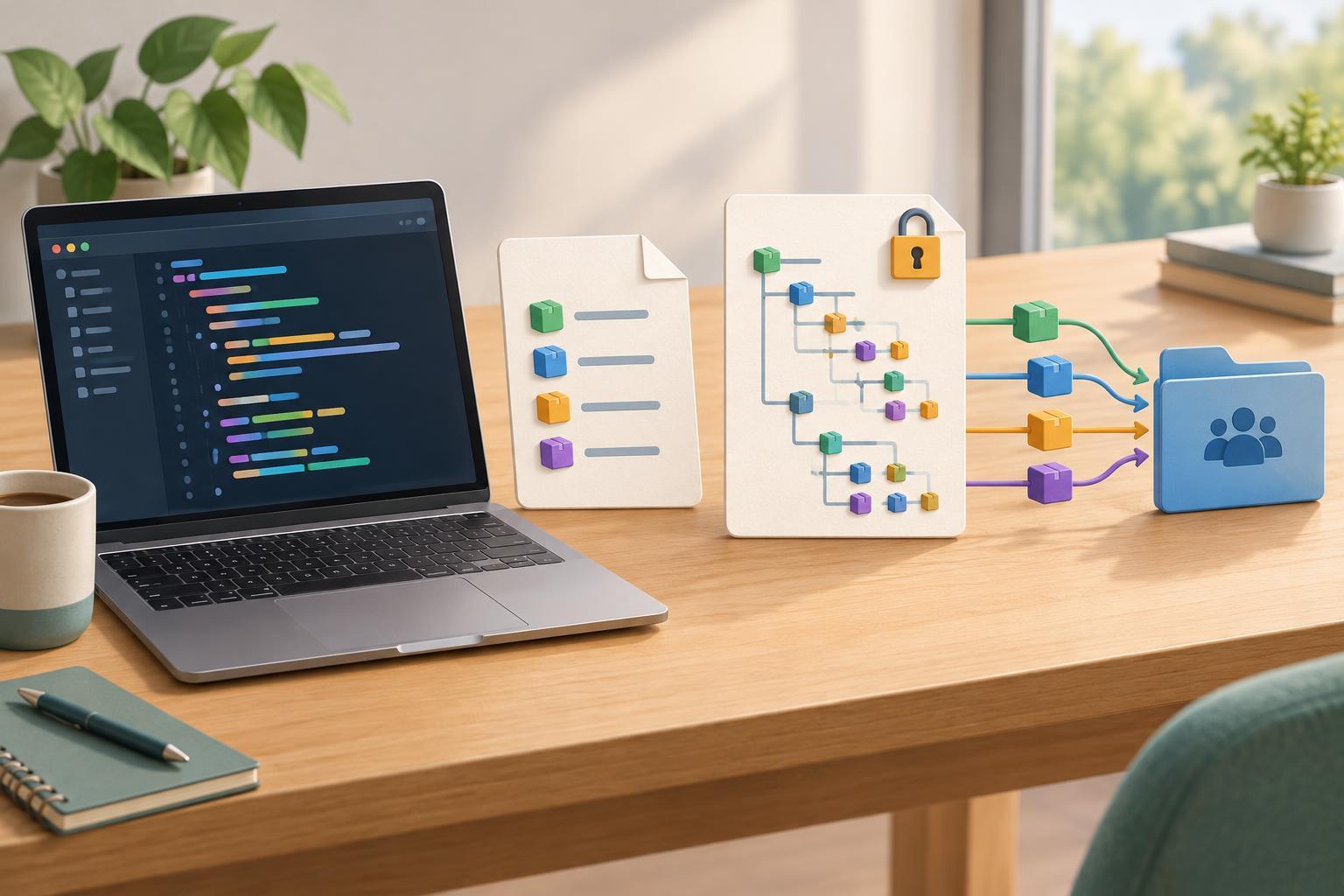
Libraries have an important distinction: an application that installs a published library does not use that library's committed package-lock.json to lock the application's entire dependency tree. The consuming application's own dependency resolution and lockfile control its install. Committing a lockfile in a library repository can still help its maintainers run development tools and tests against a consistent set of dependencies.
When deciding what to commit, think about who installs the project and for what purpose. For a typical npm application, commit package.json and package-lock.json and use npm ci where a clean, repeatable install is needed. For a library, a lockfile can support consistent development, but it cannot replace testing the dependency ranges that downstream users are allowed to install.