What you need to get started
A string is text stored as a value. In JavaScript, you can write one with single quotes, double quotes, or backticks: 'Hello', "Hello", and `Hello` are all strings. This guide uses slice() to extract text and backticks to build strings that include other values.
You can try the examples in a browser’s developer console or in Node.js. Use an environment that supports ECMAScript 2015 (ES2015) or later; template literals were introduced in that version. No packages or project setup are needed. Type each example into the console to see its result.
Take part of a string with slice()
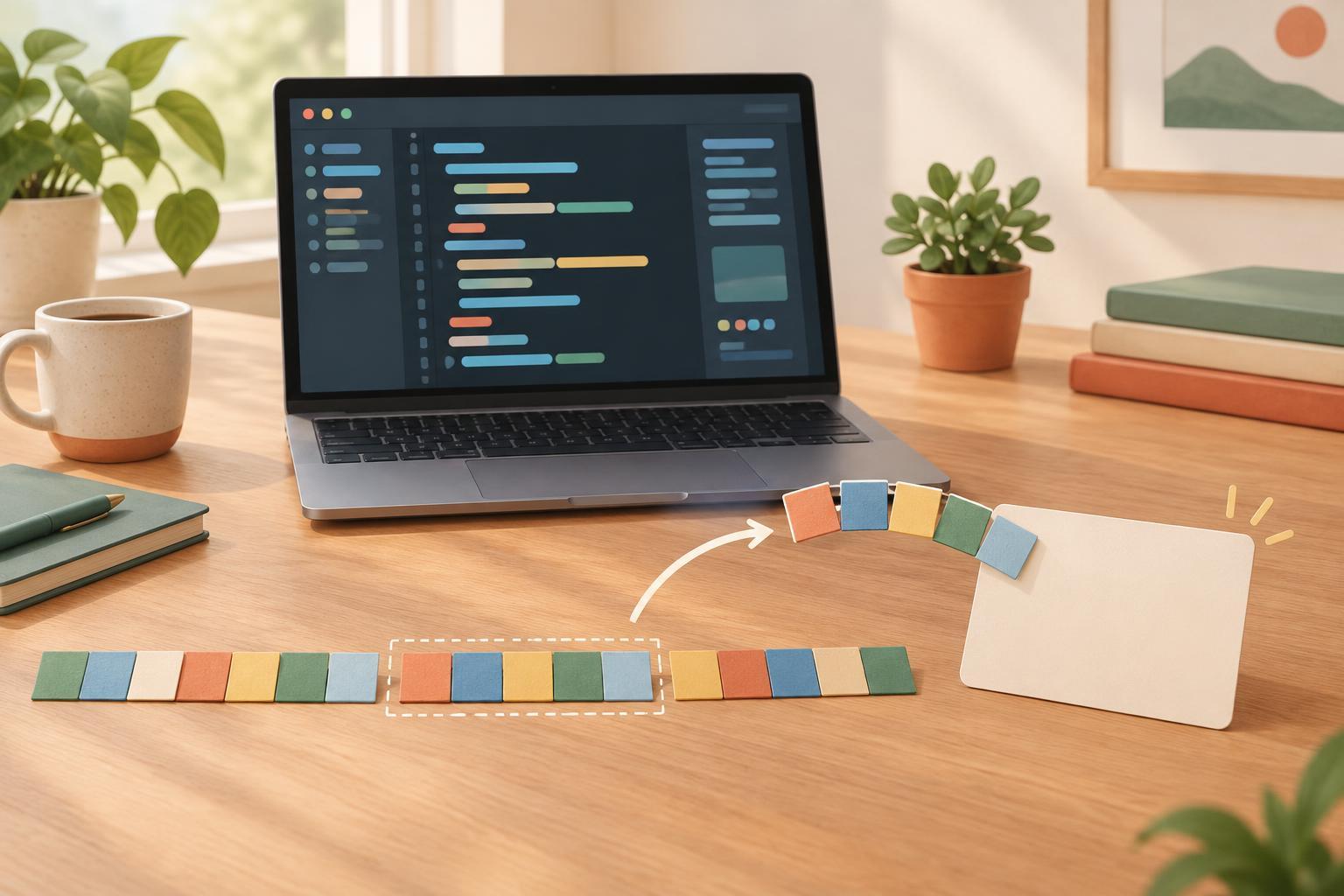
The slice() method returns a new string containing the portion you request. Its first argument is the starting position, and its optional second argument is the ending position. JavaScript counts from zero, includes the start, and excludes the end. For example, 'workshop'.slice(0, 4) returns 'work', while 'workshop'.slice(4, 8) returns 'shop'. Thinking of the end position as a stopping point, rather than the position of the last character you want, helps prevent off-by-one mistakes.
If you omit the end position, slicing continues to the end: 'workshop'.slice(4) returns 'shop'. Negative positions count back from the end, so 'workshop'.slice(-4) also returns 'shop'. This is handy when you know how many characters you want but do not know the string’s full length. An end position before the start produces an empty string; for example, 'workshop'.slice(5, 2) returns ''.
Slicing does not change the original string. After const word = 'workshop'; const part = word.slice(0, 4);, word is still 'workshop' and part is 'work'. If you need to keep the shortened result, store the value returned by slice().
Build readable text with template literals
A template literal is a string enclosed in backticks. Inside it, ${...} inserts the result of a JavaScript expression. For example, const name = 'Ari'; const greeting = `Hello, ${name}!`; gives greeting the value 'Hello, Ari!'. Without a template literal, you could join strings with +, but interpolation can make longer messages easier to read.
The expression can do a little more than name a variable. If const count = 3;, then `You have ${count + 1} tasks.` produces 'You have 4 tasks.'. Keep complicated calculations outside the template so the message remains easy to follow. Backticks also allow a string to span multiple lines, and those line breaks become part of the resulting string. If you need an actual backtick inside a template literal, escape it with a backslash: `Use \`backticks\` here.`
Use backticks when you need interpolation; ordinary quotes are still fine for simple text. In particular, 'Hello, ${name}!' does not insert the name. It contains the literal characters ${name} because it is enclosed in single quotes.
Put slicing and interpolation together
Suppose you want a short label for a document name. With const filename = 'notes.txt';, you can write const label = `File: ${filename.slice(0, -4)}`;. The result is 'File: notes'. Here, -4 tells slice() to stop four positions before the end, leaving off '.txt'. This works for that known suffix; it is not a general way to remove every possible file extension.
Before slicing a value from a form or another source, make sure it is a string and has the shape you expect. For instance, const input = ' Ada '; const clean = input.trim(); const preview = `Name: ${clean.slice(0, 3)}`; produces 'Name: Ada'. Trimming first removes surrounding spaces, so the first three positions contain the intended letters. Break the work into steps like this when you want to inspect an intermediate result while debugging.
Watch for positions and character boundaries
When a result looks wrong, check the starting position, the exclusive ending position, and any spaces in the source text. 'cat'.slice(0, 2) is 'ca', not 'cat'. If a template shows 'undefined', check whether the variable or property inside ${...} has a value; interpolation does not fill in missing data for you.
There is one boundary worth knowing about as you move beyond simple examples: JavaScript string positions count UTF-16 code units, not necessarily the characters a person sees on screen. Some emoji and other symbols occupy more than one code unit, and slice() can split them. For ordinary short labels made of basic Latin letters, the examples above behave as expected. For text where visible-character boundaries matter, avoid assuming that one slice position always equals one displayed character.