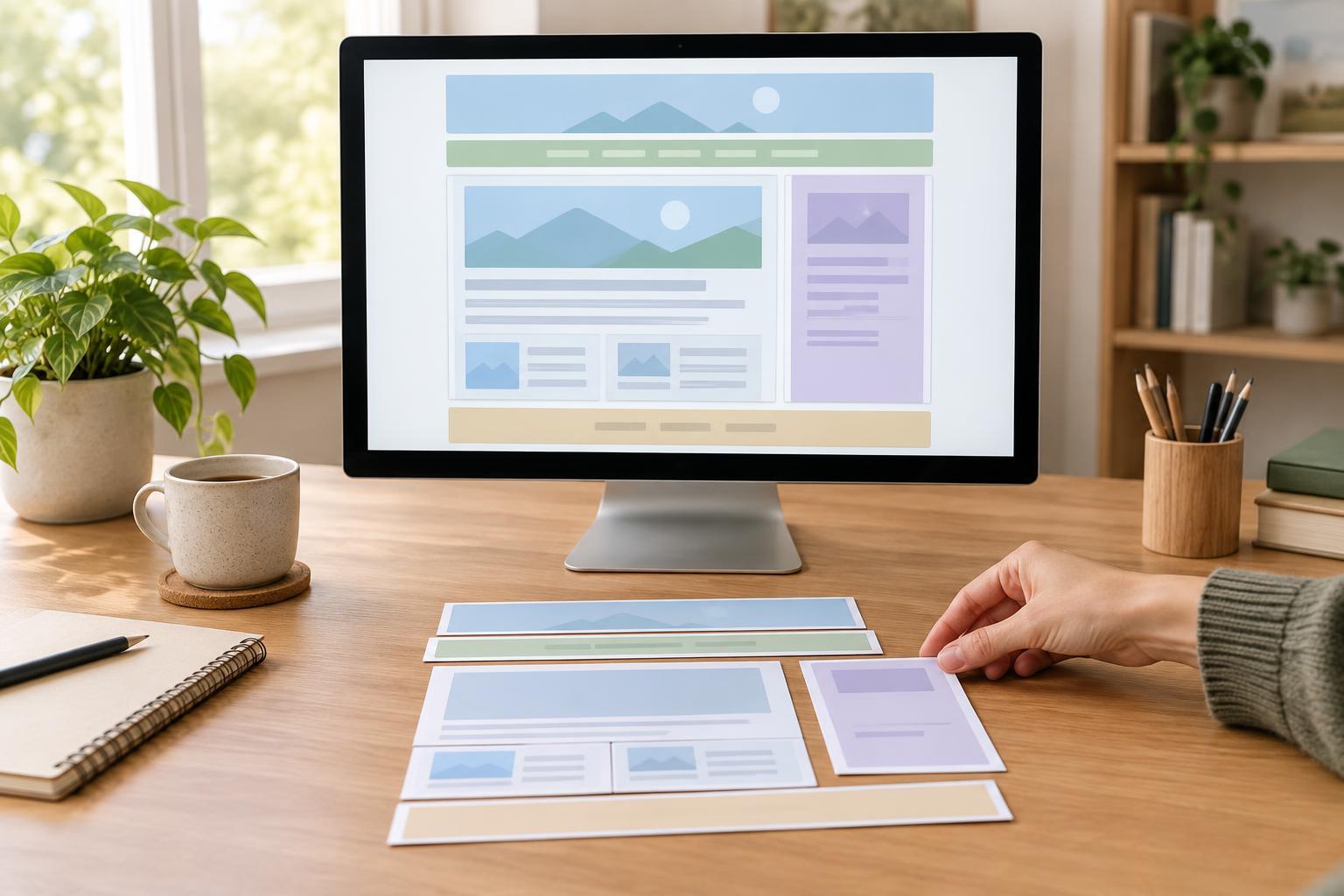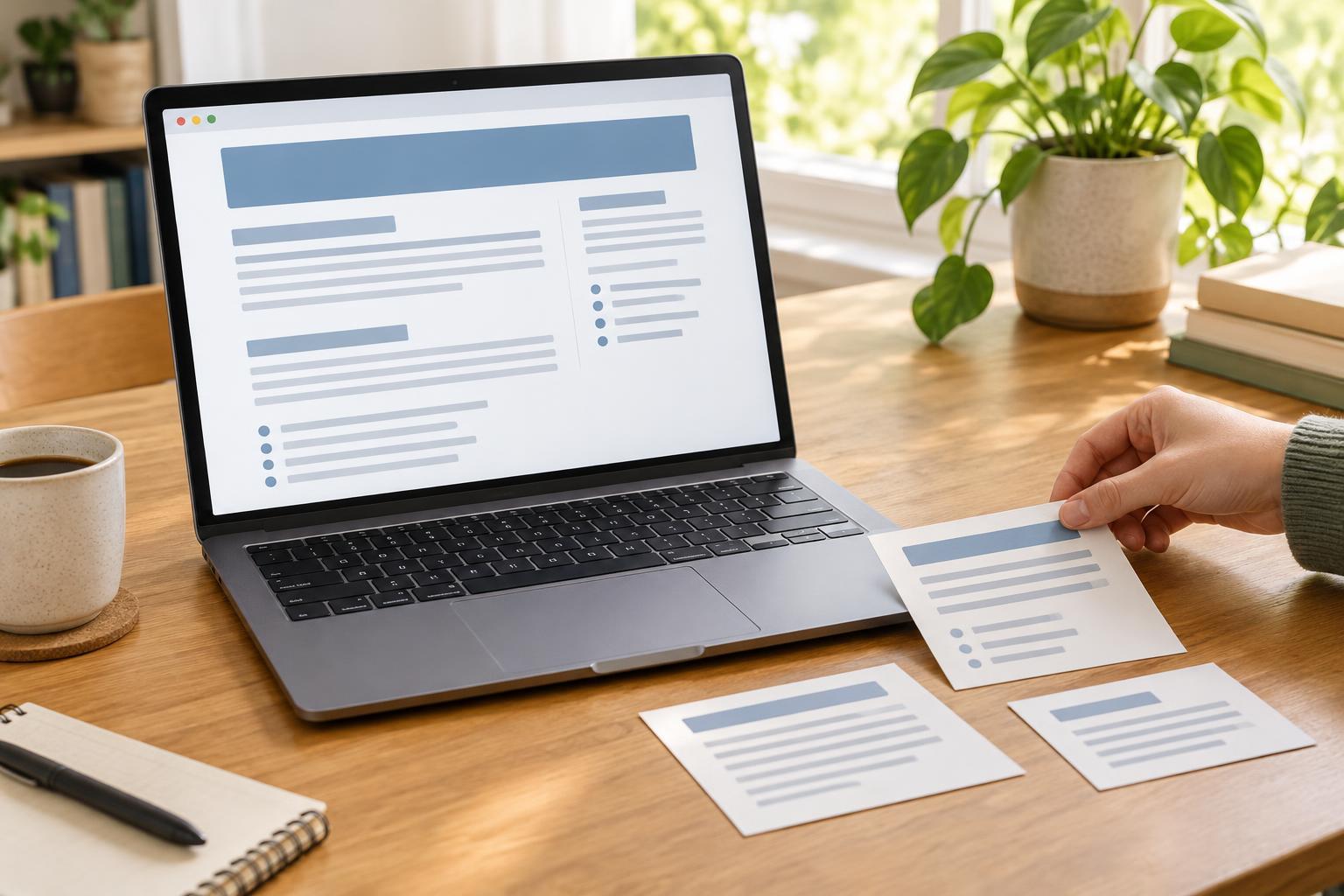
Start with the reader’s path through the page
Before choosing HTML elements, decide what the page needs to tell its reader. Write down its main subject, the few questions it should answer, and the order in which those answers will make sense. A page about planting a windowsill herb, for example, might introduce the project, explain what is needed, give the steps, and finish with care tips. That plan gives every piece of content a place.
You can build and inspect a simple page with a plain-text editor and a web browser; no particular editor or browser version is needed for the ideas here. Headings, paragraphs, and lists describe the role of content. They are not just ways to make text look larger, add spacing, or indent a line. Choosing an element for its meaning helps readers understand the page even when its visual styling changes.
Use headings to show the structure
The HTML heading elements, h1 through h6, mark levels in a page outline. An h1 usually names the main topic of the page. An h2 introduces a major section beneath it, and an h3 divides an h2 section into smaller parts. For the herb page, “Grow a Windowsill Herb” could be the h1, while “What You Need,” “Planting Steps,” and “Ongoing Care” could be h2 headings. If “Ongoing Care” covers both watering and light, those could be h3 subsections.
Choose heading levels by relationship, not by appearance. If a heading sits directly under an h2 section, it is normally an h3, even if you would prefer a different font size. Avoid skipping levels simply to get a visual effect; CSS can change how a heading looks without changing what it means. Make each heading specific enough to help someone scanning the page. “How Often to Water” gives a clearer destination than “More Information.”
A heading should introduce content that belongs beneath it. If a section grows to cover several distinct ideas, consider giving those ideas their own subheadings. If a heading has only a stray sentence beneath it, ask whether that sentence belongs in the previous section instead. The goal is not to create as many headings as possible, but to make the page’s organization visible.
Keep paragraphs focused
Use the p element for a paragraph of connected prose. A paragraph works best when it develops one idea: what a tool does, why a step matters, or what the reader should watch for. When you move to a new point, start a new paragraph. This gives readers natural pauses and makes a long page less demanding to follow.
Do not use repeated line breaks to imitate separate paragraphs or to force extra space between them. Line breaks belong within text when the break itself matters, such as in an address or poem. For ordinary explanations, separate paragraphs with p elements and control their spacing with CSS. Likewise, avoid putting an entire section into one paragraph just because its sentences share a broad topic. A paragraph about choosing a pot and another about drainage will usually be easier to follow than one that switches between both.
Choose lists when items belong together
Lists help when a group of items shares a clear purpose. Use an unordered list, represented by ul, when the sequence does not matter: tools to gather, features to check, or options to consider. Use an ordered list, represented by ol, when order matters: instructions the reader should follow from first to last. Each item belongs in an li element. For the herb page, supplies could form an unordered list, while planting instructions could form an ordered list.
Give a list a short introduction so readers know what its items represent. Keep items reasonably consistent: if one supply item names an object, the others should generally name objects too. If a step needs an explanation, that explanation can stay with the step rather than becoming an unrelated item. When a step contains its own set of choices or smaller steps, a nested list may help, but use nesting only when the relationship is real.
Not every short sentence needs to become a list item. A paragraph is often better when ideas depend on one another and need a flowing explanation. Conversely, typing numbers or bullet characters into ordinary paragraphs may look like a list while hiding its structure. Using list elements makes the grouping and, when applicable, the sequence explicit.
Review the page without its styling
Once the content is drafted, read only its headings in order. Do they describe the page accurately? Can you tell which sections belong inside others? Next, read the first sentence of each paragraph and the introduction to each list. This quick pass often reveals repeated points, missing context, or a section that appears too early.
Finally, imagine the page without font sizes, colors, or spacing. The h1 should still identify the page, lower-level headings should still divide it sensibly, paragraphs should hold the explanations, and lists should still represent genuine groups of items. If the content remains understandable, its structure is doing useful work before any visual design is added.