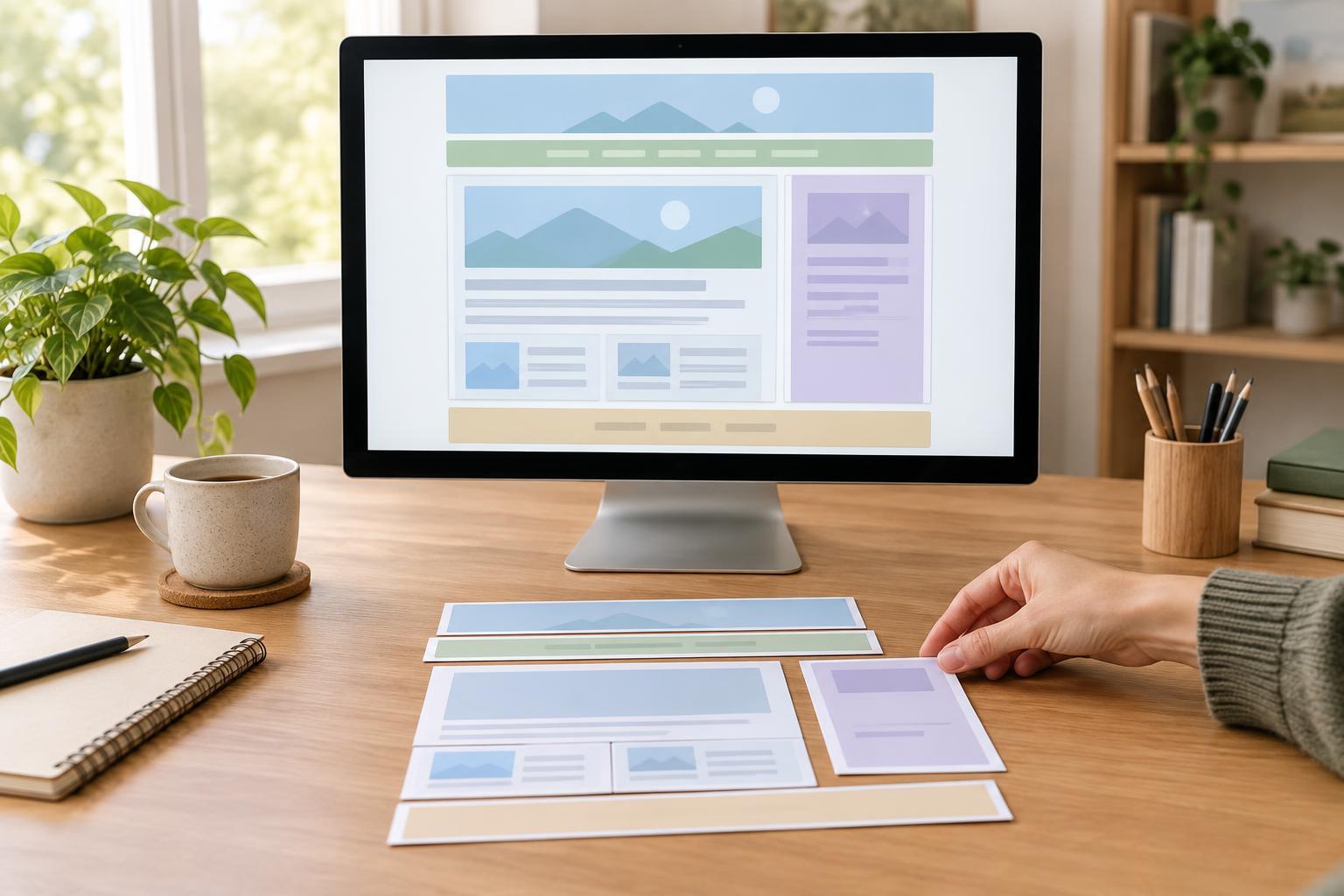
Start with what each part of the page does
Semantic HTML means choosing an element for its meaning, not for its default appearance. A header introduces content, nav groups navigation links, and main holds the primary content of a page. These elements describe the page’s structure to browsers, assistive technology, and other developers. CSS can change how they look, but it does not change what they mean.
Before writing markup, sketch the page in words. For a tutorial page, you might identify a site title and menu at the top, the tutorial in the middle, related reading beside it, and site information at the bottom. That outline gives you a starting point for choosing elements. You can work through the examples with a text editor and a browser; no framework or particular tool version is needed.
Choose elements for the overall layout
Use header for introductory content, such as a site name or a page title. Use nav for a group of links whose purpose is navigation, such as a primary menu or a table of contents. Not every group of links needs nav: a short list of references within a paragraph can remain ordinary links. Use main for the content that is central to the current page. A typical page has one visible main area rather than repeating it around separate pieces of content.
Use footer for information that closes a page or a particular piece of content. A site-wide footer might contain contact links; the footer of an article might contain information about that article. Header and footer can also appear inside an article or section, so their meaning depends on where they sit. For a tutorial page, a reasonable outline is a site header and primary nav, followed by main containing the tutorial, with a site footer after main.
Decide between article, section, aside, and div
Choose article for a self-contained piece that could make sense on its own, such as a tutorial, news item, or forum post. Choose section for a thematic part of a larger page when that part has a clear heading. A tutorial about forms, for example, could be an article containing sections on labels, input types, and validation. Section is not a replacement for every generic container: if you cannot describe the group with a meaningful heading, another element may fit better.
Use aside for content related to the surrounding material but not part of its central flow. A short box of related tutorials beside the main lesson could be an aside. Its placement on the screen does not determine its meaning; an aside can appear below an article on a narrow display. Use div when you need a container for styling or scripting but no more specific semantic element fits. A div is useful precisely because it does not claim a meaning the content does not have.
Let headings and content elements carry the detail
Page structure does not end with large containers. Give the page a clear heading and use lower-level headings for its major parts and subsections. Keep heading levels in a sensible order so a reader can follow the outline without relying on font size. A section often benefits from its own heading, while an article should have a heading that identifies its subject.
Within each part, choose elements that match the content. Use a list for a set of steps or related items, a paragraph for prose, and a button for an action rather than making a generic container act like one. These choices can make the page easier to understand and operate. They also make the HTML easier to maintain: another developer can see whether a piece of content is navigation, an independent article, or a supporting note without having to infer it from CSS class names.
Check the structure before styling
A useful review is to read your page outline without looking at its visual design. Can you identify where the main content starts? Does each nav group actually contain navigation? Could each article stand alone? Does each section have a topic? If an element’s name feels hard to justify, reconsider it rather than adding it simply because it sounds more descriptive than div.
Then check the rendered page with styles disabled or reduced, if your browser makes that convenient. The content should still appear in a sensible reading order. This check will not catch every usability problem, but it can reveal a layout that depends on CSS to make an illogical source order look correct. Aim for the simplest structure that accurately describes the content; semantic HTML works best when its meaning remains clear as the page grows.