Plan the card and prepare your files
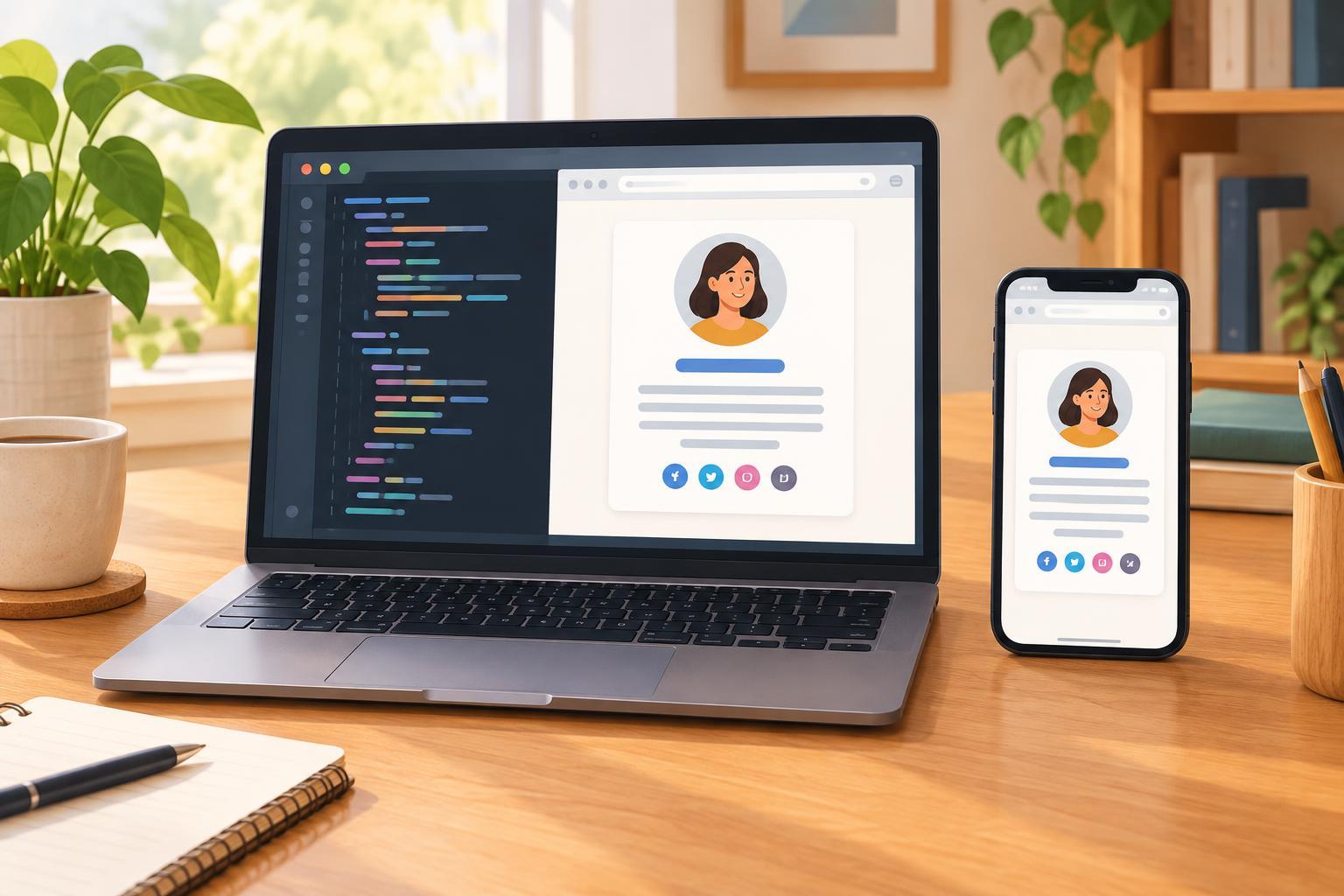
A personal profile card is a small introduction: a photo or illustration, a name, a short description, and perhaps a link to a portfolio. It is a useful first responsive project because the content is simple enough to focus on layout. By the end, the card should fit a narrow phone screen without horizontal scrolling and remain comfortable to read on a wider display.
You need a text editor and a browser that supports standard HTML and CSS, including flexbox. No framework, build tool, or particular editor version is required. Create a folder with two files named index.html and styles.css. If you want a portrait, add an image file to the same folder. You can also complete the project without an image.
Write your name and description before styling. Keep the description to one or two sentences, such as what you enjoy making or learning. Use your own details rather than placeholder text when you check the finished layout: real content makes awkward line breaks easier to notice.
Give the content a clear HTML structure
In index.html, create a standard document with a page title, a language setting, and a viewport setting that tells mobile browsers to use the device width. Connect styles.css from the document head. In the body, place the card inside a main element so the page’s primary content is easy to identify.
Use an article element for the card. Inside it, add an image if you have one, followed by a heading for your name, a paragraph for the description, and an anchor for the optional portfolio link. A heading at level one is reasonable if your name is the main heading on this otherwise simple page. Give the link descriptive text, such as “View my projects,” rather than “Click here.”
If the portrait conveys who the card represents, give the image alternative text that identifies the person, such as “Portrait of Alex.” If it is purely decorative, use an empty alternative text value instead. When using a local image, check that its filename and path match exactly. A missing image is often a path problem, not a CSS problem.
Style the card without fixing its width
Start with the page. Set the body’s minimum height to 100vh, remove its default margin, and use flexbox to center the card horizontally and vertically. Add padding to the body so the card has breathing room on small screens. Choose a background color that makes the card easy to distinguish.
For the article, use width: 100% and max-width: 22rem. This combination lets the card shrink when space is limited but stops it from becoming excessively wide. Add padding, a background color, a border radius, and, if you like, a subtle border or shadow. Set box-sizing: border-box on all elements so the card’s padding is included in its declared width. Without that setting, a full-width card plus padding may extend beyond the available space.
Make the image flexible too: set its maximum width to 100% and its height to auto. For a portrait-style image, you can give it equal width and height, use object-fit: cover, and apply a rounded shape. Use consistent space between the image, heading, description, and link. Check that text and link colors remain readable against their backgrounds; decoration should not make the content harder to use.
Check the responsive behavior
For a single-column card, you may not need a media query. Flexible width, a maximum width, and page padding often handle the transition between narrow and wide screens. This is a useful responsive design lesson: start with content that can adapt naturally, then add breakpoints only when you find a specific layout problem.
Open index.html in your browser and resize the window gradually. Check the narrowest size you expect people to use, not just a preset device width. The card should stay inside the viewport, the description should wrap normally, and the link should remain easy to identify and activate. If something overflows, inspect fixed widths, large padding, and unusually long unbroken text first.
Finally, try the card without its image and with a longer name or description. These quick changes reveal whether the layout depends on one perfect set of content. If the page still reads clearly, you have a reusable card that you can customize with new colors, typography, or content without rebuilding its structure.