Start with the question you need to answer
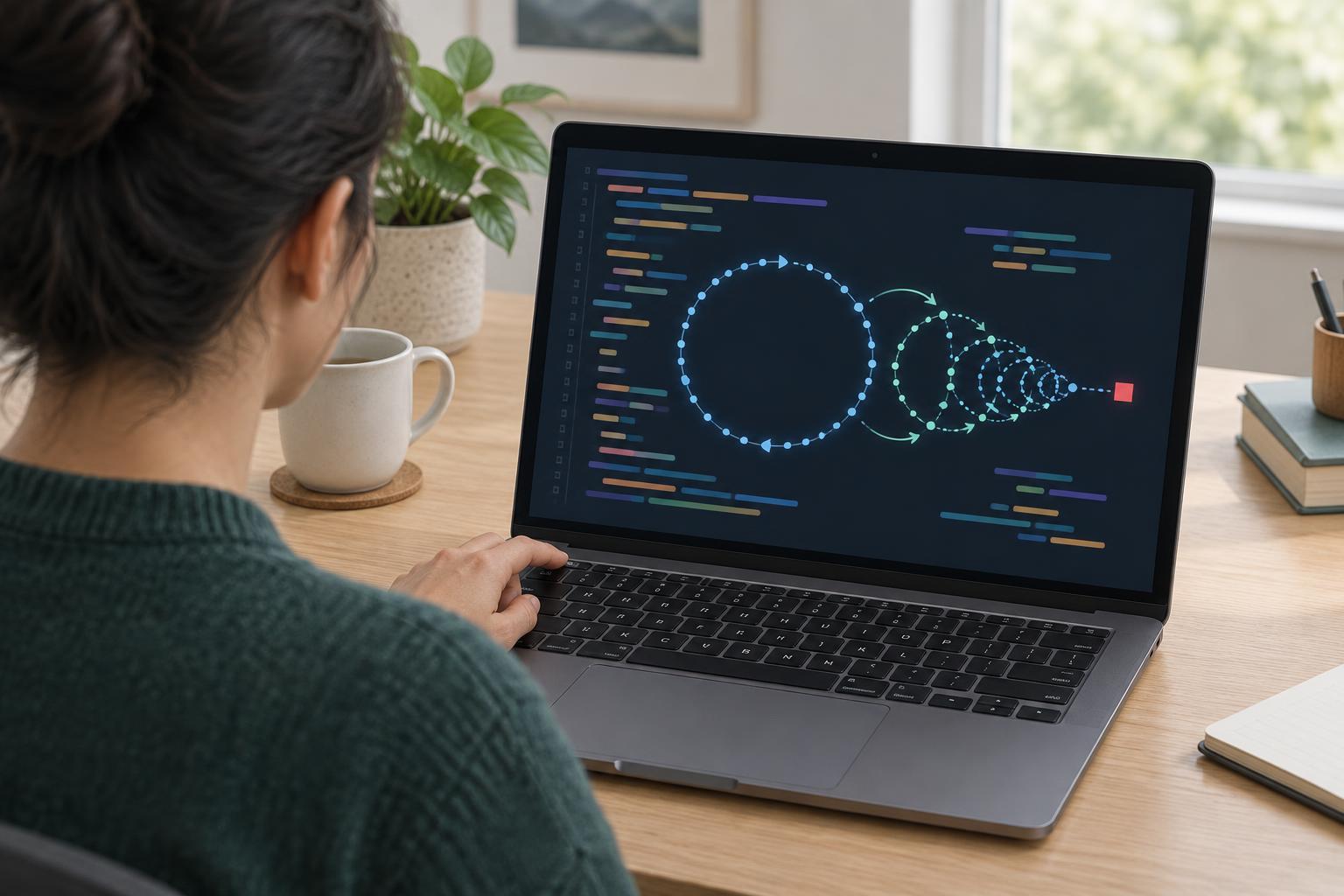
An interactive debugger pauses a program at a breakpoint so you can inspect variables, step through code, and see which path execution takes. It is a strong choice when you can reproduce a bug reliably on your own machine. Logging takes a different approach: the program continues running while it records selected events and values. Use it when you need to understand what happened across an entire run, rather than inspect one paused moment.
Before choosing a tool, write down a specific question. “Why is this page broken?” is broad; “Does the request contain an item ID before the lookup runs?” tells you where to place a log. If a breakpoint can answer that question without changing the situation you are investigating, try the debugger. If you need evidence from a run that you cannot pause or repeat, start with logging.
Use logs for intermittent and timing-sensitive bugs
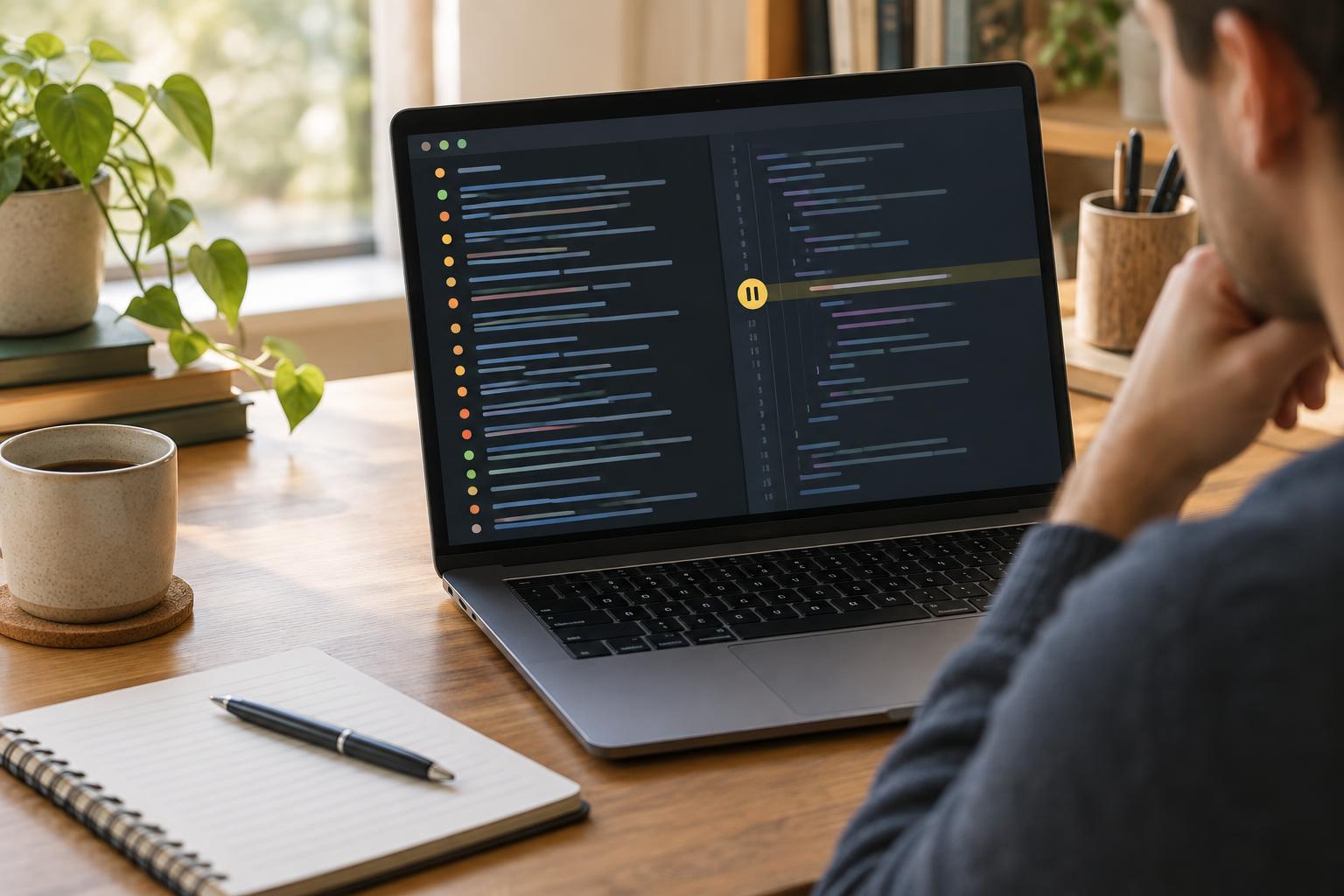
A breakpoint can change a program’s timing. Pausing may give an asynchronous task time to finish, allow a user interface to settle, or interrupt a sequence of events that normally happens quickly. If a problem disappears whenever you stop the code, small, targeted logs may preserve more of the behavior you are trying to observe. Logging still takes time and can affect performance, so it is not a perfect recording; keep the output limited to what you need.
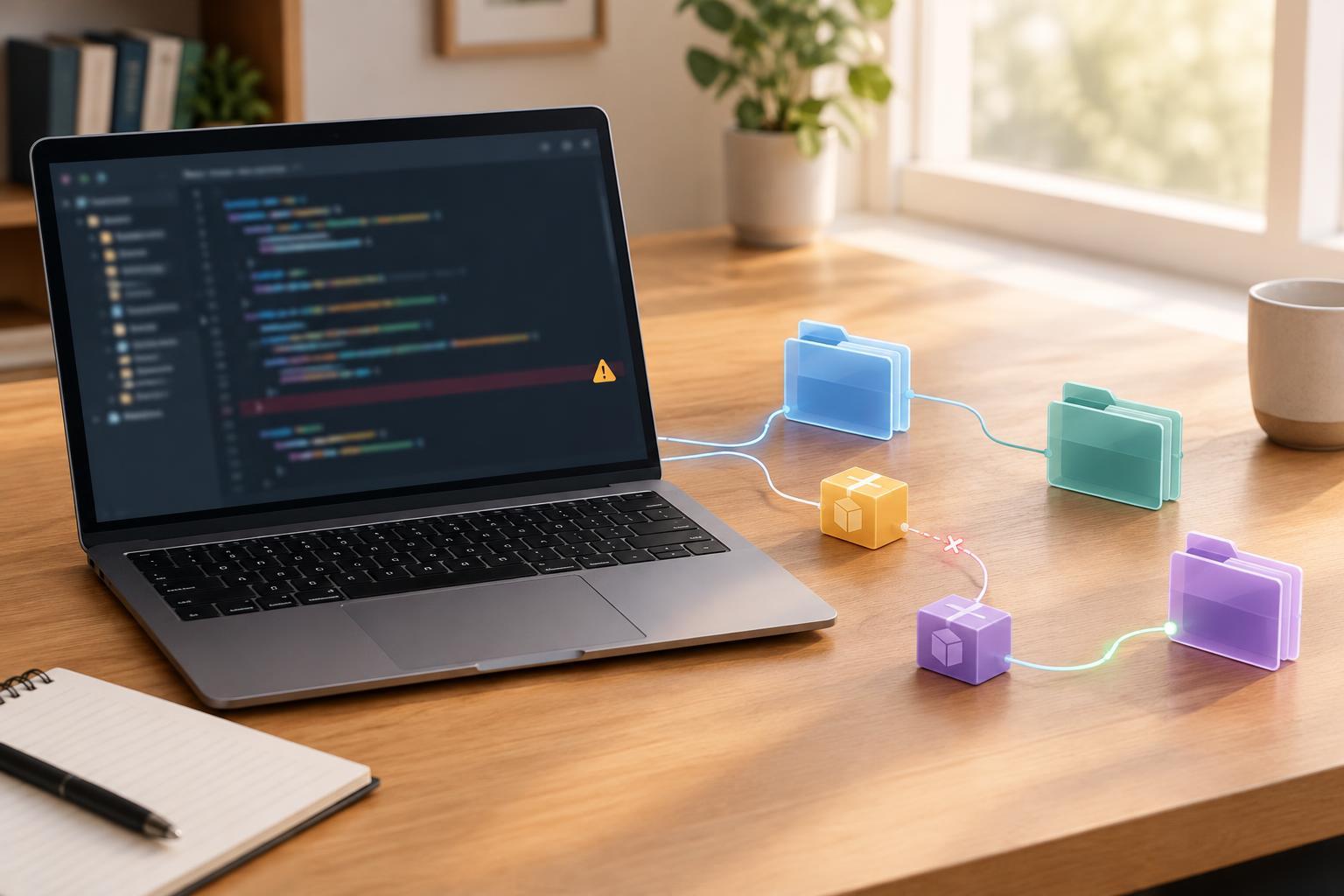
Logs also help when a failure takes many steps to reproduce. You can record the start and outcome of each important step, then inspect the sequence after the failure. For example, a form submission might pass through validation, a network request, and a response handler. A few logs at those boundaries can show how far execution got. A breakpoint is still valuable once those logs narrow the problem to a particular function.
Use logs when you cannot pause the relevant run
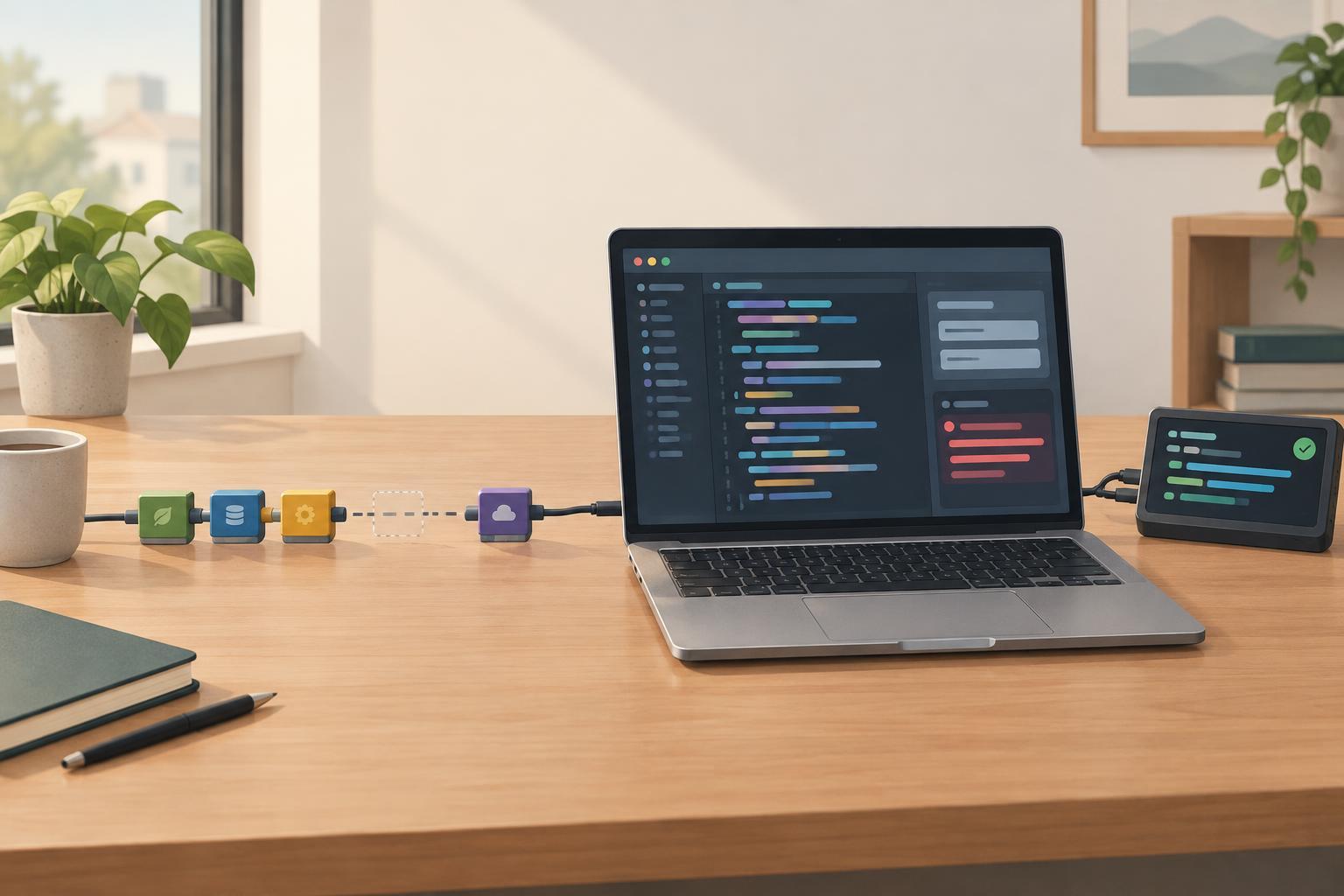
Sometimes the important run happens in a different browser session, a background process, or an environment where attaching a debugger is impractical. A pause might also block other work or prevent the action that triggers the bug. In those cases, carefully chosen logs can leave a record you can examine later. What you can access depends on the environment: a browser console, for example, only helps if you can capture output from the relevant session.
If several operations can happen at once, give related log entries a shared identifier, such as a request ID generated for that operation. Record the event name and the few values needed to distinguish one path from another. Avoid logging passwords, access tokens, personal details, or complete request bodies. In shared or deployed environments, check the project’s rules for what may be recorded and who can read it.
Make each log earn its place
A useful log says where the program is, what decision it made, and which safe value explains that decision. “Reached here” may confirm that code ran, but it rarely helps with the next question. “Item lookup: no match for item ID” is more informative if the ID is safe to record. Put logs at entry points, branches you suspect, and error boundaries rather than after every line. If the output becomes hard to scan, remove or refine entries.
For a small JavaScript example, you need a browser with developer tools that supports console output; the code uses standard JavaScript syntax available in browsers supporting ECMAScript 2015 or later. Paste this into the browser console: function totalWithTax(price, rate) { console.log('totalWithTax input', { price, rate }); return price * (1 + rate); } console.log(totalWithTax(10, 0.2)); The first log shows the inputs; the second shows the returned value, 12. In real code, choose values that answer your question and avoid recording sensitive inputs.
Switch tools as the investigation changes
Logging and interactive debugging work well together. Start with logs when you need to locate an unreliable failure or follow a run you cannot pause. Once you know the suspicious function and can reproduce the problem locally, set a breakpoint there to inspect its state in detail. Conversely, if stepping through code reveals that the failure depends on an earlier event, add a log at that event and run the program again.
After fixing the bug, decide which logs remain useful. Remove temporary diagnostic output that repeats on every call. Keep purposeful records of significant errors or operations only where the project needs them, using its usual logging conventions. The goal is not to collect the most output; it is to gather enough trustworthy context to make the next debugging step clear.