What a local Vite server does
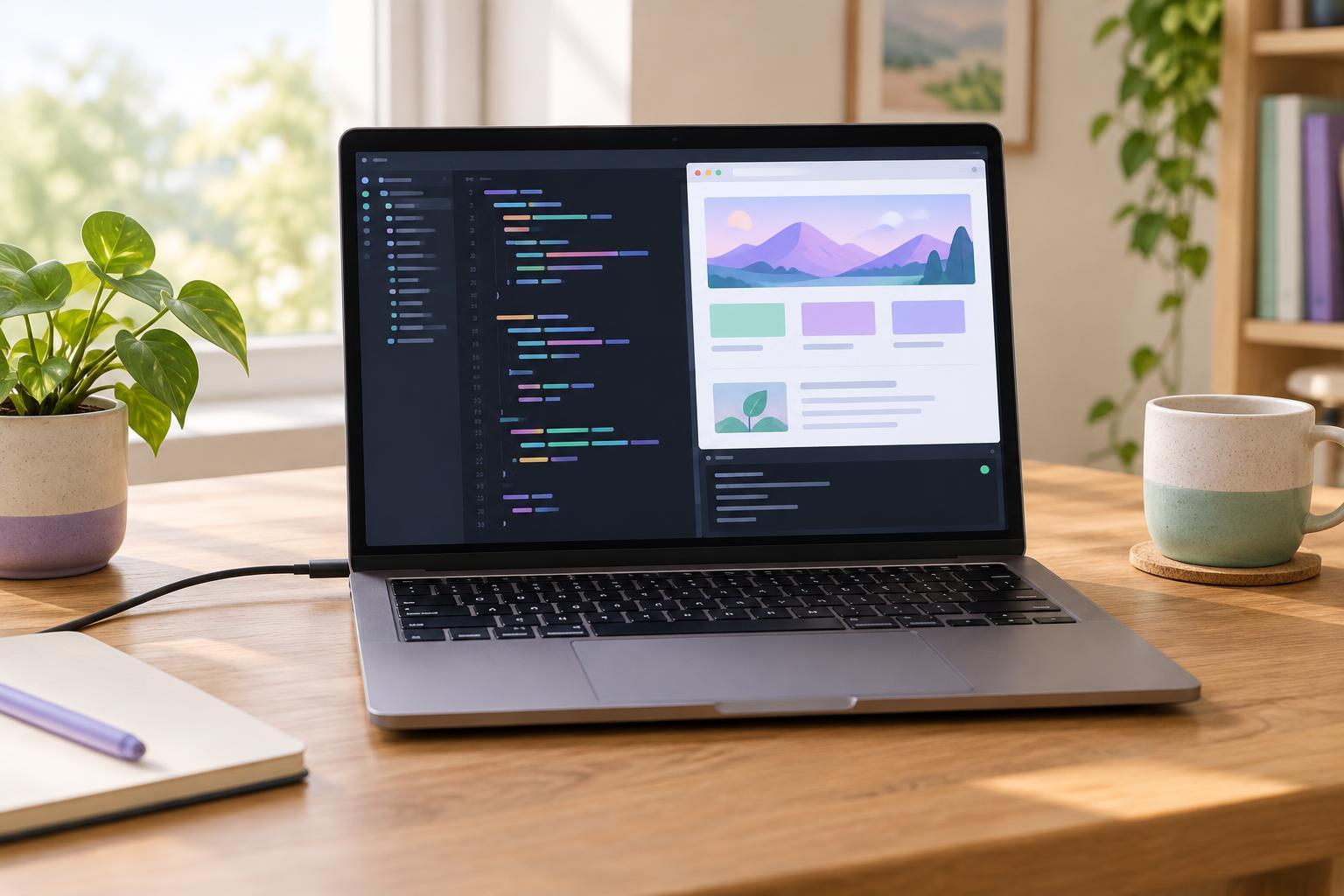
A local development server lets you view a website in your browser while you work on it. Vite starts a server on your computer, serves your project files, and usually updates the browser when you save a change. It is intended for development, not for publishing a site to the internet.
You will need a terminal, a code editor, Node.js, and npm. npm is normally included with Node.js. Vite’s Node.js requirements can change between major releases, so check the requirements for the Vite version you install. As a starting point for recent releases, use a compatible Node.js 22 release or a newer supported release. You can check what is installed by running node --version and npm --version in your terminal. If either command is not recognized, install Node.js and reopen the terminal before continuing.
Create a starter project
Choose a folder where you keep coding projects, open a terminal there, and run npm create vite@latest my-vite-site -- --template vanilla. This creates a folder named my-vite-site using Vite’s plain JavaScript template. The two hyphens before --template pass that option to the project creator through npm. Using @latest requests the newest project creator available when you run the command; its output may differ slightly from older examples.
Next, run cd my-vite-site and then npm install. The first command moves your terminal into the new project folder. The second downloads the packages listed in the project’s package.json file. Keep package.json and the generated lockfile with the project: together they record its dependencies and help make later installs more predictable.
You should see an index.html file at the project root and a src folder containing starter code and styles. The exact starter content may vary by Vite version. You do not need to edit any configuration to start this basic project.
Start the server and make a change
From inside my-vite-site, run npm run dev. The terminal will display a local address, commonly http://localhost:5173/. Open the address shown in your own terminal rather than assuming the port will always be 5173. If that port is already in use, Vite may select another one. Leave the terminal running while you work; stopping it also stops the local server.
To confirm that the setup works, open index.html in your editor and change some visible text on the page. Save the file, then look at the browser tab. The change should appear automatically or after a refresh. You can also edit the starter files in src to see how JavaScript and CSS affect the page. If nothing changes, check that you saved the file in the project whose server is running and that the browser is open to the address printed by that server.
When you are finished, return to the terminal running Vite and press Ctrl+C to stop it. The next time you work on the project, open a terminal in my-vite-site and run npm run dev again. You do not normally need to repeat npm install unless dependencies have changed or the installed packages are missing.
Fix common startup problems
If npm run dev reports a missing script, check that your terminal is in the folder containing the project’s package.json. If it reports that Vite cannot be found, run npm install in that folder and try again. A Node.js version error usually means the installed Node.js release is not compatible with the Vite version in the project; compare node --version with that version’s stated requirements.
If the browser cannot connect, confirm that the terminal still shows a running server and copy its exact local address. A different process may already be using the usual port, so do not rely on an address from an earlier session. For ordinary work on your own computer, use Vite’s default local access rather than exposing the development server to a network unnecessarily.
Finally, distinguish development from a finished build. npm run dev is for editing and checking changes locally. When you want to check whether the project can be built for distribution, run npm run build; it creates output in the dist folder for this starter project. Starting the local server is the useful first step, but it is not the same as deploying a website.