Set up the project
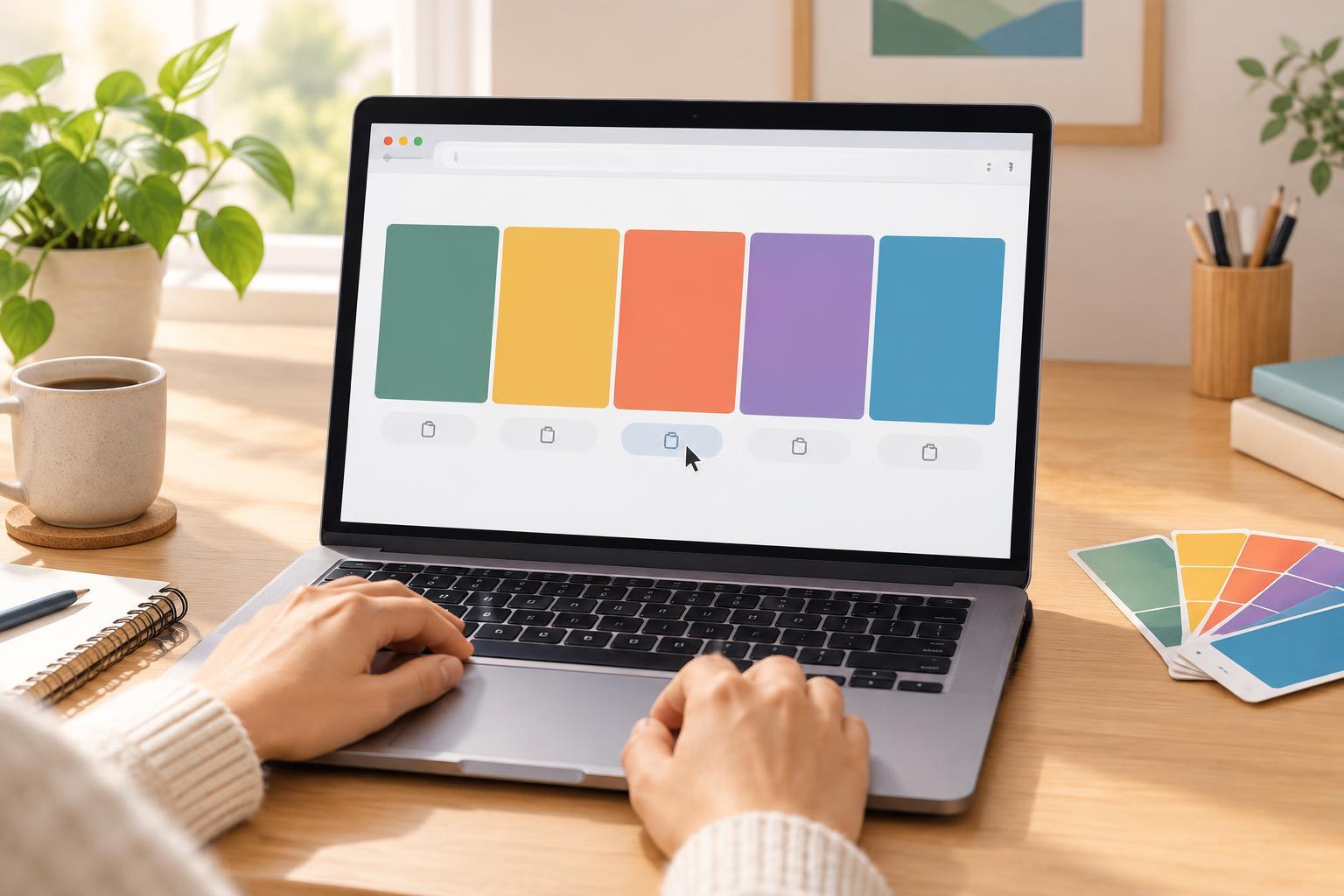
A palette generator is a useful practice project because it combines random values, DOM elements, events, and a browser feature you can test immediately. This version makes five colors at a time. Each color gets a swatch, a selectable hex code, and a Copy button. A Generate palette button replaces all five colors.
You need a text editor and a current browser that supports JavaScript, the Web Crypto API, and the Clipboard API; no framework or package is required. Create an index.html file with a standard HTML5 document structure. In its body, include a script element that loads app.js with the defer attribute. Create app.js beside it and put the JavaScript below in that file. For reliable one-click copying, serve the files from localhost or an HTTPS site. If Python 3 is installed, run python3 -m http.server 8000 in the project folder, then open http://localhost:8000. Opening the file directly may still display palettes, but clipboard access can be unavailable.
Generate swatches and copyable codes
The script creates the page controls, so the HTML body does not need any other elements. Paste this entire example into app.js:
const style = document.createElement('style'); style.textContent = ` body { max-width: 900px; margin: 2rem auto; padding: 0 1rem; font: 16px/1.5 system-ui, sans-serif; color: #222; } button { padding: .6rem .9rem; cursor: pointer; } .palette { display: grid; grid-template-columns: repeat(auto-fit, minmax(150px, 1fr)); gap: 1rem; margin-top: 1.5rem; } .card { border: 1px solid #ccc; border-radius: .5rem; padding: .75rem; } .swatch { height: 130px; border-radius: .25rem; } .card input { box-sizing: border-box; width: 100%; margin: .75rem 0; padding: .5rem; font: inherit; } `; document.head.append(style); const title = document.createElement('h1'); title.textContent = 'Color palette generator'; const generateButton = document.createElement('button'); generateButton.textContent = 'Generate palette'; const status = document.createElement('p'); status.setAttribute('role', 'status'); const palette = document.createElement('div'); palette.className = 'palette'; document.body.append(title, generateButton, status, palette); function randomHex() { const bytes = crypto.getRandomValues(new Uint8Array(3)); return '#' + Array.from(bytes, value => value.toString(16).padStart(2, '0') ).join('').toUpperCase(); } function generatePalette() { palette.replaceChildren(); for (let i = 0; i < 5; i++) { const hex = randomHex(); const card = document.createElement('div'); card.className = 'card'; const swatch = document.createElement('div'); swatch.className = 'swatch'; swatch.style.backgroundColor = hex; swatch.setAttribute('aria-hidden', 'true'); const code = document.createElement('input'); code.value = hex; code.readOnly = true; code.setAttribute('aria-label', 'Hex code ' + hex); const copyButton = document.createElement('button'); copyButton.textContent = 'Copy'; copyButton.setAttribute('aria-label', 'Copy ' + hex); copyButton.addEventListener('click', async () => { try { if (!navigator.clipboard?.writeText) throw new Error('Unavailable'); await navigator.clipboard.writeText(hex); status.textContent = 'Copied ' + hex; } catch { code.focus(); code.select(); status.textContent = 'Copy unavailable. The code is selected; copy it manually.'; } }); card.append(swatch, code, copyButton); palette.append(card); } status.textContent = 'Five new colors ready.'; } generateButton.addEventListener('click', generatePalette); generatePalette();
Understand the moving parts
A hex color starts with # and contains six hexadecimal digits: two each for red, green, and blue. The function requests three random bytes, converts each byte to base 16, and pads single-digit results with a leading zero. Without that padding, some results would be too short to form a six-digit color code. Uppercasing the result changes its appearance as text, not the color it represents.
generatePalette clears the previous cards before building five new ones. Each Copy button has its own click handler, which remembers that card’s hex value. The code remains visible in a read-only input: visitors can select it, but cannot accidentally edit the displayed value. The status message announces when copying succeeds or when manual copying is needed. Keeping text below each swatch, rather than placing it on the random background, also avoids making the code hard to read on some colors.
Test it and try a small extension
Reload the page and check that five swatches appear. Click Generate palette a few times; the codes and backgrounds should change together. Click Copy, then paste into your editor to confirm that the pasted value matches the selected card. To test the fallback, open the page in a context where clipboard access is blocked: the code should become selected and the status should explain what to do. Browser permissions and security settings can affect this behavior.
For a next step, add a Lock button to each card so generating a new palette keeps chosen colors. You would need to store each card’s color and locked state rather than clearing every card unconditionally. That turns a short DOM exercise into practice with application state while preserving the same hex-generation and copying functions.