Plan the stopwatch
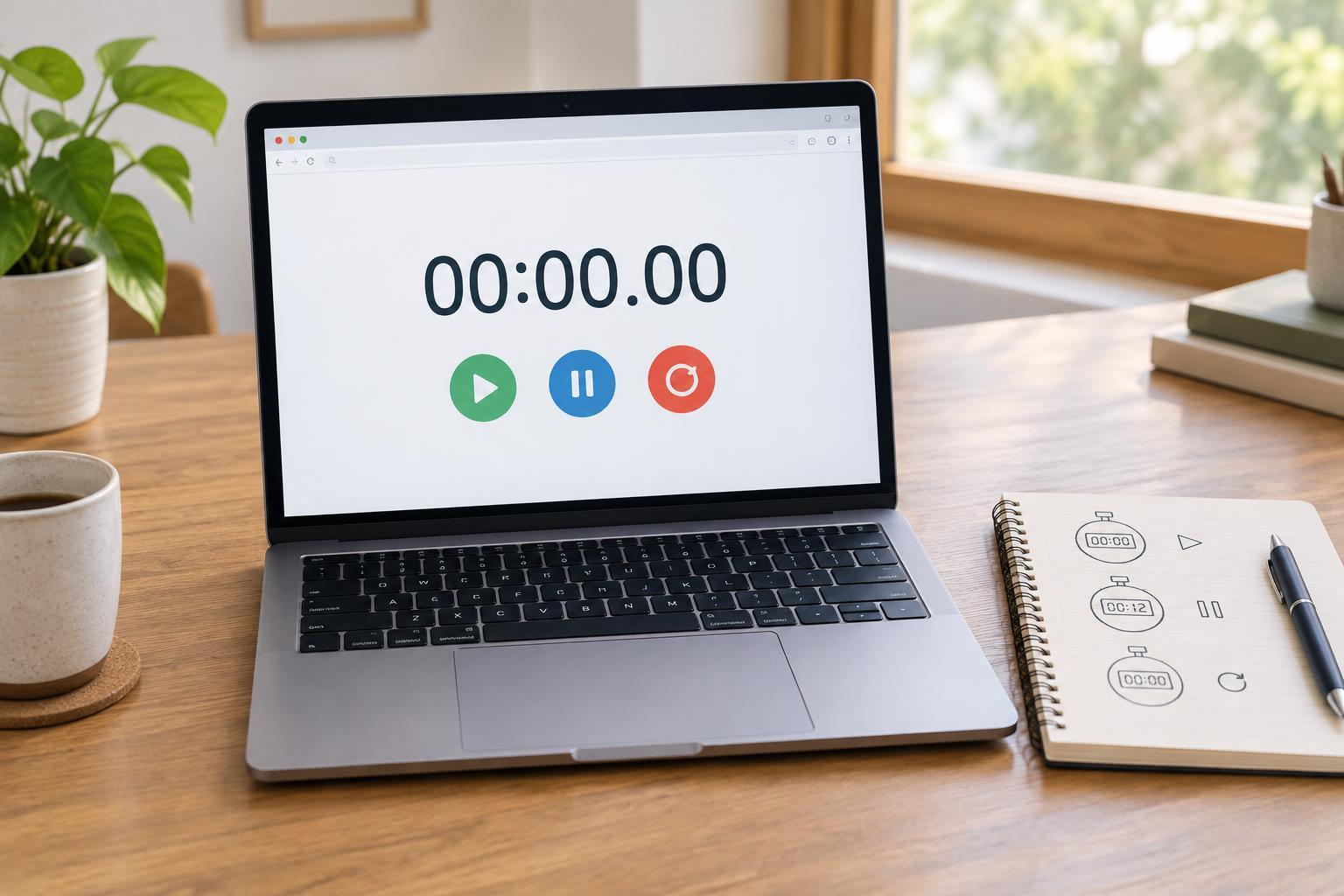
A stopwatch is a useful first project because its controls are simple, but its behavior requires careful state management. Start begins counting, Pause preserves the elapsed time, and Reset returns the display to zero. Starting after a pause should continue from the saved time rather than beginning again.
You need a text editor and a browser that supports ES2015 JavaScript, performance.now, and requestAnimationFrame. No libraries, packages, or build tools are required. Create an HTML5 page and a JavaScript file named stopwatch.js. On the page, add a visible time display with the id display and three buttons with the ids start, pause, and reset. Give the buttons those same visible labels, and load stopwatch.js with a deferred script so the page elements exist before the code runs.
Use the display format MM:SS.CC, where CC represents hundredths of a second. Minutes can grow beyond 59; this project does not need an hour counter. Place a visible label such as “Elapsed time” beside the display so its meaning remains clear even before the stopwatch starts.
Separate saved time from the current run
The key variable is accumulatedMs: the time saved from earlier runs. When Start is pressed, record the current value of performance.now as startedAt. While the stopwatch runs, its elapsed time is accumulatedMs plus the difference between the current time and startedAt. When Pause is pressed, add that difference to accumulatedMs. A later Start records a new startedAt without discarding the saved time.
Avoid treating the number of animation frames as a clock. Frames may arrive at different rates, and a browser may reduce updates while its tab is in the background. requestAnimationFrame is useful for refreshing what people see; performance.now supplies the elapsed-time measurement. The displayed hundredths will not necessarily change on every frame, which is normal.
Add the JavaScript
Put the following code in stopwatch.js. The button states help show which action is available: Start is disabled while the stopwatch runs, and Pause is disabled while it is stopped. Reset remains available in either state.
const display = document.getElementById("display"); const startButton = document.getElementById("start"); const pauseButton = document.getElementById("pause"); const resetButton = document.getElementById("reset"); let accumulatedMs = 0; let startedAt = 0; let running = false; let frameId = null; function formatTime(ms) { const totalCentiseconds = Math.floor(ms / 10); const centiseconds = totalCentiseconds % 100; const seconds = Math.floor(totalCentiseconds / 100) % 60; const minutes = Math.floor(totalCentiseconds / 6000); return `${String(minutes).padStart(2, "0")}:${String(seconds).padStart(2, "0")}.${String(centiseconds).padStart(2, "0")}`; } function show(ms) { display.textContent = formatTime(ms); } function tick() { if (!running) return; show(accumulatedMs + performance.now() - startedAt); frameId = requestAnimationFrame(tick); } startButton.addEventListener("click", () => { if (running) return; startedAt = performance.now(); running = true; startButton.disabled = true; pauseButton.disabled = false; tick(); }); pauseButton.addEventListener("click", () => { if (!running) return; accumulatedMs += performance.now() - startedAt; running = false; cancelAnimationFrame(frameId); frameId = null; show(accumulatedMs); startButton.disabled = false; pauseButton.disabled = true; }); resetButton.addEventListener("click", () => { running = false; if (frameId !== null) cancelAnimationFrame(frameId); frameId = null; accumulatedMs = 0; show(0); startButton.disabled = false; pauseButton.disabled = true; }); show(0); pauseButton.disabled = true;
The formatter converts milliseconds to whole hundredths before splitting the value into minutes, seconds, and centiseconds. This keeps the displayed fields consistent. Updating textContent changes only the display text, not the surrounding page. If you place the controls inside a form, make each one a button that does not submit the form.
Check the controls and refine the page
Open the page and check that it first shows 00:00.00. Press Start, wait briefly, and press Pause. The display should stop changing. Press Start again and confirm that it continues from the paused value. Try Reset both while running and while paused; either way, the display should return to zero. Also leave the stopwatch running in a background tab for a while. When you return, the display should reflect elapsed time rather than merely the number of frames that were drawn.
If clicking a button does nothing, first check that the element ids match the JavaScript exactly and that the script loads after those elements are available. Use the browser’s developer console to look for a missing-element error. If time jumps after a pause, check that accumulatedMs is updated only when pausing and that startedAt is recorded again on each Start.
For a finishing touch, make the time easy to read with a large font and give the three controls clear spacing. Keep the display label visible, and avoid announcing every hundredth of a second through a live region: frequent announcements can make the page difficult to use. Once the basic behavior works, a lap list is a natural extension, but it can wait until the three core controls are dependable.